

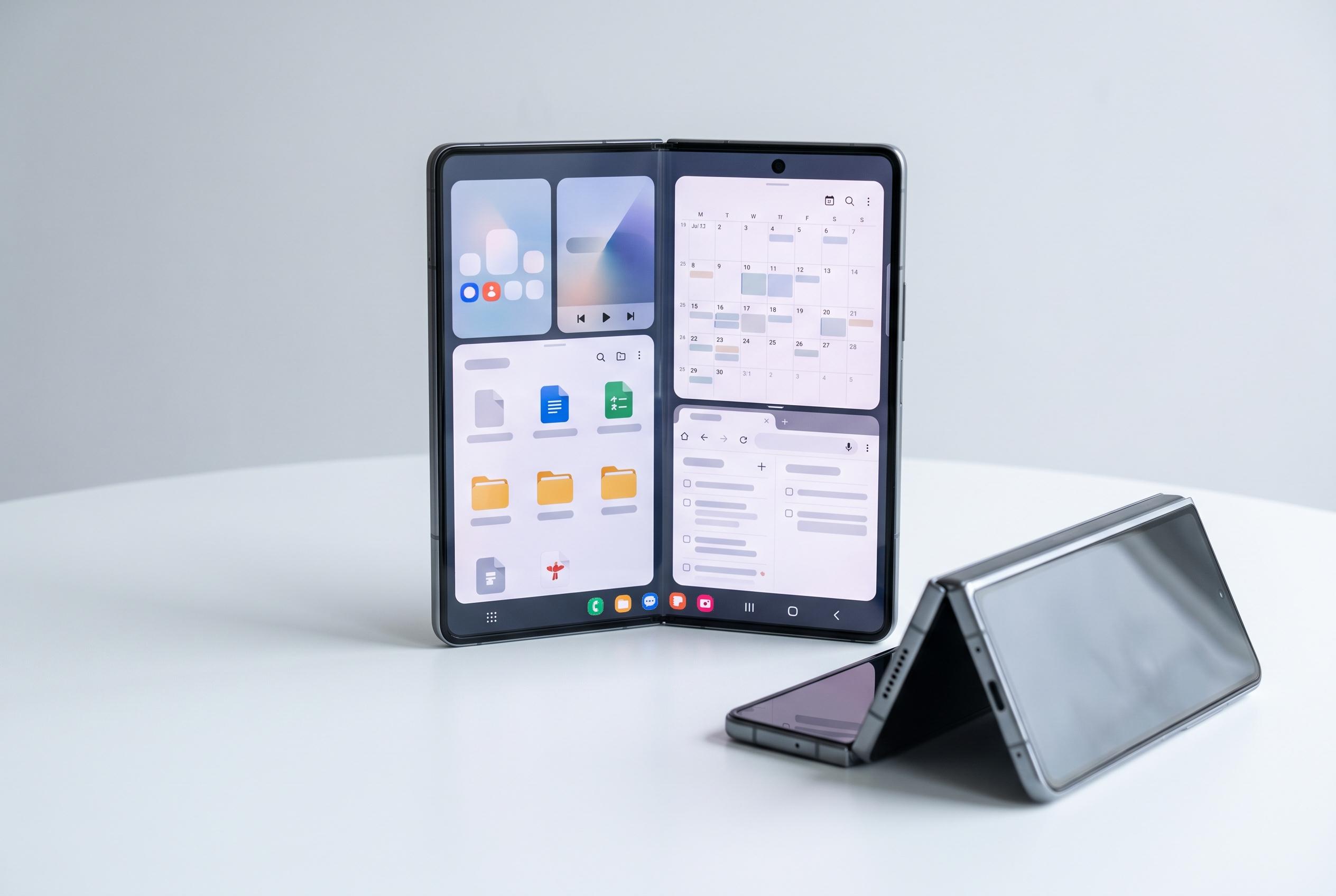

The Galaxy Z Fold 8 redefines foldable smartphones by emphasising separation of screens for productivity, enhanced app customisation, and advanced multitasking features, despite dropping stylus support and Flex Mode.
Samsung’s Galaxy Z Fold 8 is built around one core idea: a foldable should do more than behave like an ordinary phone. In practice, that means the device is at its best when users treat the cover screen and the main panel as separate working spaces, rather than duplicating the same layout on both. Geeky Gadgets, drawing on a guide by Mr Android FHD, argues that the Fold 8 becomes far more useful once its screen behaviour, app layouts and multitasking tools are tuned to suit different tasks.
One of the most important adjustments is to separate the two home screens. By turning off cover-screen mirroring in Samsung’s settings, owners can create a compact front display for quick tasks and a more information-heavy inner screen for work, reading or media. Samsung’s own support material explains that the phone’s app continuity tools are designed to keep apps moving smoothly between folded and unfolded states, and users can also decide which apps should continue across both screens and which should remain fixed.
That flexibility now matters even more because Samsung has added more display controls through One UI 9. According to SamMobile, the Galaxy Z Fold 8 can show a built-in Google Search bar on the home screen, while app-level display customisation lets users alter how individual apps scale and render on the foldable panel. That is useful when an app’s default layout wastes space or feels cramped on the larger display. It also means the Fold 8 can be tuned app by app, rather than relying on a single system-wide setting.
The multitasking tools are still the device’s main strength. Samsung’s Multi View feature lets compatible apps appear in a dual-column format, which is particularly practical in settings, messaging and other menu-heavy applications. Split-screen mode, pop-up windows, the taskbar and saved app pairs further extend that capability, making it easier to compare documents, take notes while browsing, or keep communication apps open alongside work tools. For many users, that is where the Fold 8 justifies its size and price: not as a larger phone, but as a small productivity device.
The display itself also rewards experimentation. Adjusting aspect ratios, zoom levels and app scaling can make the inner panel feel far less constrained, especially for video, reading and editing. The keyboard can be reshaped too, with standard, split and floating layouts available depending on whether the device is folded or open. Samsung’s support guidance also points to front-screen settings that control how the cover display behaves when the phone is closed, which can help users decide whether the Fold should act like a conventional handset or a more adaptable hybrid device.
There are, however, a few notable omissions in the current Fold 8 experience. SamMobile reports that Samsung has removed Flex Mode from the handset, despite its hinge still supporting multiple angles. Android Central has also reported that S Pen support has been dropped, a change that may disappoint users who relied on stylus input for annotations and note-taking. Taken together, those decisions suggest Samsung is narrowing the Fold line around screen flexibility and multitasking rather than pen input or hinge-based productivity features.
For users willing to spend time in the settings menu, the Galaxy Z Fold 8 can be made to feel far more capable than a standard smartphone. Its value lies less in its default setup than in how completely it can be reshaped around the owner’s workflow.
Disclaimer: This content is intended for informational purposes only. Readers are advised to exercise their own judgement, conduct due diligence, or consult a qualified expert before acting on any information provided.



