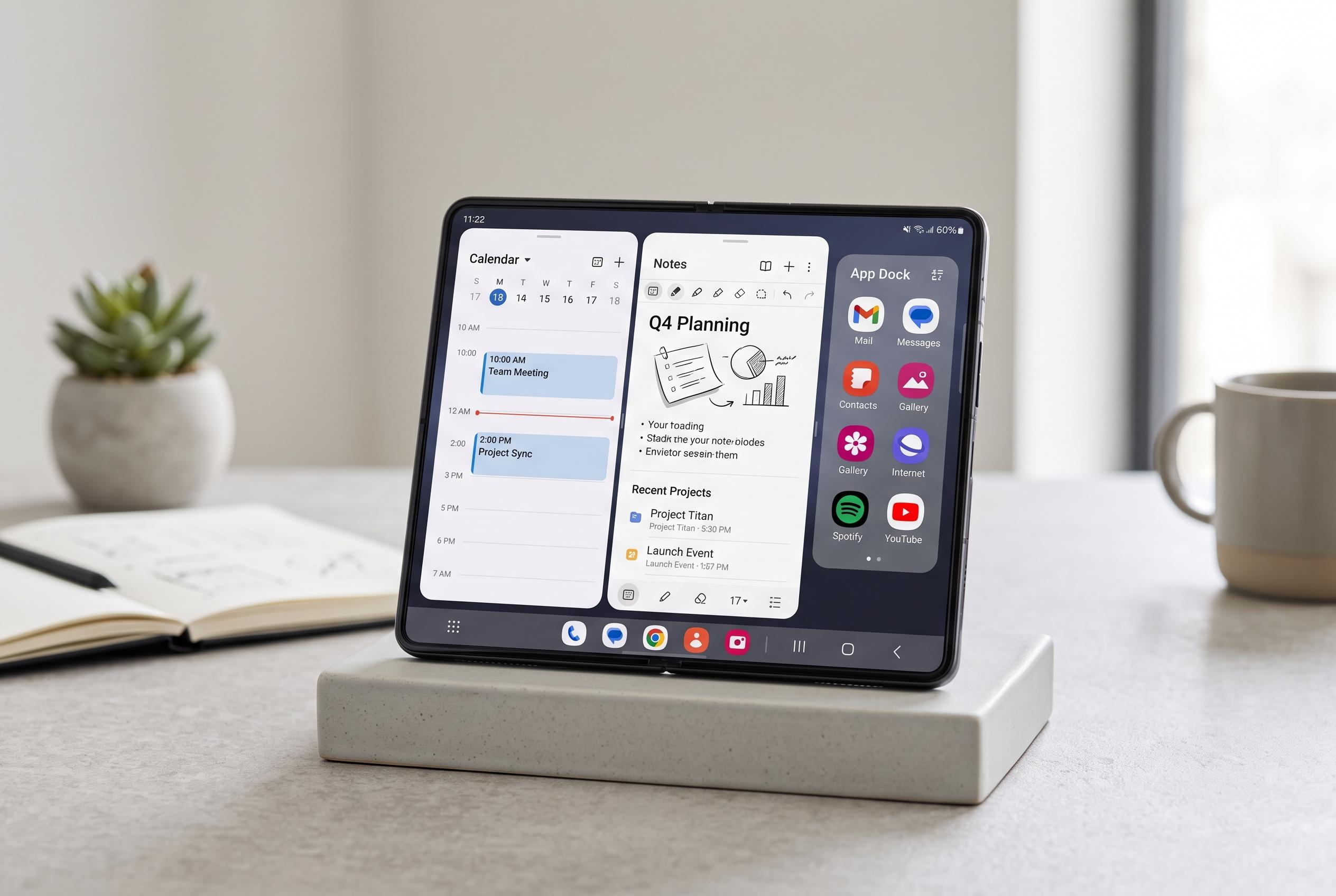

The Galaxy Z Fold 8’s real innovation lies in its adaptable interface, enabling personalised layouts, gesture controls, and visual enhancements that optimise large-screen usability and efficiency.
Samsung’s Galaxy Z Fold 8 is built to do more than fold open. In practice, its real strength lies in how much of the interface can be tuned to individual habits, from layout and navigation to camera controls and power management. Geeky Gadgets, drawing on a video from WhatGear, argues that owners who spend time in settings and Samsung’s Good Lock suite can make the device feel markedly more efficient and personal.
Home screen customisation is one of the most immediate gains. Samsung’s own support material explains that changing grid layouts, adding widgets and organising folders can make the inner and cover displays easier to use, while SamMobile says newer One UI software is also adding more flexible large-folder options through Home Up. For a foldable, that matters: the front screen benefits from denser app placement, while the larger internal display can be arranged more like a compact tablet workspace.
Gesture control is another area where the Fold series rewards experimentation. Samsung UK says One Hand Operation Plus allows users to assign custom swipe actions, while One-Handed Mode can shrink the active display area for easier use on a large screen. On a device as wide and heavy as a book-style foldable, these tools are not cosmetic extras. They are practical ways to reduce thumb strain and make one-handed operation more realistic.
The camera and screenshot tools are also more configurable than many users realise. Geeky Gadgets highlights a hidden 24-megapixel photo mode for brighter scenes, alongside the standard resolution options, while the Nice Shot plug-in can add a delete button directly to screenshots. That combination is useful for anyone who shoots frequently and shares often, since it supports cleaner image capture and faster gallery housekeeping without forcing users deeper into menus.
Samsung’s customisation tools extend well beyond core apps. Wonderland can generate animated wallpapers with depth, motion and particle effects, and Theme Park can alter icon styling with gradients or glass-like finishes. Those features do not change the hardware, but they do change how the phone feels in daily use. In a premium device, visual cohesion matters almost as much as raw specification.
Not every refinement is about appearance. Geeky Gadgets also points to Do Not Disturb routines, PDF creation through Gallery Labs and gesture animation tweaks as small but useful productivity gains. Tom’s Guide, in a hands-on review, says the broader challenge for foldables remains software adaptation for large unfolded screens, even when the hardware is impressive. That wider criticism makes Samsung’s customisation tools more important: they help bridge the gap between strong hardware and a software experience that still depends heavily on user setup.
Disclaimer: This content is intended for informational purposes only. Readers are advised to exercise their own judgement, conduct due diligence, or consult a qualified expert before acting on any information provided.