

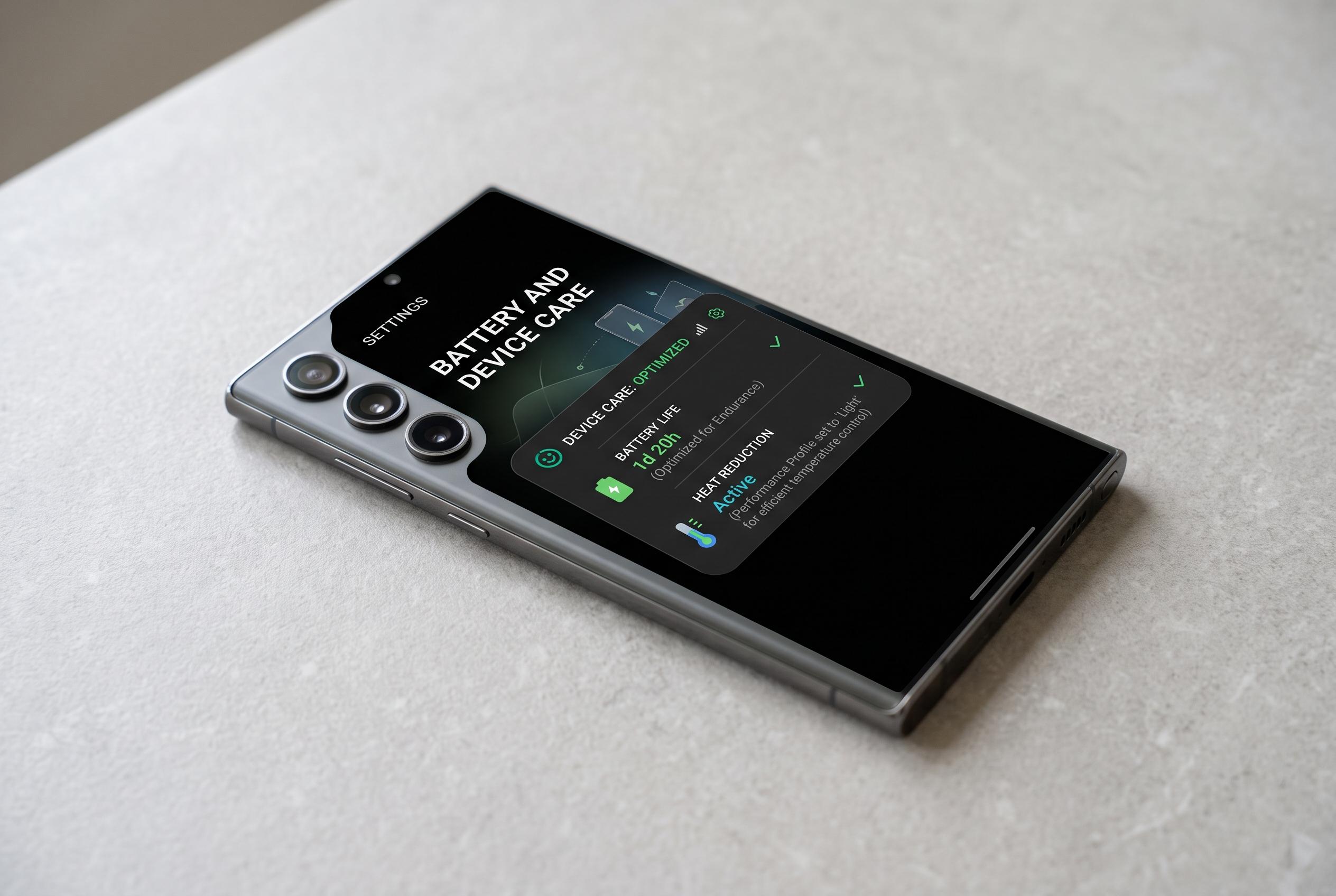

Ahead of the hotter months, Samsung users are encouraged to adjust charging, app, display, and camera settings to reduce heat and battery strain, safeguarding device performance during summer.
Samsung owners looking to reduce heat and battery strain in August are being advised to adjust a handful of settings that affect the phone’s most power-hungry functions. The guidance, echoed by Giga.de and supported by recent Samsung-focused advice from SamMobile, centres on charging, background activity, screen settings and camera use, all of which can make a device work harder in warm weather.
One of the first checks is charging. Fast and super-fast charging are convenient, but they can generate more heat than slower charging, particularly if the phone is already warm from being in a car, direct sun or a hot outdoor setting. Samsung users can find the relevant options in battery and charging settings and switch off the faster modes when maximum speed is not needed. That small trade-off may help reduce thermal stress and limit long-term wear on the battery.
Background apps are another major factor. SamMobile has repeatedly noted that apps left running in the background, especially social media, email and location-heavy services, can continue syncing, checking for updates and maintaining connections even when the screen is off. On Samsung phones, battery limits can be used to place unused apps into standby or deep sleep, which reduces hidden processing, network activity and notification churn. The caveat is practical: essential services such as messaging, banking and work apps should not be restricted too aggressively.
The display is often the biggest drain of all. SamMobile says the screen can account for a very large share of total battery use, especially when brightness is high or refresh rates are set above 60Hz. On Galaxy phones, using dark mode on OLED panels, lowering brightness and choosing a standard 60Hz mode can cut power consumption and reduce heat. Similar advice applies to wireless features such as Bluetooth, location services and, in weak-signal areas, mobile data use, all of which can quietly add to battery loss.
Camera use also matters more than many owners realise. Recording high-resolution video, especially in 4K or at high frame rates, keeps the processor, image stabilisation and display active for longer, which raises temperature quickly in summer conditions. In such cases, using Full HD at 30 frames per second is a more restrained choice. Removing the case for a while can also help, as thick covers can trap heat when the phone is charging or under sustained load. If the handset becomes noticeably hot, the safest response is to stop intensive tasks, move it out of the sun and let it cool.
Disclaimer: This content is intended for informational purposes only. Readers are advised to exercise their own judgement, conduct due diligence, or consult a qualified expert before acting on any information provided.



