

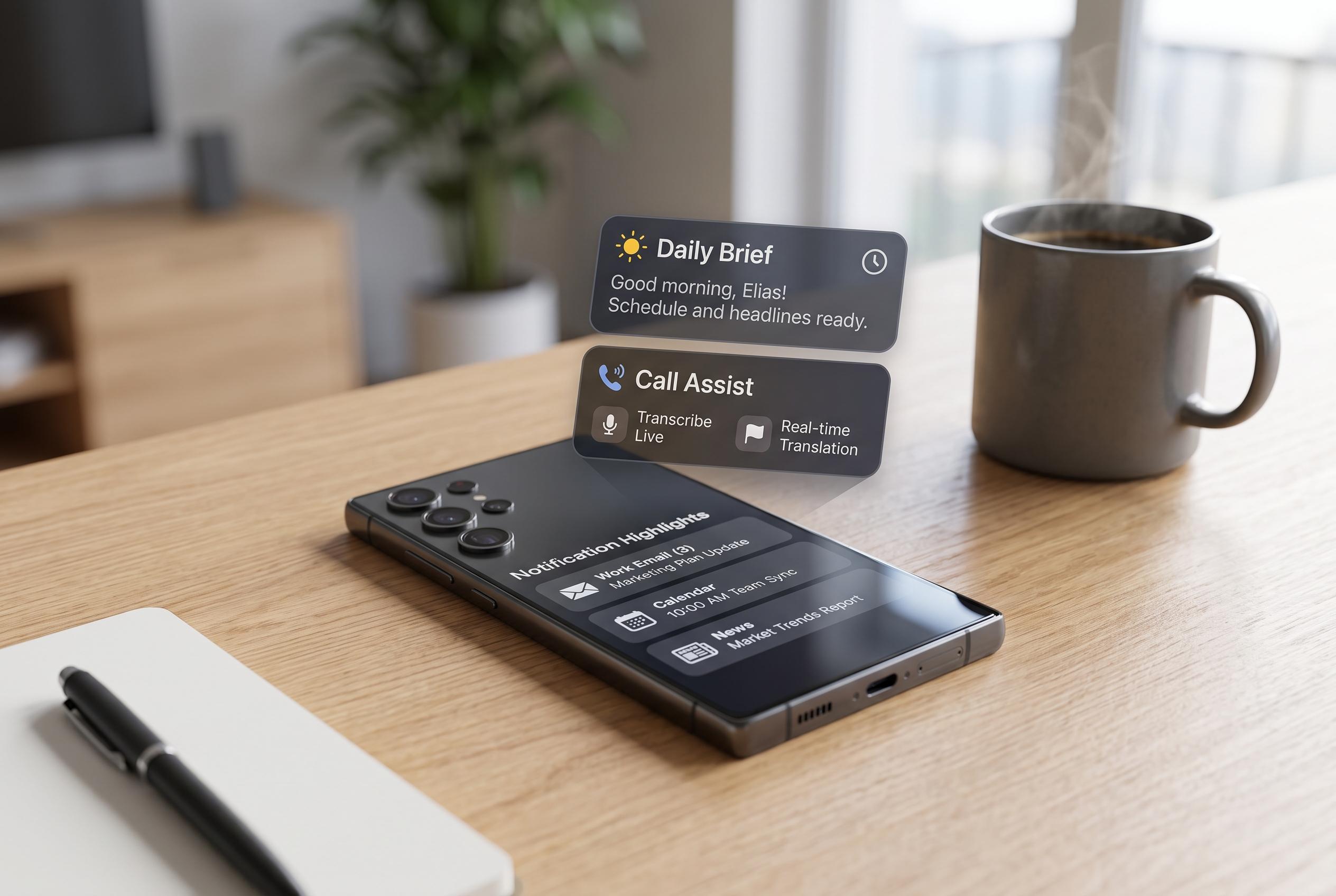

Samsung’s Galaxy AI suite has transitioned from a novelty to practical functionality, with features like Now Brief, Call Assist, and Notification highlights transforming the daily smartphone experience for Galaxy users.
Samsung’s Galaxy AI suite has moved from novelty to something more practical, and several of its less visible tools are now among the most useful features on recent Galaxy phones. The company’s own materials describe the platform as a bundle of features spanning communication, productivity, editing and contextual suggestions, with Now Brief and Photo Assist among the headline additions. For many users, the question is no longer whether to try Galaxy AI, but which parts are worth leaving switched on. According to Samsung, the core tools are intended to improve everyday use rather than replace existing apps or workflows.
One of the most useful options is Now Brief, which gives a compact overview of the day. Samsung says it can surface calendar items, weather, health information, reminders, media and smart-home updates, with content selected through the Galaxy AI settings menu. The feature first arrived with the Galaxy S25 line and has since gained deeper integration, including support for Samsung Health and, in some markets, Samsung Wallet. For users who prefer a quick summary before unlocking the phone, it is one of the clearest examples of Galaxy AI doing genuinely useful work.
Call Assist is another feature that deserves attention. Its screening function answers unknown calls, asks the caller a few basic questions and shows a live transcription on screen, allowing the user to decide whether to pick up. That makes it a practical defence against spam and nuisance calls, especially for people who spend much of the day in meetings or focused work. Samsung has also said that the basic Galaxy AI features, including Call Assist, Writing Assist, Photo Assist, Interpreter and Note Assist, will remain free permanently.
Writing Assist is most valuable for users who send a lot of messages and emails from their phone. Built into the Samsung Keyboard, it offers spelling and grammar correction, tone changes, translation and suggested replies. SamMobile has also highlighted it as one of the most broadly useful Galaxy AI tools on the newer Galaxy S26 Ultra, alongside Note Assist and Transcript Assist. It is not the most dramatic feature in the suite, but it is one of the easiest to use without changing habits.
Notification highlights is the newest tool in the group, and perhaps the most relevant for people overwhelmed by constant alerts. Samsung says it summarises lengthy notifications and prioritises important ones, with on-device processing for users who are concerned about privacy. That makes it more than a simple filter: it is a way to reduce noise without missing urgent messages. For heavily used apps such as WhatsApp, Discord and other chat platforms, it can turn an unmanageable stream of alerts into something readable at a glance.
Taken together, these features show how Galaxy AI has become less of a marketing label and more of a set of optional tools. Samsung’s broader AI pitch now includes creative functions such as Photo Assist, Creative Studio and Now Nudge, but the most useful additions are often the simplest ones: screening calls, summarising notifications and organising daily information. For owners of recent Galaxy phones, the best approach may be selective rather than sceptical , enabling the features that solve real problems, while leaving the rest off until they earn a place in daily use.
Disclaimer: This content is intended for informational purposes only. Readers are advised to exercise their own judgement, conduct due diligence, or consult a qualified expert before acting on any information provided.



