

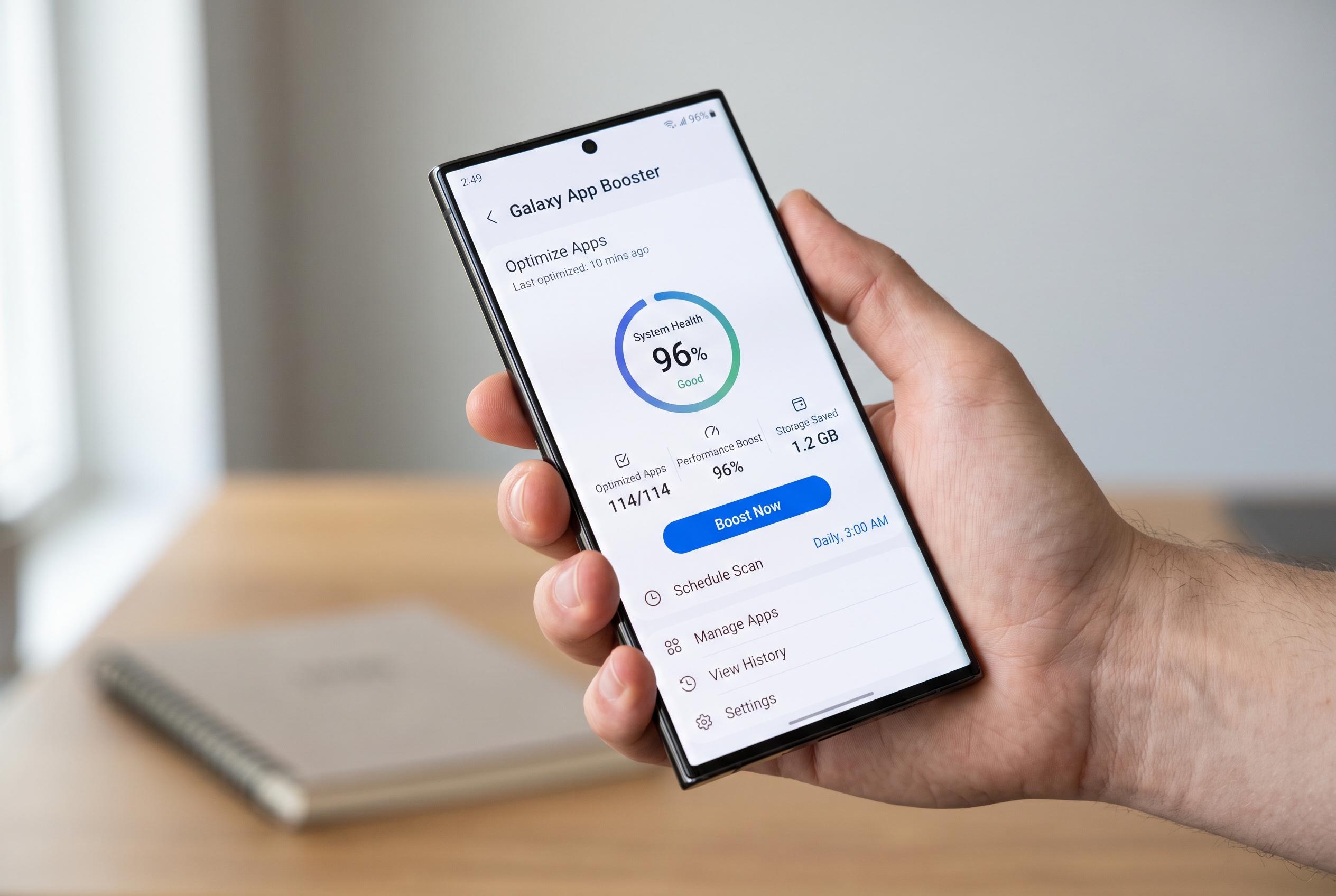

Samsung’s Galaxy App Booster, a utility designed to enhance app launch speeds and smoothness, continues to evolve with support for latest UI updates and improved pre-optimisation, offering new performance benefits especially for ageing Galaxy smartphones after major updates.
Samsung’s Galaxy App Booster is a low-profile utility that can make a noticeable difference to how quickly apps open and how smoothly a phone scrolls, particularly on older devices or after a major software update. In testing described by MakeUseOf, the tool improved launch times for several common apps and made long webpages feel less choppy, with the biggest gains visible on a Galaxy S22 that had already accumulated years of use. Samsung Community discussions describe the same effect more simply: the app pre-optimises software so the phone has less work to do when an app is opened.
The feature sits inside Samsung’s Good Guardians suite, the successor to the older Galaxy Labs package, which also includes tools such as Battery Guardian and Memory Guardian. SamMobile reports that Samsung has continued updating Galaxy App Booster, including support for One UI 7 and later One UI 8.5, which suggests the company still sees it as a relevant performance utility for compatible Galaxy devices.
At a technical level, the booster works by forcing ahead-of-time compilation. Rather than waiting for Android to interpret code or compile frequently used parts while an app is running, the phone prepares more of that work in advance. That can reduce the delay between tapping an icon and seeing an app fully load, and it can also make interface movement feel more fluid. Samsung Community contributors say the effect is most useful after operating system upgrades or security patches, when app code may need to be re-optimised.
The trade-off is that the process is not instant. MakeUseOf says a run can take several minutes and uses noticeable processing power and battery, which is why it is best done while the phone is charging. Running it every day is usually unnecessary, because Android performs similar background optimisation on its own. The practical use case is narrower: after a significant update or whenever a Galaxy starts to feel slower than it should.
Disclaimer: This content is intended for informational purposes only. Readers are advised to exercise their own judgement, conduct due diligence, or consult a qualified expert before acting on any information provided.



