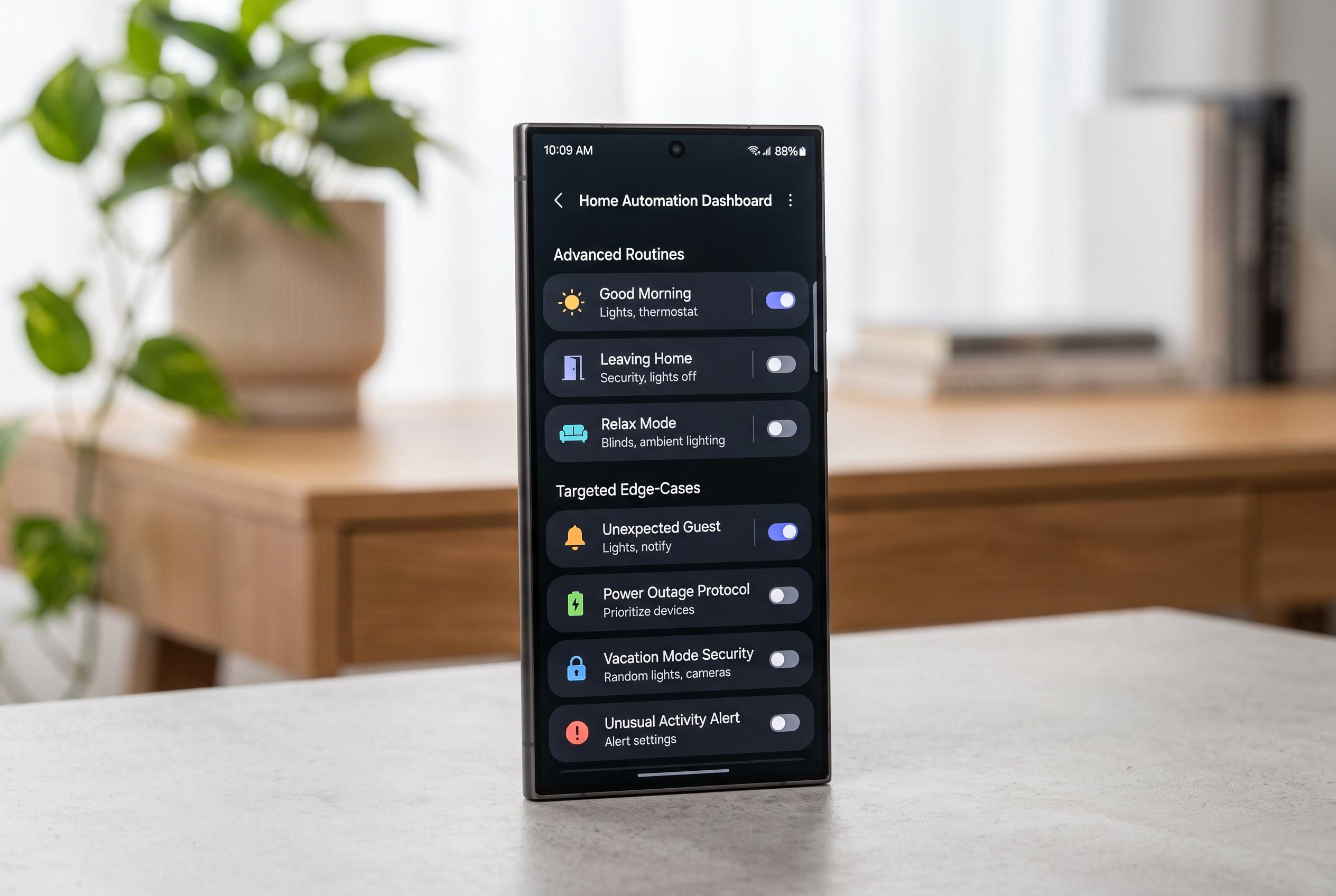

Samsung’s latest update to One UI 8.5 and Android 16 introduces new scheduling and automation features, making device management more precise and customisable, especially for edge cases often overlooked by default systems.
Android updates are increasingly good at handling broad habits, but they still struggle with the small patterns that shape a specific day. Samsung has pushed its automation tools further with One UI 8.5, which adds an expiry option for routines, while Android 16 has reworked Do Not Disturb into Modes. Even so, the more polished system features still do not know when a study block begins, when a nap usually ends or when 20% battery is already too late to be useful. That gap is where custom automation earns its place.
On a Galaxy phone, Samsung’s Modes and Routines can already go well beyond the simpler automation tools found on many rivals. Android Authority has previously compared Samsung’s routines with Pixel Rules and found Samsung’s system far more flexible. The practical advantage is that routines can be built around time, battery level, location and other conditions, then chained to actions such as Do Not Disturb, Power saving or Grayscale. One UI 8.5 goes further by letting users set a routine to end on a specific date, run once or continue indefinitely, which makes temporary automation much easier to manage.
For fixed parts of the day, that kind of control is enough to replace manual micromanagement. A routine can switch on Do Not Disturb, Power saving and Grayscale overnight or during an evening study block, then stop acting like a permanent setting that must later be remembered and disabled. Samsung’s own help materials describe Modes and Routines as a way to tailor device behaviour around repeated situations, and the newer scheduling options in One UI 8.5 make that approach less brittle. The result is not just convenience but fewer settings left behind after a timetable changes.
The most useful improvements, however, come from automations that handle edge cases. A nap can be managed with a short delay followed by a spoken alert, using built-in actions to create a makeshift timer when a standard alarm is not the right fit. Battery rules can also be split into stages: one routine at 50% can quietly engage Power saving, while a second at 30% can add Data saver, lower brightness and restrict background activity. Adding a Wi-Fi condition prevents those rules from triggering at home, where a charger is usually close by. As a practical matter, this means the phone reacts earlier and more selectively than the default battery warnings.
Email filtering is another case where automation works better away from the handset. Gmail filters must be created in the desktop web interface rather than inside the app, but once set they can keep key messages out of Promotions and away from Spam while sending them straight to Primary. Because the filter lives on Google’s servers, it survives phone changes and resets. For more active focus control, a free app such as Automate can do something Samsung’s own routines cannot: loop. That makes it possible to open an app, start a timer and then keep checking which app is in the foreground, giving a user a prompt if a study session has drifted into YouTube. Taken together, these are not flashy tricks. They are small, practical systems that save time because they match the way a person actually uses a phone.
Disclaimer: This content is intended for informational purposes only. Readers are advised to exercise their own judgement, conduct due diligence, or consult a qualified expert before acting on any information provided.