

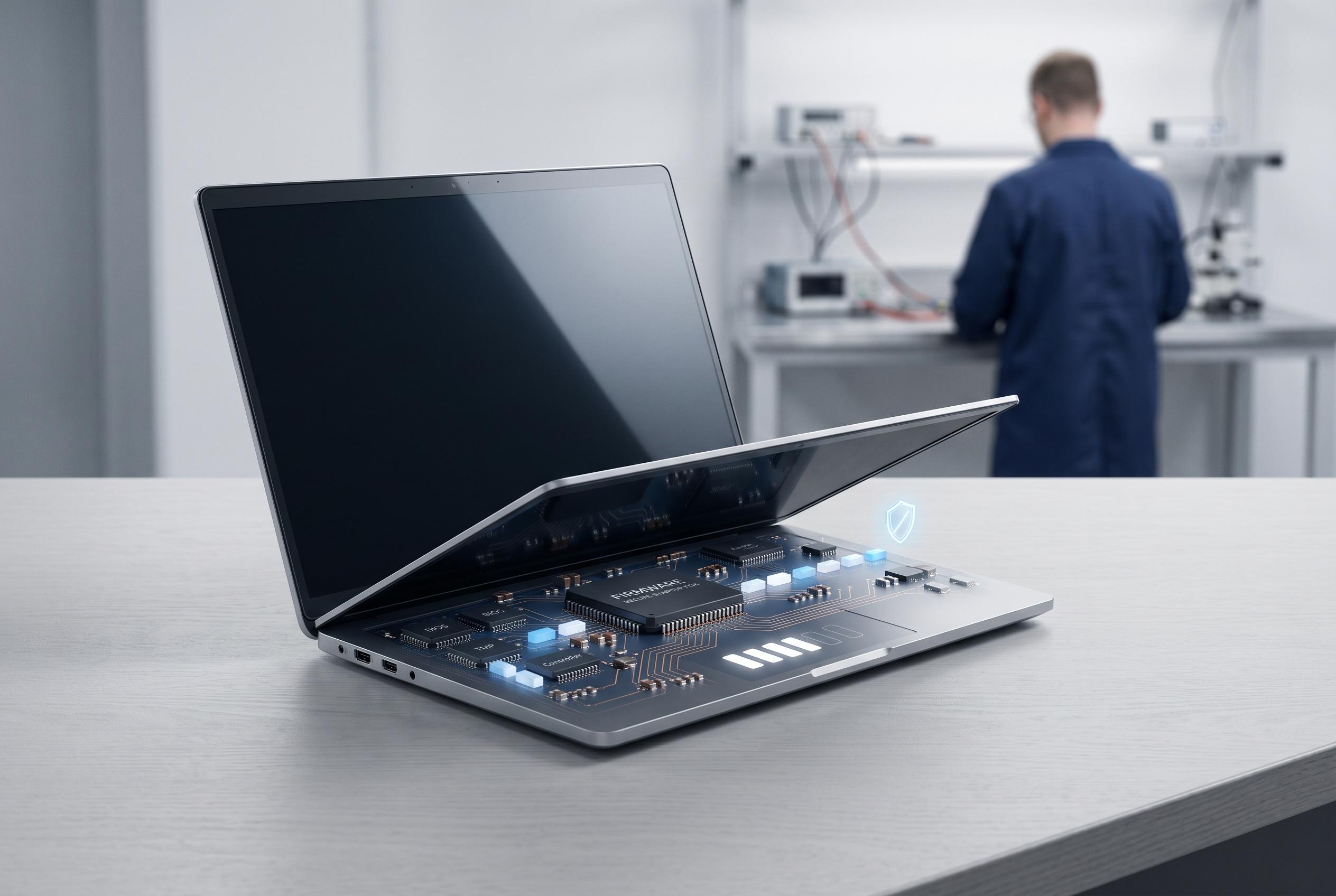

As Secure Boot becomes a mandatory component for Windows 11, its role in strengthening startup security and safeguarding against bootkits and rootkits is more vital than ever, prompting users and manufacturers to ensure proper firmware configuration.
Secure Boot is a firmware safeguard designed to stop untrusted code from running before Windows starts. Microsoft describes it as part of the UEFI boot standard, using digital signature checks to decide whether boot components may load. In practical terms, it helps create a trusted path from power-on to the operating system, reducing the chance that bootkits, rootkits or tampered loaders can take control early in startup.
Its role is often misunderstood because it sits alongside UEFI and TPM rather than replacing them. UEFI is the firmware environment that initialises the machine, Secure Boot is the policy that checks trusted signatures during startup, and TPM is the hardware module used for key storage and other security functions. Microsoft also notes that Windows 11 expects UEFI firmware, TPM 2.0 and Secure Boot capability, which is why these settings frequently appear together in compatibility checks.
For most users, the simplest way to confirm the setting is active is through Windows System Information. If the BIOS mode shows UEFI and Secure Boot State is On, the feature is operating. If it is Off, the machine may support Secure Boot but not currently enforce it. On Linux, administrators commonly use mokutil to query the firmware state, although exact support can vary by distribution and bootloader configuration.
Problems usually arise after firmware changes, legacy installations or hardware swaps. Microsoft says Secure Boot depends on UEFI mode, so systems still using Legacy BIOS or Compatibility Support Module settings may show the option as unavailable or refuse to boot after it is enabled. In those cases, the correct fix is generally to restore a compatible firmware configuration rather than repeatedly toggling the setting. The boot disk layout and signed boot chain must also match the firmware mode.
Some software, especially anti-cheat systems in games such as Valorant, may require Secure Boot to be active rather than merely supported. Microsoft’s guidance on Windows 11 also notes that Secure Boot works best when the firmware trust chain is intact, including the Platform Key, Key Exchange Key and signature databases used to validate startup components. If those keys are missing or have been altered, the machine may remain in Setup Mode or fail to verify the boot path correctly, which is why manufacturers usually recommend restoring factory keys instead of managing them manually.
The feature matters because it is part of a wider boot security model. Microsoft pairs Secure Boot with Trusted Boot, ELAM and Measured Boot in Windows 10 and Windows 11 to reduce the risk of malicious code loading before the desktop appears. That makes Secure Boot less of a niche firmware switch and more of a foundation for modern Windows security, particularly on devices that rely on encrypted storage, identity protection and stricter platform checks.
Disclaimer: This content is intended for informational purposes only. Readers are advised to exercise their own judgement, conduct due diligence, or consult a qualified expert before acting on any information provided.



