

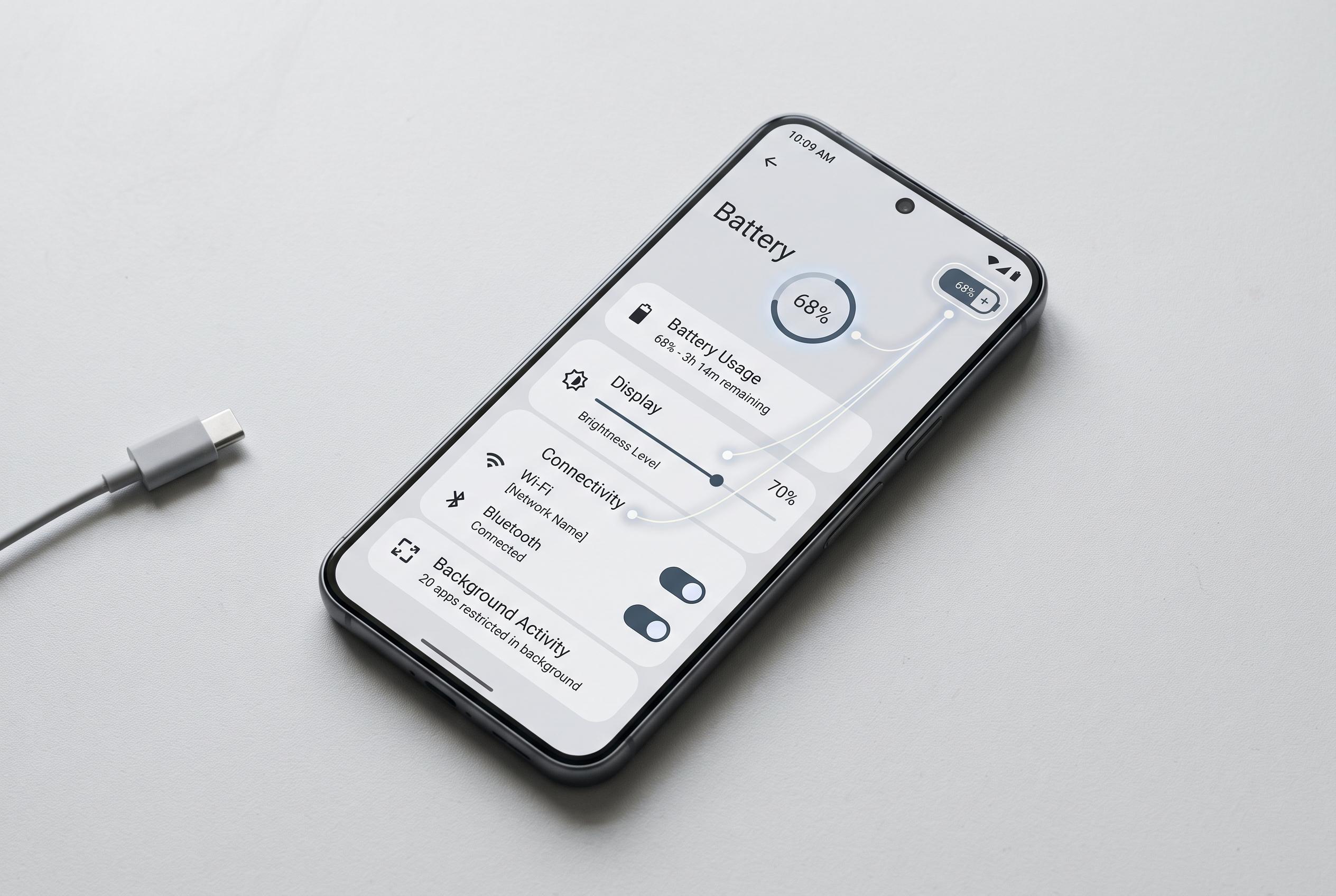

Optimising display brightness, connectivity, and background activity can make noticeable differences to Android battery performance, according to Google’s official guidance.
Battery life remains one of the most important practical concerns for Android users, and the quickest gains often come from a handful of settings rather than from major changes in behaviour. Google’s own support material and Android’s official guidance both emphasise the same core point: the display, background activity and wireless connections are usually the biggest drains, so targeting those areas first tends to produce the most noticeable improvement.
The most immediate adjustment is the screen. Dark theme can reduce power use on devices with OLED or AMOLED panels, because black pixels draw less energy, while adaptive brightness helps prevent the display from running brighter than necessary in everyday conditions. Google also recommends lowering brightness manually where appropriate and trimming screen timeout, both of which reduce the time the panel spends consuming power at full intensity.
Connectivity settings are the next obvious target. Mobile data, Bluetooth, Wi‑Fi, GPS and other radios all add load when they are active without serving a real purpose, particularly if the phone is already connected to a stable home or office network. Android’s official advice is to switch off services you are not using and to be selective about location access, while related guidance also points to battery saver modes as a simple way to curb background activity when charge is running low.
Background apps are another frequent source of wasted power. Android and Google both advise restricting rarely used apps, since many continue to refresh, sync or poll services even when they are not open. That is the logic behind features such as app sleep or adaptive battery management: they reduce the work done by software that is not needed immediately, which can make a meaningful difference over the course of a day.
Two further settings are often overlooked: haptic feedback and night-time power management. Vibration on taps and system interactions adds constant, if small, energy cost, and can be disabled for users who prefer endurance over tactile response. At the other end of the day, sleep or scheduled low-power modes help stop overnight background drain, which is useful because Android devices keep working even when the owner is inactive. According to Google, battery saver and related power-saving features are designed precisely for this kind of use case.
Disclaimer: This content is intended for informational purposes only. Readers are advised to exercise their own judgement, conduct due diligence, or consult a qualified expert before acting on any information provided.



