

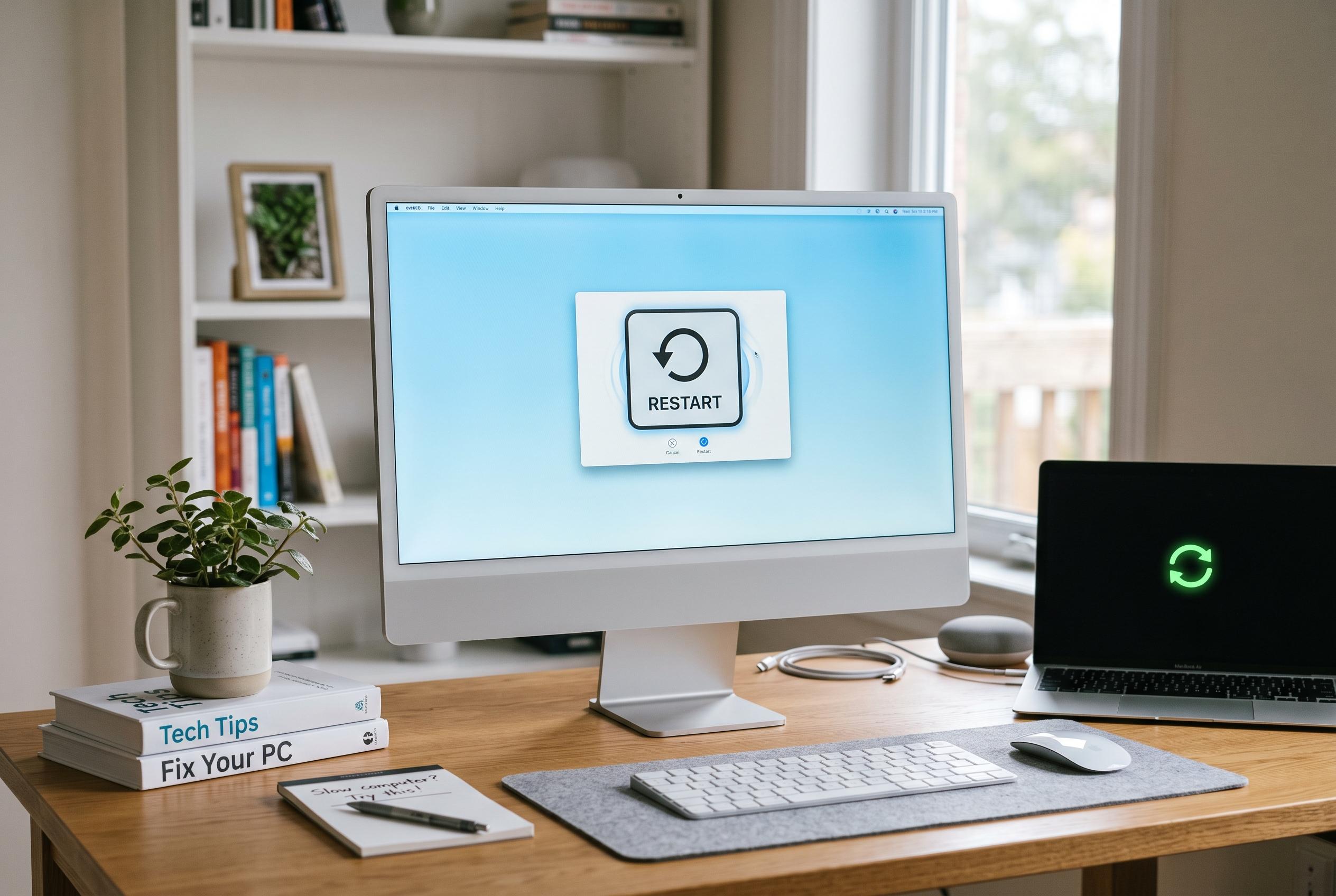

Basic troubleshooting methods such as restarting, closing background applications, and cleaning up storage can significantly improve a sluggish PC’s performance without costly repairs or hardware upgrades, experts reveal.
A slow computer does not always need a new component or a paid repair. As BGR noted in a guide picked up by Day.Az, several basic steps can improve performance at no cost, especially when the problem is tied to memory pressure rather than hardware failure.
The most immediate fix is a restart. Because random access memory is volatile, it is cleared when power is cut, which can remove clutter from background processes and restore responsiveness. BGR also pointed to web browsers as major memory users, saying that closing excess tabs can make a noticeable difference, particularly on older machines with limited resources.
A second common cause is too many applications running at once. The same report said users should review programmes that launch automatically when Windows starts, since many are set to open in the background without the owner realising it. TechRadar and PCWorld make the same point in their broader performance guides, which also recommend trimming unnecessary startup items, reducing visual effects and using built-in tools to tune the system.
Other free measures can help if the slowdown continues. Independent guides from TechRadar, PCWorld and Dom’s Tech Blog suggest cleaning up storage, updating drivers and, in more stubborn cases, reinstalling the operating system or trying lighter-weight software. The broad lesson is simple: before spending money, users should first remove avoidable strain on the machine and check whether the slowdown is being caused by software, not faulty hardware.
Disclaimer: This content is intended for informational purposes only. Readers are advised to exercise their own judgement, conduct due diligence, or consult a qualified expert before acting on any information provided.



