

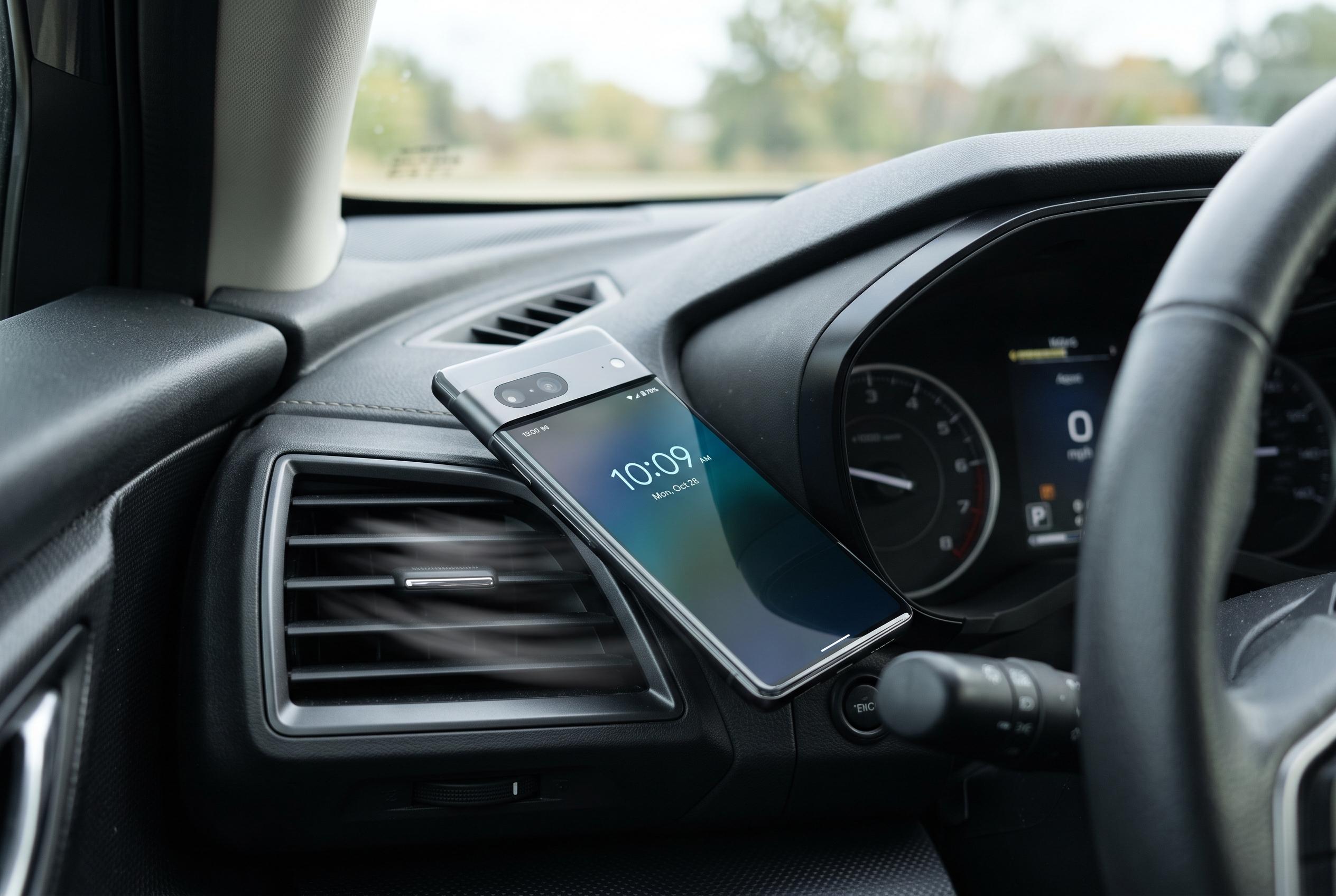

Simple adjustments like placing the phone where cool air reaches, removing cases, and avoiding sunlight can significantly reduce overheating risks during long journeys with Android Auto, keeping devices cool without extra gadgets.
Android Auto is one of the easiest ways to turn a phone into a proper in-car companion, but it also asks a lot of the device. Navigation, music streaming, wireless connectivity and charging can all push temperatures up quickly, especially on long summer drives. XDA Developers says a few simple habit changes can make a noticeable difference without buying extra cooling gear.
One of the most effective steps is also the simplest: place the phone where cool air can reach it. Rather than leaving it in a centre console or on a seat, XDA recommends using a vent mount so the handset sits in front of the air conditioning flow. Even a moderate blast of cooled air can help the phone shed heat more effectively than resting on warm plastic surfaces.
The site also advises taking the case off before setting off. Thick rubber or silicone cases can trap heat, and that matters more when the phone is already working hard. Tom’s Guide has made a similar point in broader advice on smartphone overheating, saying removing the case can improve heat dissipation, while keeping the device in the shade and away from direct sunlight also helps prevent temperatures from climbing further.
Another useful change is to avoid wireless charging when Android Auto is running. Inductive charging naturally produces heat, and combined with navigation, Bluetooth and cellular data, it can leave a phone uncomfortably warm. A wired connection is usually more stable too. Other guides on Android Auto overheating, including pieces from Chigee and The Tech Hacker, say reducing background activity, lowering screen brightness and keeping the display off when possible can ease the load further.
Sunlight remains a major problem even in a cooled cabin. XDA says drivers should avoid placing the phone where direct rays can hit it for long periods, since the heat from the sun can overwhelm the benefits of air conditioning. Taken together, the advice is straightforward: give the phone airflow, reduce unnecessary heat sources and keep it out of the sun. Those small adjustments can help Android Auto stay practical on long drives without turning the handset into a pocket warmer.
Disclaimer: This content is intended for informational purposes only. Readers are advised to exercise their own judgement, conduct due diligence, or consult a qualified expert before acting on any information provided.



