

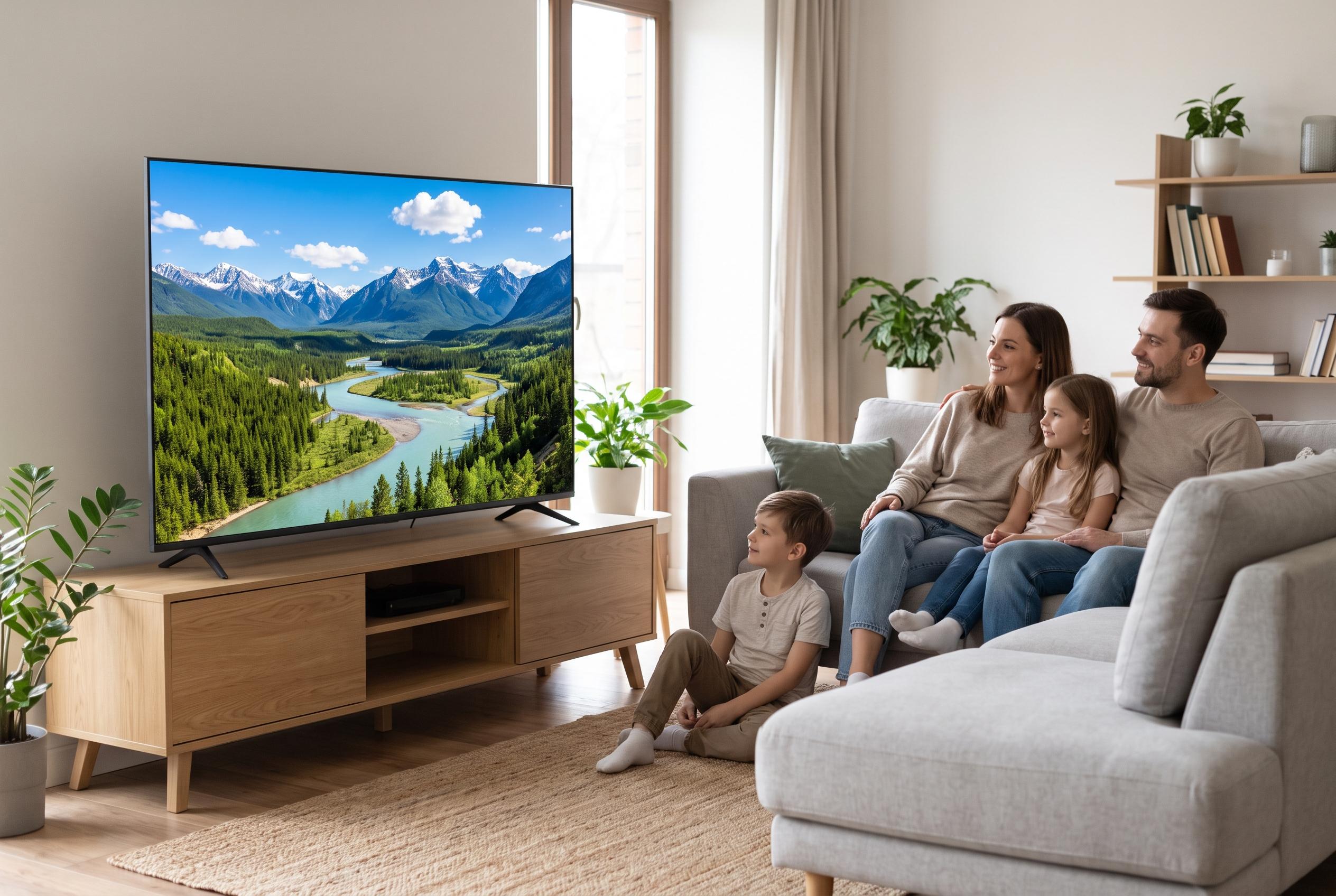

Adjusting default picture processing, network connections, and privacy options on budget smart TVs can enhance image quality, ensure smoother streaming, and reduce data collection, all without additional hardware.
For owners of budget and mid-range smart TVs, better picture quality is often available already in the settings menu. The easiest gains usually come not from extra hardware, but from turning off factory defaults that are designed to impress in a showroom rather than to suit a dark living room. Small changes to picture processing, network connection and privacy settings can make a set look cleaner, behave more consistently and feel less intrusive.
The first setting worth checking is motion smoothing, the feature that inserts artificial frames to make movement appear more fluid. Samsung’s support pages describe this as Auto Motion Plus or Picture Clarity, while Roku refers to related controls such as Action Smoothing and Action Clarity. These tools can help with sports and other fast action, but they often create the familiar “soap opera effect” on films and drama, flattening the cinematic look that content creators intended. Turning the feature off, or switching to Movie, Cinema or Filmmaker Mode where available, usually gives a more natural result.
Picture mode matters just as much. Tom’s Guide has repeatedly advised TV owners to avoid vivid or dynamic presets, because they tend to push brightness, saturation and contrast far beyond normal viewing conditions. In a shop, that can make a screen stand out. At home, it can leave skin tones looking unnatural, blacks appearing washed out and fine detail obscured by aggressive sharpening. A more restrained mode such as Cinema or Filmmaker Mode, followed by manual adjustment of backlight, brightness and contrast to suit the room, is generally a better starting point.
Streaming stability is the other practical improvement. A wired Ethernet connection is often more dependable than Wi-Fi, especially in homes where walls, distance from the router or evening network congestion reduce signal quality. Even if many TVs only offer 10/100 Mbps Ethernet ports, that is still usually enough for 4K streaming, which major platforms typically recommend at around 15 to 25 Mbps depending on the service and content. The key advantage is steadier delivery, which reduces buffering, sudden drops in resolution and the momentary glitches that can spoil playback.
There is also a privacy angle. Many smart TVs use Automatic Content Recognition, or ACR, to identify what appears on screen, including content from HDMI devices such as set-top boxes and consoles. Manufacturers present this under different names, including Samsung’s viewing-related services, LG’s Live Plus, Vizio’s Viewing Data and Roku’s data-use controls. Disabling those options does not stop the TV from working normally, but it can reduce background data collection. While in the settings menu, it is also worth installing the manufacturer’s mobile app, such as Samsung SmartThings, LG ThinQ, Roku Mobile or Google TV, because a phone can be a quicker keyboard, a better search tool and, when the remote vanishes into the sofa, a useful fallback.
Disclaimer: This content is intended for informational purposes only. Readers are advised to exercise their own judgement, conduct due diligence, or consult a qualified expert before acting on any information provided.



