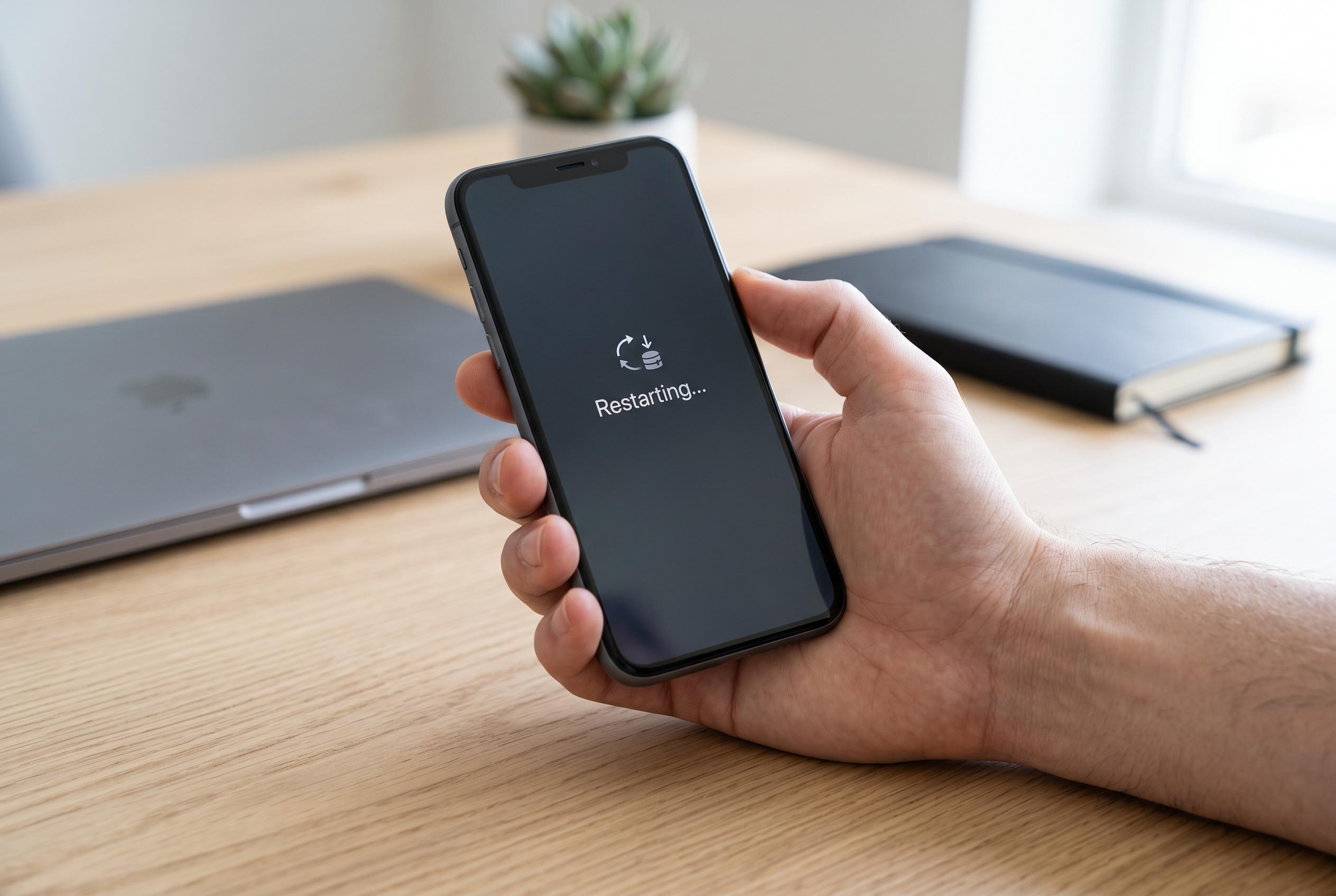

When devices become unresponsive or sluggish, users are advised to restart, clear storage, and check for updates before considering costly repairs, as simple fixes often suffice.
When a smartphone slows to a crawl or stops responding to touch, the first instinct is often to assume something serious has gone wrong. In many cases, though, Apple and Google both say the fix is much simpler: restart the device, clear some space and check for software problems before booking a repair.
A standard reboot is the quickest place to begin. Apple’s support guidance for unresponsive iPhones says a forced restart can often bring a frozen handset back to life, while Google recommends the same first step for Android devices that have become stuck or sluggish. If the screen will not respond at all, holding the power button for longer may force the phone to shut down and start again.
Storage is another common cause of poor performance. Google’s support advice notes that a phone with very little free space can struggle to run smoothly, and experts often suggest keeping at least some headroom rather than filling the memory almost completely. Deleting unused apps, old photos, large videos and downloaded files can make a noticeable difference, especially on older devices with limited storage.
Software updates are worth checking as well. Both companies advise keeping the operating system and apps up to date, since updates regularly fix bugs and improve stability. If the problem appears to affect just one app, the issue may lie with that programme rather than the phone itself. In that case, closing the app completely, updating it or reinstalling it can help. On Android, safe mode can also be useful because it temporarily disables third-party apps, making it easier to spot whether one of them is causing the freeze.
If none of that works, a factory reset may be the last resort. Apple and Google both recommend backing up important data first, because a reset wipes the device clean. On iPhone, users may also need to turn off Find My before restoring the handset through a computer; on Android, the exact menu names vary by manufacturer, and some phones can be reset using hardware buttons if the display is unresponsive. That said, if a phone keeps freezing after all of these steps, Apple says service may still be needed.
The broader point for users is that a frozen phone does not automatically mean a costly repair. In many cases, the problem is temporary, caused by a full memory, a buggy app or outdated software. Taking a few minutes to troubleshoot can often save both time and money.
Disclaimer: This content is intended for informational purposes only. Readers are advised to exercise their own judgement, conduct due diligence, or consult a qualified expert before acting on any information provided.