

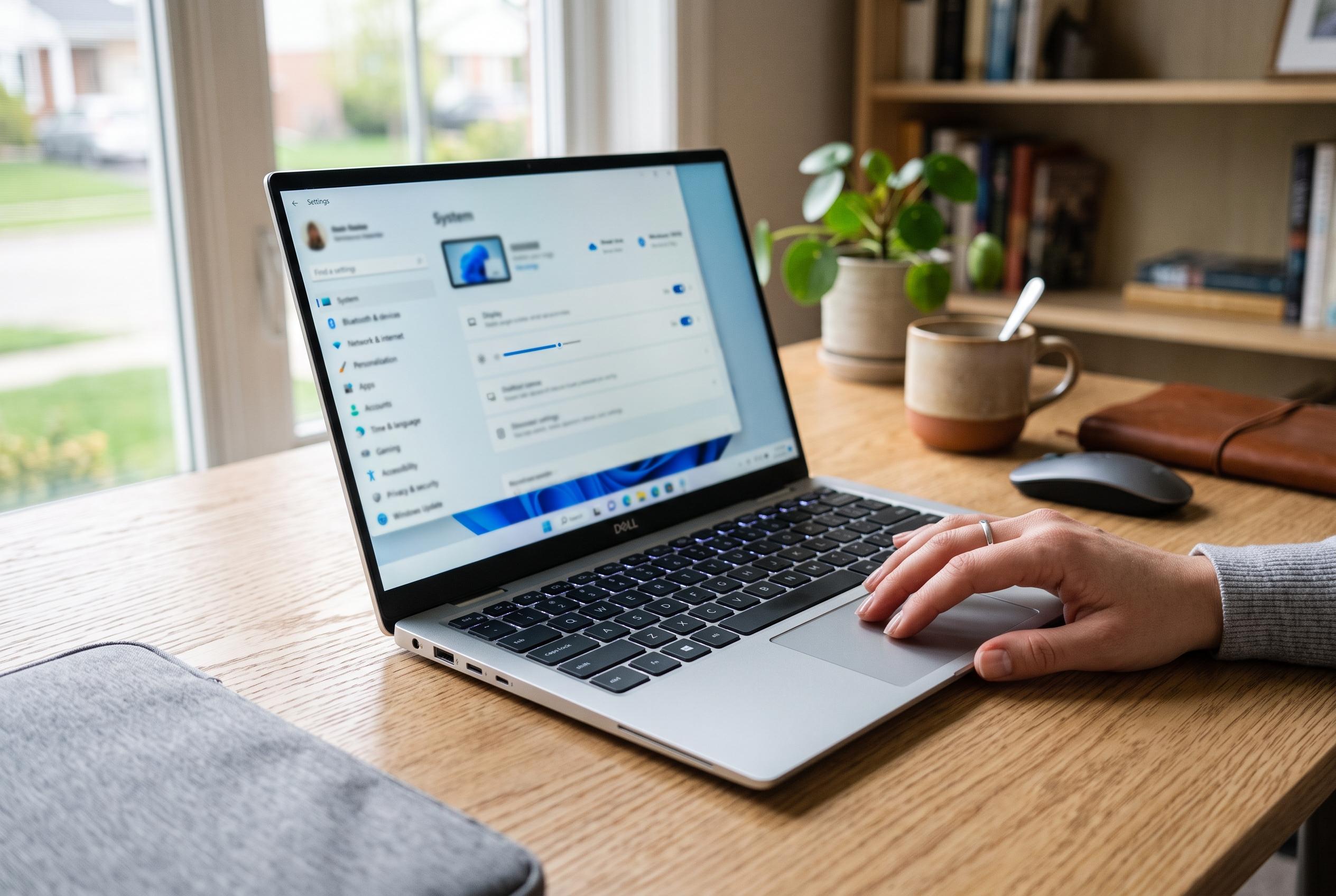

Microsoft highlights easy-to-implement settings adjustments, from lowering screen brightness to managing background apps, to help Windows laptop users maximise battery life without new hardware.
Windows laptop owners who struggle to reach the end of the working day on one charge do not necessarily need new hardware. Microsoft’s own support material points to a series of simple settings changes that can materially reduce power use, particularly on machines where the display, background activity and aggressive performance settings are draining the battery faster than necessary. The most effective starting point is the screen, which remains the largest single power draw on most laptops. Lowering brightness, shortening the time before the display turns off and using the system’s energy-saving features can all make a noticeable difference.
Windows 11 now gives users several ways to shift a laptop away from performance-first behaviour. In Settings, the Power & battery section lets users move from balanced or performance-oriented modes to lower-power operation, while Energy Saver can be set to activate automatically at a chosen battery level. Microsoft says its energy recommendations also highlight changes such as reduced screen brightness, optimised sleep timers and other display adjustments that can improve efficiency. In practical terms, that means the operating system can be tuned to restrict unnecessary work in the background and reduce the power demanded by the processor and display without making everyday tasks unusable.
The same principle applies to background activity. Microsoft advises users to limit apps that continue running when they are not needed, because open programmes and browser tabs can keep drawing power even when they are not in active use. Task Manager can help identify which processes are using the most CPU, while browser features such as sleeping tabs or memory-saving modes are designed to suspend inactive pages and reduce resource use. The company’s guidance also notes that visual effects such as transparency and animation can be turned off, which may be especially useful on lower-cost systems where every reduction in graphical work helps preserve battery life.
There is also a broader shift inside Windows itself. Microsoft has been testing more adaptive energy-saving behaviour in Windows 11, including features designed to enable battery saving more intelligently according to system load rather than waiting only for the battery to fall to a low level. That approach reflects a wider trend in laptop power management: the best gains usually come not from one dramatic tweak, but from combining several modest ones. For users working through outages, commuting, or simply trying to avoid carrying a charger all day, reducing brightness, switching to a lower power mode, closing unnecessary apps and tightening sleep settings remains the most reliable formula.
Disclaimer: This content is intended for informational purposes only. Readers are advised to exercise their own judgement, conduct due diligence, or consult a qualified expert before acting on any information provided.



