

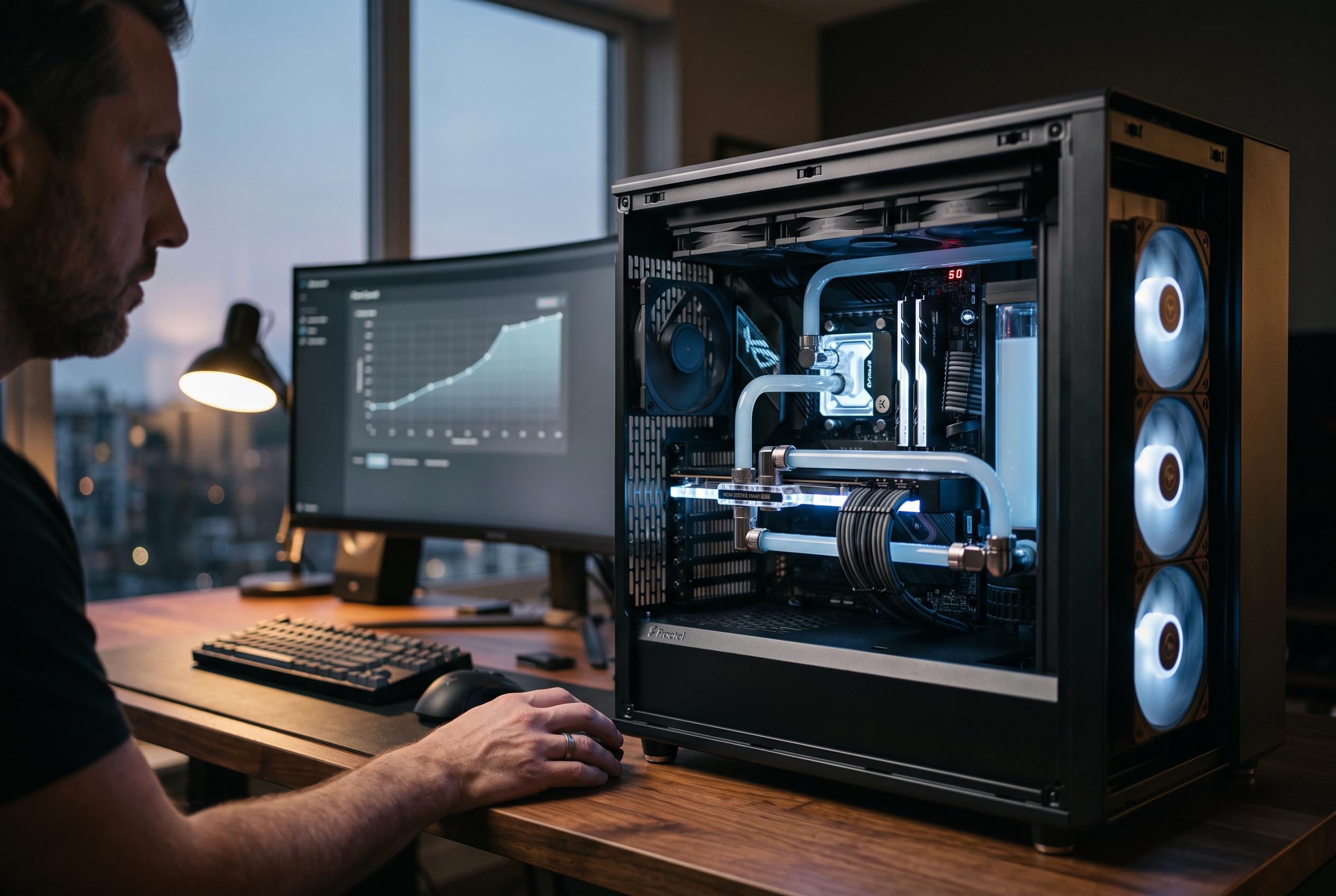

Optimising airflow, implementing temperature-aware fan control, and selecting appropriate hardware are key to maintaining performance and stability in modern PCs, as thermal management takes centre stage in system design.
Heat is one of the main limits on modern PCs. CPUs and GPUs convert electrical power into work, but they also turn part of it into unwanted thermal energy. Intel notes that if temperatures rise too far, systems can throttle performance to protect themselves, which is why cooling affects both speed and stability. The practical aim is not maximum fan speed, but sustained control of temperature under load.
The first step is to improve airflow through the case. Guides from ComputerInfoBits, TempCore and Tom’s Hardware all point to the same basic pattern: cool air should enter from the front, side or bottom, while warmed air should leave through the rear and top. That only works well if cables are kept out of the way and dust is cleared regularly, because both can obstruct the path that air needs to follow.
Temperature data makes cooling more efficient. Modern boards expose multiple sensors, allowing fan response to change with actual conditions rather than running at a fixed level all the time. That is the point of a fan curve: it links temperature to fan output so a system stays quiet at light loads and increases cooling only when it is needed. Intel also highlights tuning tools that adjust performance to manage heat, which shows that thermal control is now part of overall system management rather than a separate concern.
The hardware itself also matters. Air coolers remain a strong option for many builds, while all-in-one liquid cooling can offer more radiator surface area for hotter processors. Custom loops go further but add cost, complexity and maintenance. The right choice depends on the case layout as much as the cooler, because even a good thermal solution will underperform if there is not enough clearance or sensible fan placement.
A smarter cooling setup therefore combines three things: unobstructed airflow, fan control based on real temperature readings, and a cooler type that suits the chassis. For most users, that means organising the case before buying more hardware, then building a fan profile that responds to load instead of noise alone.
Disclaimer: This content is intended for informational purposes only. Readers are advised to exercise their own judgement, conduct due diligence, or consult a qualified expert before acting on any information provided.



