

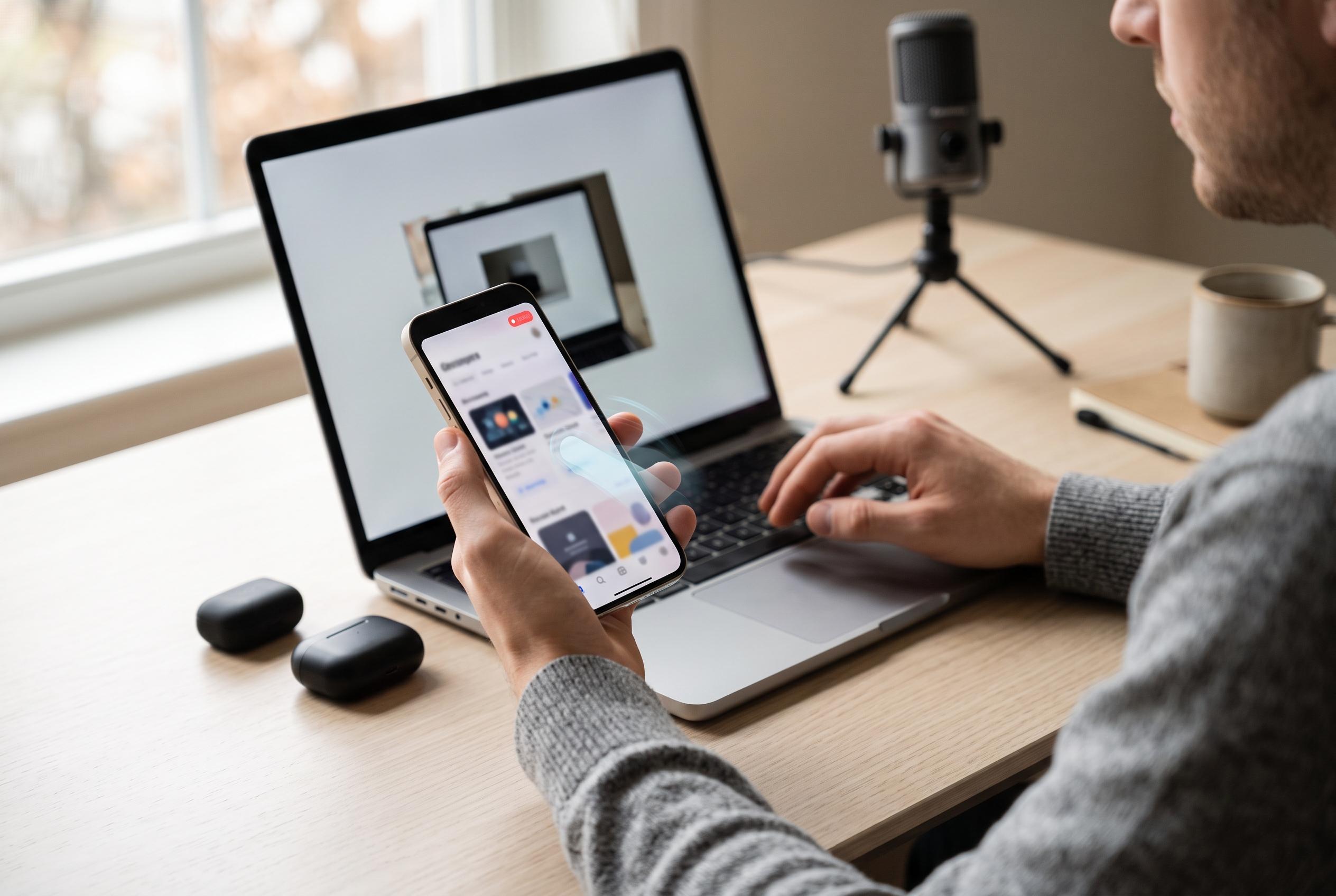

Built-in screen recording features on Pixel, Galaxy, and iPhone devices have evolved into versatile tools for troubleshooting, tutorials, and content sharing, with recent updates improving user control over audio, touch indicators, and overlays.
Screen recording has become a basic but practical phone function, useful for troubleshooting, teaching and capturing activity that a still image cannot show. Google’s support material says Pixel owners can use the built-in Screen Recorder from Quick Settings, while Samsung’s UK guidance confirms that Galaxy devices offer a similar tool through the Quick Settings panel. On both platforms, the feature is designed to be fast enough for everyday use, without requiring third-party software.
On a Google Pixel, the process begins by pulling down Quick Settings and selecting Screen recorder, or adding it if it is not already visible. Google says users can choose whether to show touch indicators, include the front camera as an overlay, and record audio either from the handset itself or from the microphone. The tool also allows recording either the full display or a single app, which is useful when the goal is to demonstrate one specific problem or process rather than capture everything on screen.
Samsung Galaxy devices follow much the same logic. Samsung’s support instructions say the Screen recorder can be opened from the Quick Settings panel after swiping down twice, with options to include sound and touch indicators before recording begins. Samsung also says recordings are saved to the Gallery app, which makes them easier to review and share. Android Central, which has tested the feature in more detail, notes that some Galaxy models also support a front-facing camera overlay and on-screen drawing tools, which can help when creating explanations or tutorials.
Apple’s iPhone has a comparable built-in option, although the exact steps differ from Android and depend on Control Centre settings. In practical terms, the wider point is the same across current smartphones: screen recording is now a standard system feature, intended for quick sharing, technical support and content creation. For most users, the main challenge is not how to find the tool, but how to configure it so that the recording includes the right combination of audio, touches and app content.
Disclaimer: This content is intended for informational purposes only. Readers are advised to exercise their own judgement, conduct due diligence, or consult a qualified expert before acting on any information provided.



