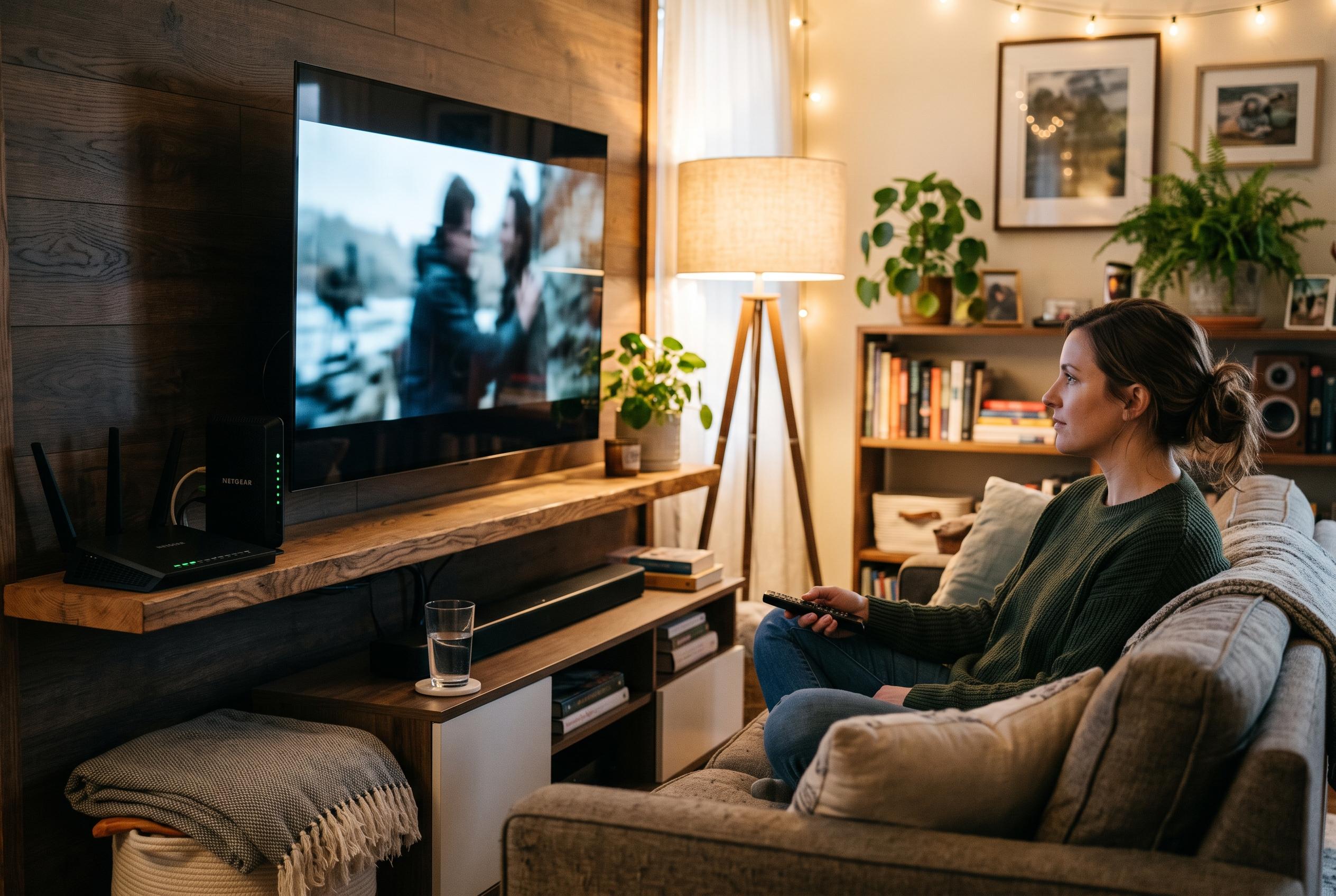

Better streaming usually starts with testing the television, network and settings already in place , not buying another device or subscription.
A smoother home streaming setup is usually won through diagnosis, not shopping. In most households, the real problem is not the absence of another subscription or a more expensive box, but a mismatch between the television, the app, the network and the way the room is used. The most useful first step is to identify what interrupts viewing most often and then fix that specific fault before replacing equipment.
The starting point is to test the television and its built-in apps properly. Open the services you use most, search for a programme, start playback and check the subtitle controls. If those basic tasks already work well, a separate streaming device may offer little benefit. A new stick or box is worth considering when it solves a genuine limitation, such as missing app support, poor navigation or an ageing platform that no longer receives updates. Technology guides from Tom’s Guide make the same point in a different form, noting that adding an external player can refresh an older smart TV when the built-in software has become sluggish.
Connection quality should then be checked where viewing actually takes place, not beside the router. Performance can look fine in one room and deteriorate beside the television, especially in the evening when the network is busy. Westman Communications advises testing streaming conditions at the point of use, cutting background traffic and switching to a wired link where possible. Similar home-cinema guidance from NYTheaterNow also recommends Ethernet over Wi-Fi when stability matters, while TechRadar’s 2026 review of Wi-Fi extenders highlights the value of stronger coverage in larger homes or through thick walls.
Picture quality depends on more than a 4K label. The subscription, the app, the player, the television input and the selected title all need to support the same standard for high-resolution playback to be worthwhile. If the stream stutters, a lower quality setting can be a useful test, not a defeat. It may show that the bottleneck is bandwidth, Wi-Fi quality or device performance rather than the screen itself. That is why practical streaming advice from multiple sources tends to favour small, measured changes over blind upgrades.
Sound and subtitles deserve the same attention. The most effective audio setting is the one that suits the room and the people in it, not necessarily the loudest one. Many televisions have speech-enhancement or late-night listening modes that improve clarity without overwhelming the soundtrack. Subtitles should also be adjusted for legibility from the normal seating position, with readable size and contrast. In many homes, this produces a better result than buying new speakers before exploring the settings already available.
Navigation is another common source of friction. A streaming system can be technically capable yet still feel clumsy if viewers must switch between several remotes, inputs and menus. Simplifying the route from the sofa to playback often matters more than adding new hardware. That may mean arranging the most-used apps more sensibly, trimming unused shortcuts, learning how to return quickly to the home screen or setting up basic device control so that volume and power work more naturally. Tom’s Guide’s recent smart-TV recommendations echo this approach, stressing cleaner menus and fewer unnecessary steps.
Subscriptions also need to be reviewed against real viewing habits rather than habit alone. The best package is the one that covers the programmes actually watched, at a cost the household is comfortable paying. It is also important to separate the service from the player: one may require another, but they are not the same purchase. Any IPTV-style offer should be checked carefully for device compatibility, activation terms, connection limits and refund conditions before money changes hands. The service should also have the rights to distribute the content being sold, and that should be clear in writing.
Finally, maintenance should be treated as part of the setup, not an afterthought. Supported software updates, app updates and firmware updates can correct bugs, restore compatibility and improve performance. When something fails, it helps to isolate the problem one step at a time: try another title, then another app, then another device if necessary. Netflix’s troubleshooting advice distinguishes between an app that freezes and a device that stops responding altogether, which is a useful habit even when another service is involved. Clear notes about the device model, app version, error message and time of interruption make support calls more productive.
A good streaming setup does not need to be the most expensive or the newest. It needs to be reliable, easy to use and matched to the room, the household and the services that are actually in use. The most effective improvements are usually the practical ones: better placement, better settings, fewer unnecessary subscriptions and a clearer path from button press to playback.
Disclaimer: This content is intended for informational purposes only. Readers are advised to exercise their own judgement, conduct due diligence, or consult a qualified expert before acting on any information provided.