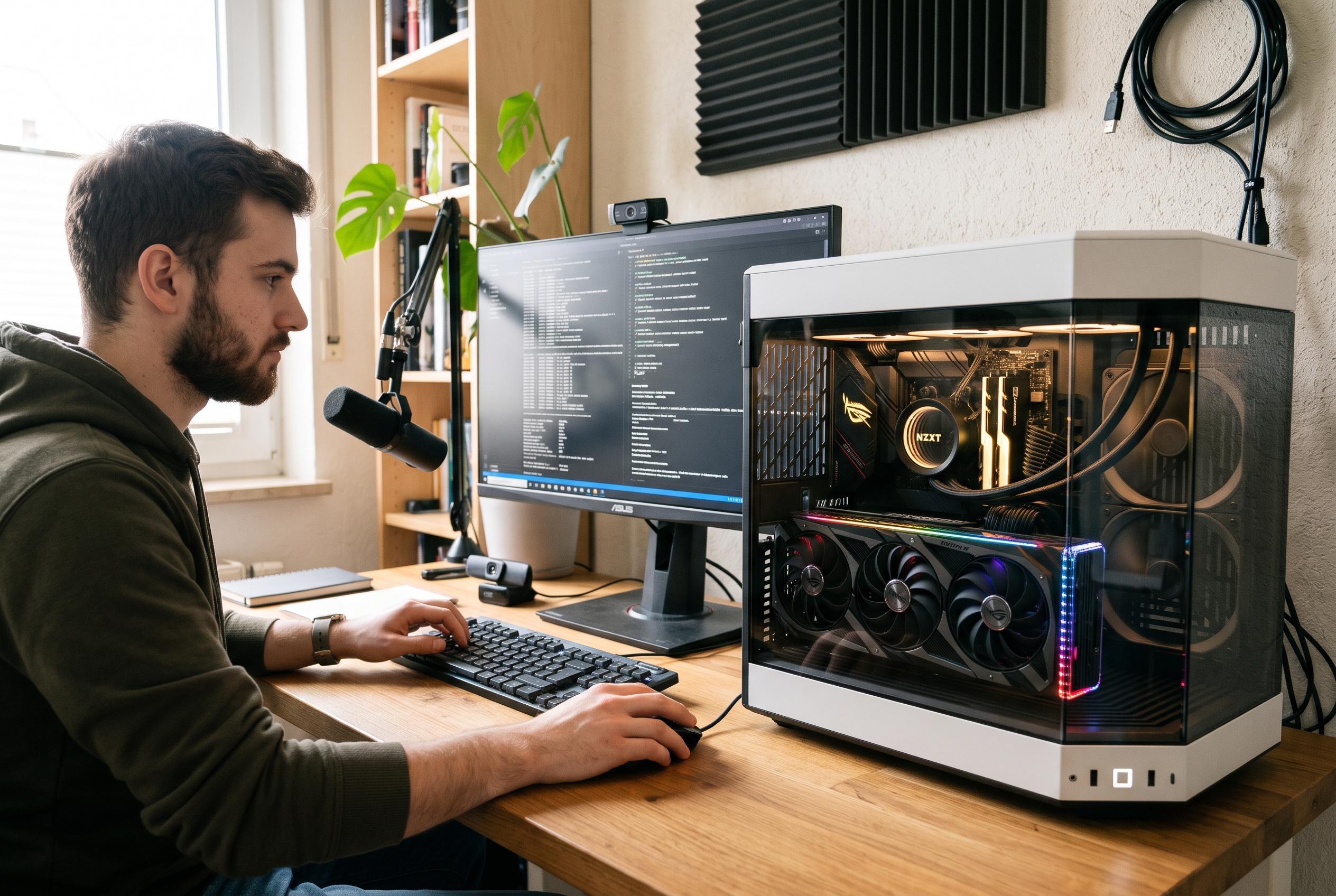

AMD Adrenalin’s undervolting and efficiency controls can reduce a Radeon card’s heat and power use, but careful testing is essential before relying on them.
Keeping an AMD graphics card in good condition is less about dramatic tweaks than about avoiding unnecessary stress. High temperatures, aggressive overclocking and prolonged heavy loads can shorten hardware life, even if the card remains fast on paper. AMD’s own Adrenalin software is designed to help users manage that balance, and in 2026 it remains the company’s main route for adjusting performance, power draw and cooling behaviour without third-party tools.
The most practical option for many users is found in Adrenalin’s Performance area, under the Tuning controls. AMD says the software includes simplified presets as well as deeper manual controls for clock speeds, voltage, fan behaviour and power limits. On supported cards, users can apply automatic performance presets, including settings aimed at lower power use, while more advanced profiles allow finer control over thermals, acoustics and efficiency. AMD also notes that these tuning features can be applied globally or to individual games through software profiles.
For owners looking to extend a card’s working life rather than chase the highest benchmark score, undervolting is often the most useful adjustment. That means reducing the voltage supplied to the GPU while keeping the operating frequency close to the same level, which can cut heat and power consumption without necessarily sacrificing performance. On Radeon cards that support preset tuning, users may see an “Undervolt” option or a more general “Favor Efficiency” profile. Community testing on newer Radeon models suggests that modest undervolting can improve temperatures and power use while preserving stable boost clocks, provided the settings are changed carefully and tested thoroughly.
That caution matters. Altering default values can make a system unstable if the settings are too aggressive, so any change should be checked with real games or other demanding software, not assumed to be safe because it appears to work at the desktop. AMD’s own guidance also points users to the monitoring tools inside Adrenalin, including its statistics overlay, so they can track temperatures, clocks and power behaviour after making adjustments. For readers who want longer component life as well as sensible efficiency gains, the message is straightforward: use the software, make small changes, and verify them under load rather than relying on a one-click preset alone.
Disclaimer: This content is intended for informational purposes only. Readers are advised to exercise their own judgement, conduct due diligence, or consult a qualified expert before acting on any information provided.