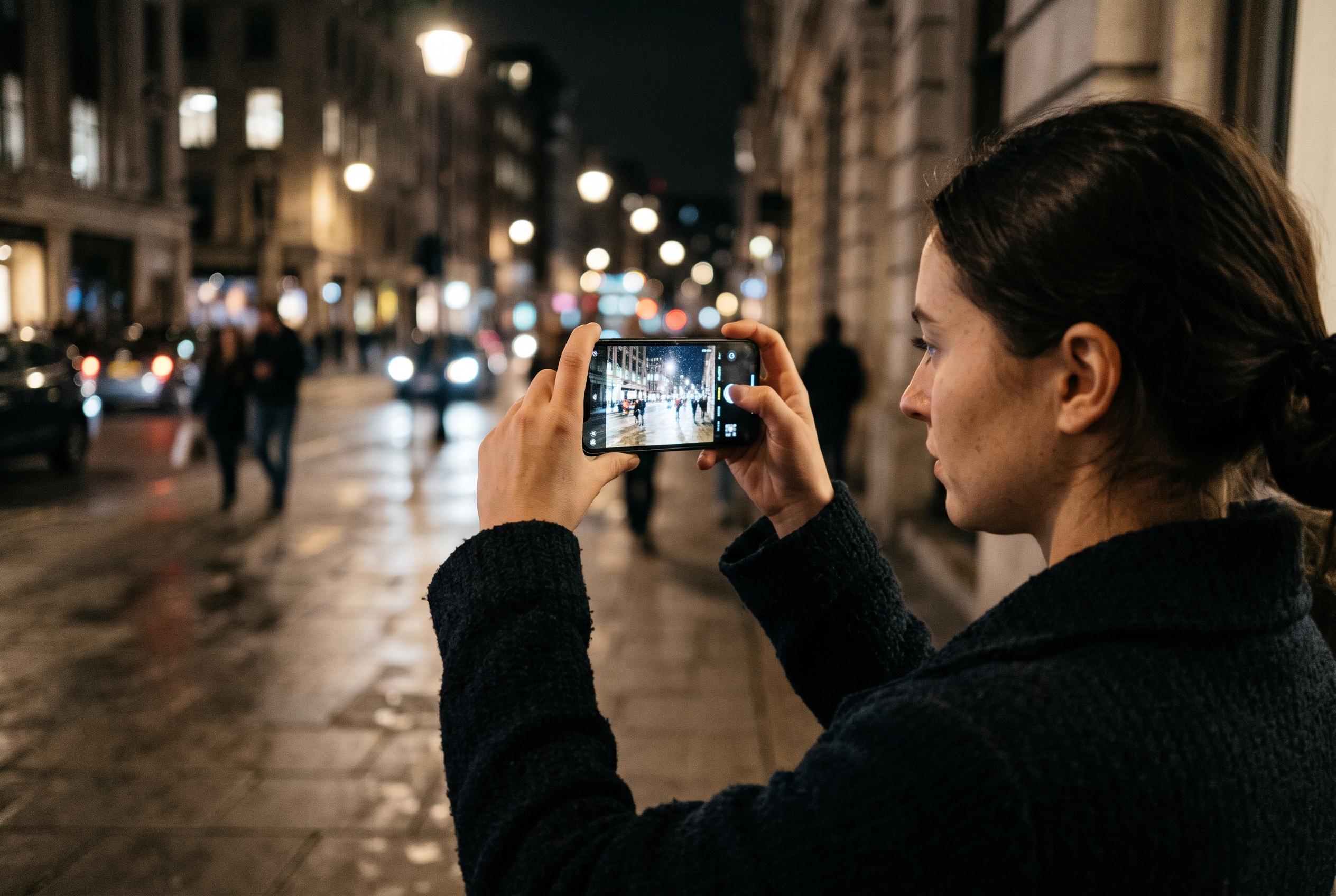

A steadier shooting workflow, cleaner lens and better mode choices can transform low-light Galaxy photos without relying on guesswork or expensive accessories.
Samsung Galaxy phones can produce far better low-light photographs when the camera is used with a clear workflow rather than guesswork. In Samsung’s own support material, Night mode is presented as the quickest way to improve a dim scene, because the phone handles the exposure and processing automatically. The practical advice is simple: open Camera, go to More, select Night, keep the device steady, and let the capture finish before moving. If the result looks wrong, the better answer is often to change mode rather than keep pushing brightness.
Stability is the foundation of usable night photography on a phone. Samsung’s guidance and independent low-light guides agree that even small hand movements can turn a night frame into blur, especially when the shutter slows down. A table, wall, railing, or tripod can substitute for more expensive accessories, and a remote shutter reduces the shake caused by touching the screen. That matters just as much in Night mode as it does in Pro mode, because the camera cannot freeze motion if the phone itself is moving.
Cleaning the lens and managing light are equally important. Samsung and other practical guides both stress that fingerprints, dust, condensation, and poorly placed lens protectors can lower contrast and spread bright points into halos. The better approach is to clean the glass with a soft, dry microfibre cloth before shooting, then look for indirect or side lighting rather than pointing the camera straight at a lamp, streetlight, or headlight. Moving a step to one side can often improve the frame more effectively than changing exposure settings.
Focus distance is another common source of disappointment in low light. Samsung’s guidance notes that the standard lens and telephoto lens have different minimum focusing distances, so subjects that are too close may never look sharp, no matter how much the user adjusts brightness. If the phone struggles to focus, the safer fix is to step back, tap the intended subject, and use optical zoom where available rather than forcing the camera to work outside its range. This is particularly useful in interiors, where people often stand closer to the lens than the camera can comfortably handle.
When Night mode does not give the right result, Pro mode gives the photographer direct control over shutter speed and ISO. Samsung’s support advice makes clear that slower shutter speeds gather more light but also increase the risk of blur, while higher ISO can brighten a frame at the cost of more noise and reduced fine detail. The most reliable method is to start with a low ISO, then adjust one setting at a time. That is especially useful for scenes where automatic processing makes the image too bright, too dark, or overworked.
Different subjects need different tactics. For city streets and interiors, Night mode usually offers the fastest route to a usable frame. For people at evening events, a shorter shutter in Pro mode may be necessary if movement cannot be avoided. For moon shots and light trails, a rigid support and a remote trigger become more important, because the scene depends on a controlled, longer exposure. Samsung’s own guidance also makes clear that features and labels vary by model, so the exact menu path and control set may change across Galaxy devices.
RAW capture is worth using when editing is part of the plan. Samsung recommends RAW for situations where exposure, highlights, shadows, or white balance may need later adjustment, but it is not a cure for poor focus, motion blur, or clipped highlights. The practical workflow is to keep a processed JPG or HEIF for quick sharing, preserve the RAW file for editing, and make tonal corrections before heavy sharpening or noise reduction. That gives more flexibility without pretending that file format alone can rescue a badly taken shot.
For most Galaxy owners, the best low-light routine is therefore consistent rather than complicated: clean the lens, find steadier support, avoid direct glare, check focus distance, start with Night mode, and move to Pro mode only when the automatic result is not good enough. That sequence reflects Samsung’s own feature guidance, as well as broader advice from Samsung-focused photography explainers, and it remains the most dependable way to improve night images without relying on trial and error.
Disclaimer: This content is intended for informational purposes only. Readers are advised to exercise their own judgement, conduct due diligence, or consult a qualified expert before acting on any information provided.