

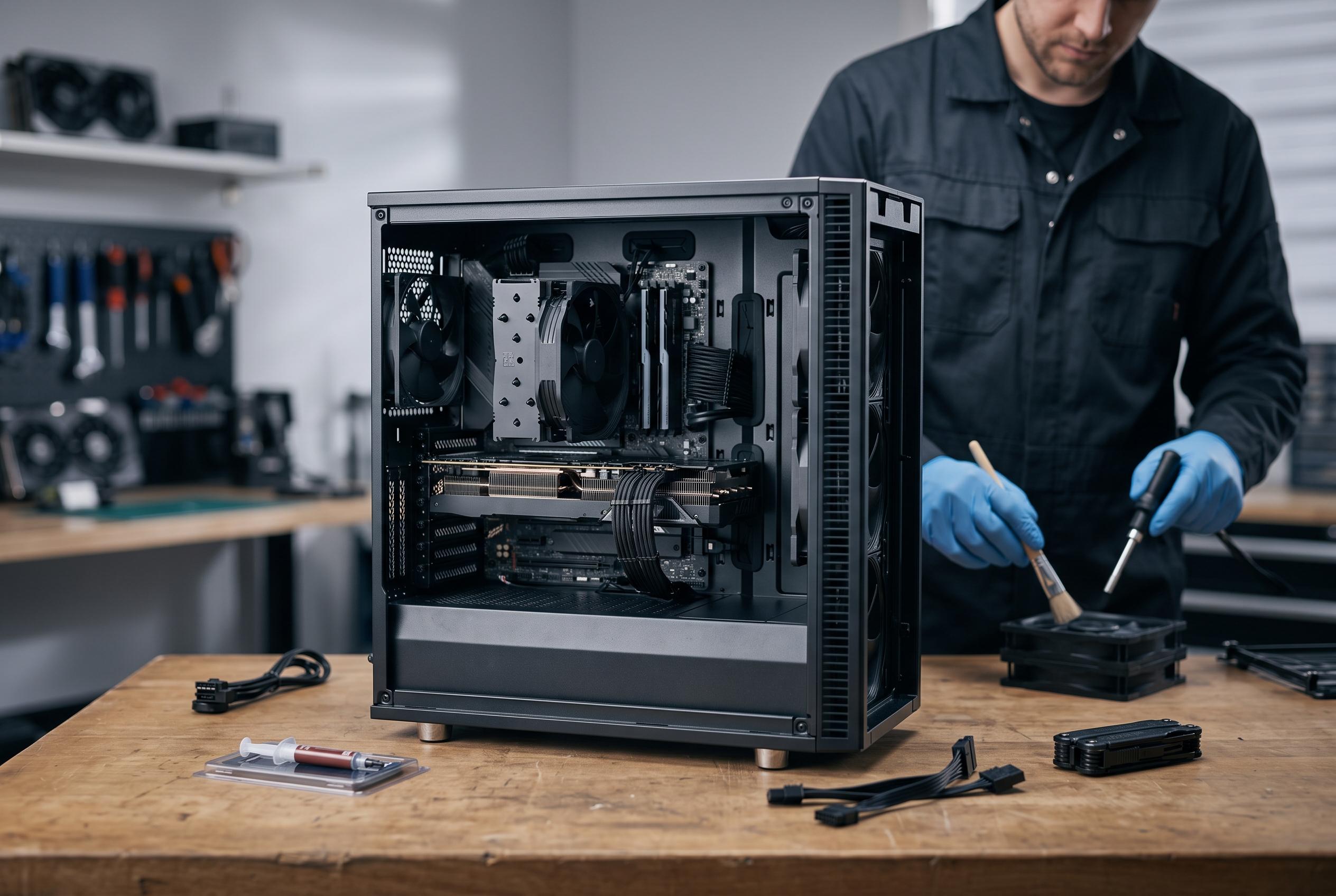

While components matter, tidying cable management, firmware updates, dust removal, and balanced setups are crucial for reliable and efficient gaming PCs, with experts emphasising less tinkering and more holistic care.
Gaming PCs are often judged by their components, but the real difference between a tidy, reliable machine and a neglected one usually lies in the unglamorous details. Cable routing, firmware updates, dust removal and sensible upgrade choices have a direct effect on airflow, thermals, stability and day-to-day usability. Industry guides from PCWorld, PCGamesN and iBUYPOWER all make the same basic point: a well-organised case is easier to cool, easier to maintain and less likely to create avoidable performance problems.
Cable management is the most obvious example. Leaving excess wiring packed around the power supply shroud or behind the motherboard tray can obstruct airflow, trap dust and make future maintenance harder. Practical advice from PCWorld and PCGamesN stresses the value of modular power supplies, Velcro ties, cable guides and sensible routing paths, while iBUYPOWER notes that a tidy interior is not just about appearance but also about easier upkeep and longer component life. A perfect build is unnecessary; a controlled one is enough.
Firmware is another area that many users ignore for far too long. BIOS and UEFI updates can patch security flaws, improve compatibility with newer hardware and fix stability issues, though they also carry some risk if the process is interrupted. PCWorld advises caution and recommends updating when there is a clear reason, such as a new processor, a compatibility problem or a known bug. That advice is becoming easier to follow as board makers add features such as BIOS flashback and dual BIOS recovery. SSD firmware is less frequently updated, but it can still improve efficiency and, in some cases, address reliability concerns.
Routine cleaning matters just as much as software upkeep. Dust build-up raises temperatures, forces fans to work harder and can eventually limit performance if airflow becomes restricted. Thermal paste also degrades over time, which can push CPU and graphics card temperatures higher even when the case itself is reasonably clean. The practical lesson is simple: a gaming PC is not a fit-and-forget appliance. It needs periodic attention to remain cool, quiet and consistent.
There is also a different kind of overuse that affects many enthusiasts: spending too much time chasing marginal gains. Benchmarking, overclocking and monitoring can be useful when a system is new or when a specific problem needs solving. Beyond that, however, constant tinkering can become a distraction from the reason the machine was built in the first place. Once a stable configuration is reached, the more valuable habit is to leave it alone and use it.
The final mistake is focusing too narrowly on internal hardware while neglecting the rest of the setup. A stronger graphics card matters, but so do the monitor, chair, desk layout and lighting. Better peripheral choices can improve comfort, productivity and the experience of playing games far more than another small jump in raw frame rates. That is why many experienced builders now treat the PC as part of a wider workstation rather than an isolated tower. A balanced setup tends to deliver more practical value than a louder spec sheet.
Disclaimer: This content is intended for informational purposes only. Readers are advised to exercise their own judgement, conduct due diligence, or consult a qualified expert before acting on any information provided.



