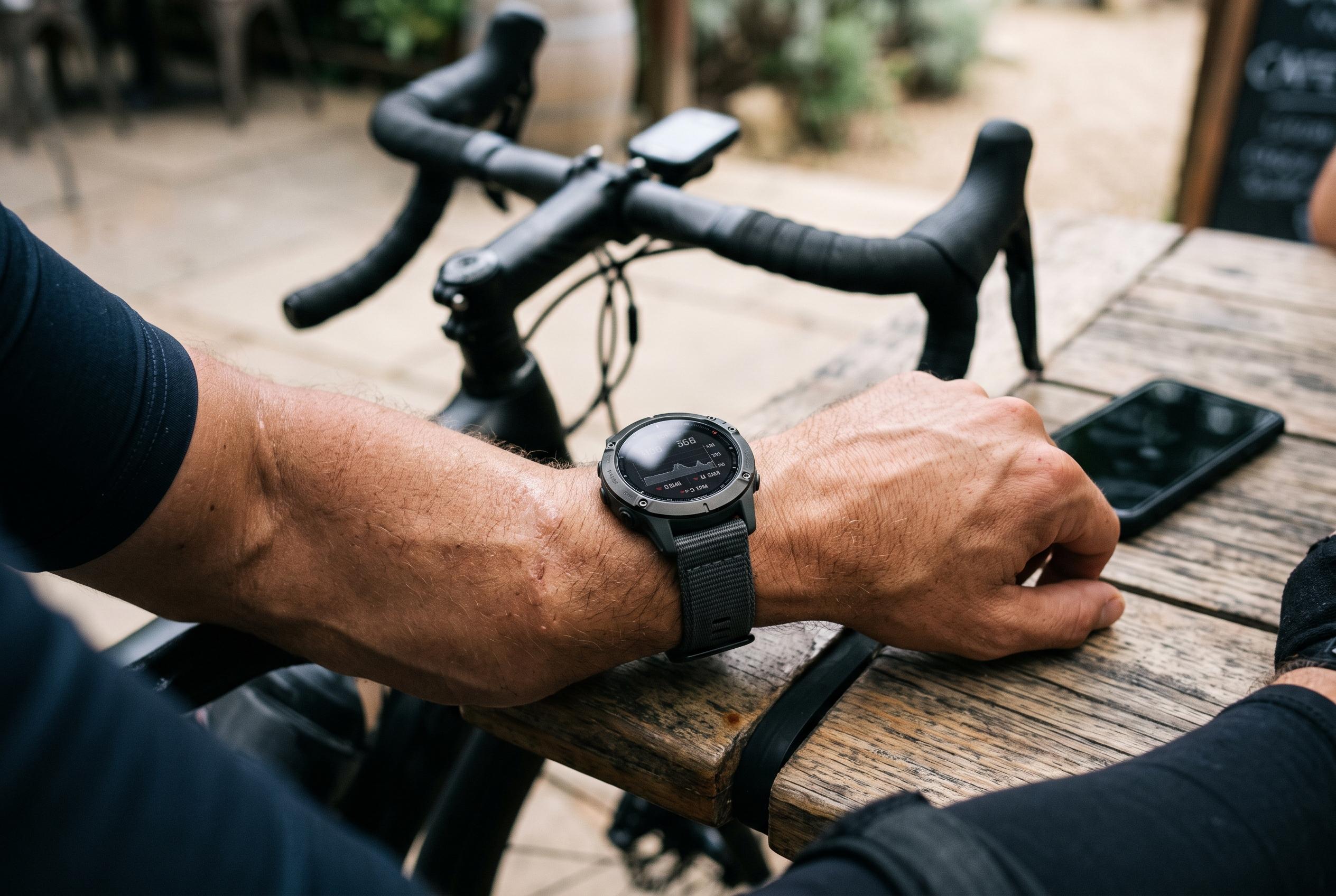

A new round-up of user-reported faults shows endurance watches and bike computers faltering over Bluetooth, syncing, software and corrupted activity settings, with fixes ranging from re-pairing to full resets.
A new round-up of endurance tech complaints and fixes points to a familiar pattern: watches and bike computers that are usually reliable can become fragile when syncing, software, Bluetooth links or activity profiles go wrong. This week’s cases span Suunto and Garmin devices, with most workarounds involving a clean reconnect, a software update, or the removal of a corrupted setting rather than a permanent repair.
One of the most frustrating reports involved a Suunto watch that recorded a run correctly on the device but then lost the session in the Suunto app after synchronisation. Suunto’s own support material stresses that successful pairing depends on Bluetooth being enabled, the app being installed correctly and the devices being close together, but the community fix in this case was more drastic: remove the app connection from the watch, unpair it in the phone’s Bluetooth menu, clear the app cache and set it all up again from scratch. A factory reset was suggested only as a last resort.
Garmin users, meanwhile, reported several distinct sync and software faults. Owners of the Edge 840 said completed rides could take hours or even days to appear in Garmin Connect. One workaround was to force a sync by holding the power button, although that is effectively a hard reset, while another user said repeatedly installing every pending update through Garmin Express eventually cleared the fault. Separate Edge 840 reports described Wi-Fi networks being forgotten after sleep, which meant automatic uploads stopped until the network was re-added, though only temporarily.
Other Garmin problems centred on watch software and corrupted activity screens. Forerunner 970 users on software version 18.29 reported restarts when opening the map or navigation data page, but three users said the issue stopped after deleting and recreating an empty or damaged data screen in Garmin Connect and then syncing the watch. Garmin staff have said they are investigating. The same model was also reported to play notification tones even when set to Silent or Do Not Disturb, with Garmin support saying software 18.32 fixes that fault and is now rolling out. Night mode was described as a temporary workaround.
Music and audio glitches formed another cluster. A Forerunner 965 running software 29.05 was said to begin stuttering Bluetooth audio after roughly ten minutes, even after the headphones were reconnected, and a Fenix 9 Pro owner reported crackling sound during workouts that disappeared only briefly when playback was restarted. Garmin has not published a general fix for either issue. A Venu 4 owner also reported that broadcast heart rate would drop out when linked to a Wahoo ELEMNT Ace, while another said elevation totals were badly out of line with other devices until the activity’s elevation source was changed to Garmin DEM in Garmin Connect.
Suunto devices were not immune either. A Vertical watch was reported to enter a boot loop every 12 seconds, with one user saying the device only recovered after being charged from a laptop USB port and eventually completing a factory reset. A Vertical 2 and Race S owner described an intrusive heart rate pop-up during activity, while another Race 2 user said the watch ignored configured aerobic and anaerobic thresholds until the zones were entered directly on the device and the advanced zone option was turned off. A separate Race 2 report on Android described an incoming-call notification that stayed on screen after the call had been answered, until the crown was pressed to dismiss it.
The wider pattern across the week’s reports is clear. Most faults were not solved by a single universal reset, but by a narrow fix tied to the failure mode: re-pairing Bluetooth, deleting a damaged data field, changing an elevation source, or forcing a software update through the vendor’s desktop tools. In several cases, however, no lasting repair has yet been confirmed, leaving users to rely on temporary workarounds and, where possible, documentation of the fault for support or warranty claims.
Disclaimer: This content is intended for informational purposes only. Readers are advised to exercise their own judgement, conduct due diligence, or consult a qualified expert before acting on any information provided.