

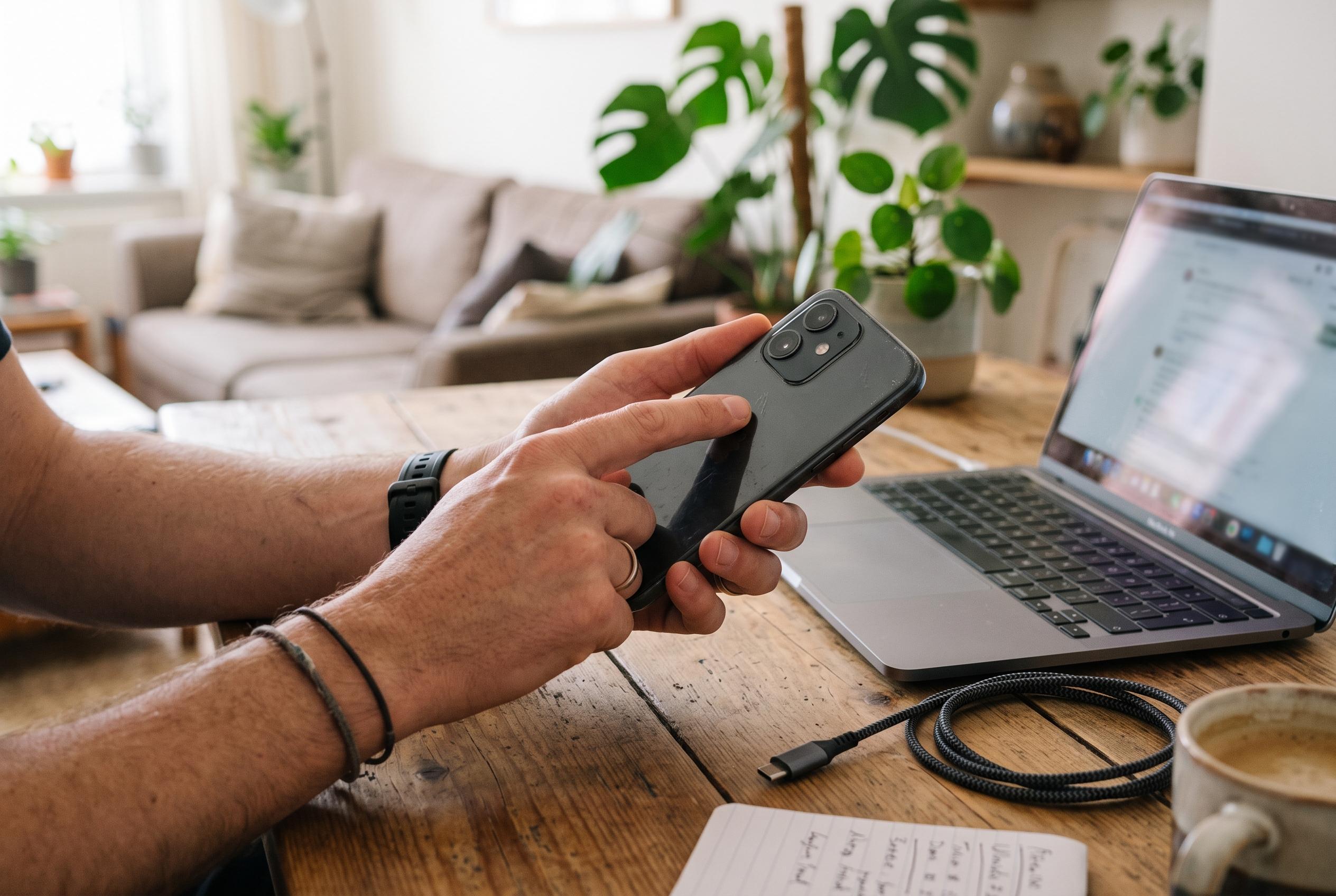

Inspect the hardware, verify the IMEI and remove the seller’s Google account before buying a used Android phone to avoid costly activation and ownership problems.
Buying a second-hand Android phone can be a sensible way to save money, but only if the device is genuinely usable and legally clear. The most important checks are straightforward: inspect the hardware carefully, confirm that the IMEI is clean, and make sure the previous owner’s Google account has been removed before you agree to buy. Those three steps help avoid the most common failures, from a damaged handset to a device that cannot be activated after a reset.
A proper inspection should begin with the physical condition of the phone. Look for cracks, bent frames, heavy scratches and signs of liquid damage. Check the display for dead pixels, uneven brightness and burn-in, particularly on older OLED panels. Test the charging port with a cable and power source, then open the camera app, press every physical button and listen for distortion from the speakers. Several buying guides also recommend testing sensors, the fingerprint reader, the microphone and the flashlight, either through built-in diagnostics or a browser-based testing tool.
The next step is to verify the IMEI, the unique identity number tied to the device’s cellular hardware. Dial *#06# to display it, then compare the number with the one shown in Settings and, if available, on the original box. A mismatch can indicate a swapped board, a typo in the listing or a more serious ownership problem. The IMEI should also be checked against a blacklist service to confirm the phone has not been reported stolen or blocked by a carrier. It is also sensible to test the handset with your own SIM card to confirm that it is not locked to a different network.
Equally important is checking for activation locks. Android’s Factory Reset Protection is designed to stop theft, but it can also trap a legitimate buyer if the seller has not signed out properly. Before any reset, open the account settings and confirm that no Google account remains on the device. If one is still present, ask the seller to remove it in front of you. A factory reset should only be performed after that step, because a reset carried out too early can trigger a verification screen that requires the previous owner’s login details. If the phone reaches the setup screen without asking for those details, it is much more likely to be ready for normal use.
If a used phone does end up locked after purchase, the safest route is to pursue official remedies first. That means contacting the seller, requesting a refund where appropriate, or seeking help from the manufacturer with proof of purchase. Guides aimed at second-hand buyers also note that authorised software tools may offer a supported route for people who legally own the device and need help regaining access, but that should be treated as a last resort. The better outcome is to catch problems at the meeting point, before any money changes hands.
Disclaimer: This content is intended for informational purposes only. Readers are advised to exercise their own judgement, conduct due diligence, or consult a qualified expert before acting on any information provided.



