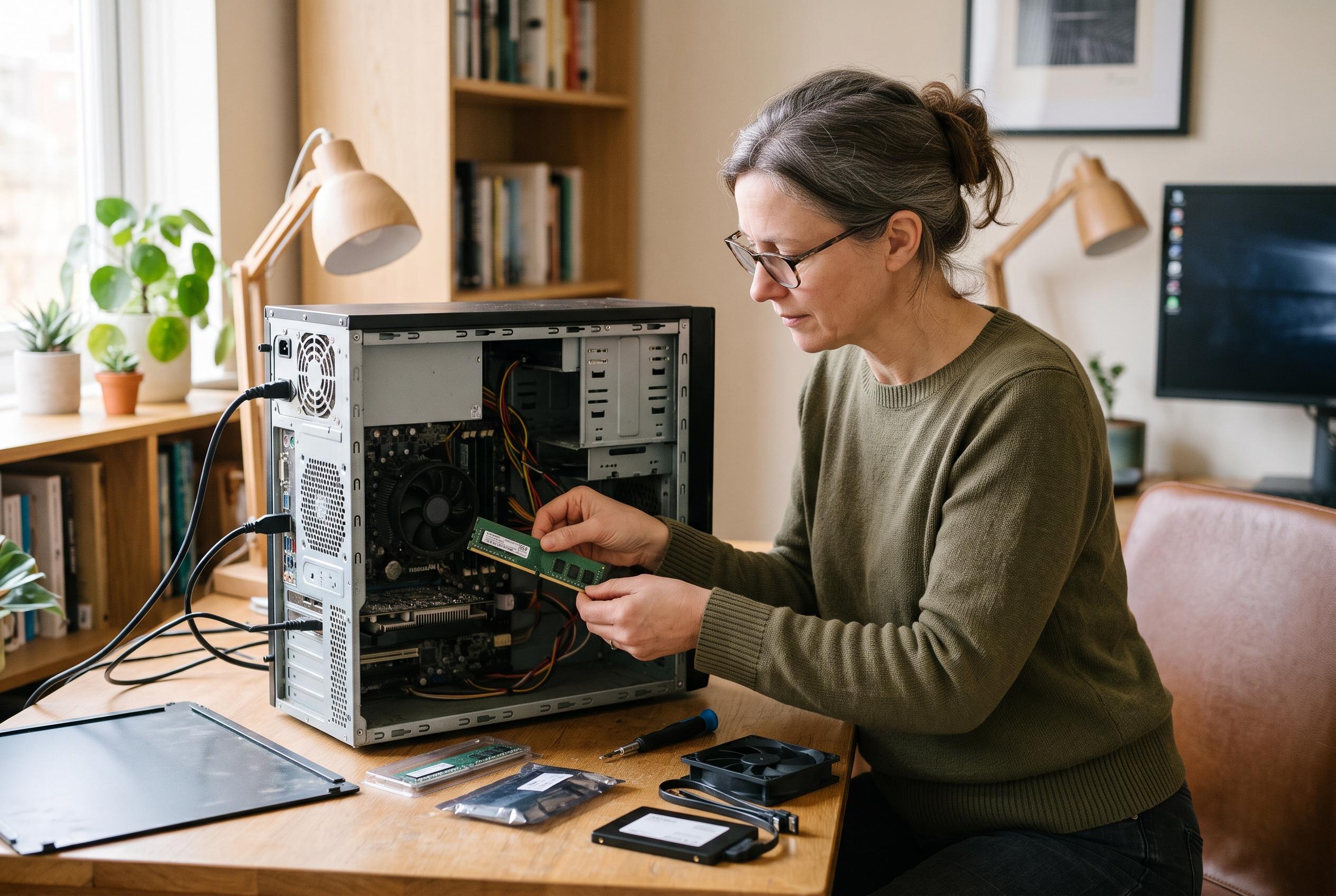

Replacing the hard drive, adding memory, improving cooling or switching operating systems can make an old computer useful again without the cost of a new machine.
There is a practical case for extending the life of an ageing PC, rather than replacing it immediately. When a machine is slow to start, struggles with modern software, runs hot, or has become noisy and unreliable, the first instinct is often to buy new. But as MuyComputer notes, some older systems can be brought back into service at a sensible cost, provided the upgrade path is chosen carefully and expectations remain realistic.
The most effective first step is usually storage. Replacing a mechanical hard drive with a solid-state drive can transform how a computer feels in day-to-day use, because the bottleneck shifts from spinning platters to flash memory. PCWorld explains that SSDs improve boot times, application launches and file transfers, and that even older machines with SATA rather than M.2 slots can still benefit significantly. In many cases, that single change delivers the clearest improvement for the least money.
Memory is the next obvious target. Tom’s Hardware says that increasing RAM has a direct effect on multitasking and on workloads that keep many programmes or browser tabs open at once. Doubling capacity from 4GB to 8GB, for example, can make a machine feel markedly more responsive. The upgrade is usually straightforward, but compatibility matters: users need to check the number of available slots, the maximum supported capacity, the memory generation and the physical form factor before buying modules.
Processor upgrades are more complex, but they can be worthwhile on systems that share a compatible platform across several generations. Tom’s Hardware notes that the motherboard chipset and BIOS determine which CPUs can be installed, so this is not a universal fix. Still, where support exists, a newer chip can improve performance across most tasks and may also bring a stronger integrated graphics unit. In desktop systems, a discrete graphics card can sometimes be added as well, although older power supplies and budget constraints often limit how far that route can go.
Cooling is another area that should not be overlooked. A machine that is clogged with dust or relying on an ageing heatsink may throttle performance or shut down to protect itself. Tom’s Hardware recommends improving airflow, maintaining fans and renewing thermal paste where appropriate. In practice, a thorough clean can solve problems that look like hardware failure, while also reducing noise and extending the life of components. For laptops, this maintenance is particularly important because compact cooling systems are more easily overwhelmed.
If hardware upgrades no longer make sense, software can still rescue an old PC. MuyComputer points out that Windows 11 may be unsuitable for older machines, whether because of hardware requirements or because the operating system itself places too much strain on modest specifications. Linux distributions designed for low-resource systems, or Google’s Chrome OS Flex, can give ageing hardware a second life. That does not mean every obsolete computer should be revived, but it does mean that a slow or neglected PC is not automatically destined for the scrap heap.
Disclaimer: This content is intended for informational purposes only. Readers are advised to exercise their own judgement, conduct due diligence, or consult a qualified expert before acting on any information provided.