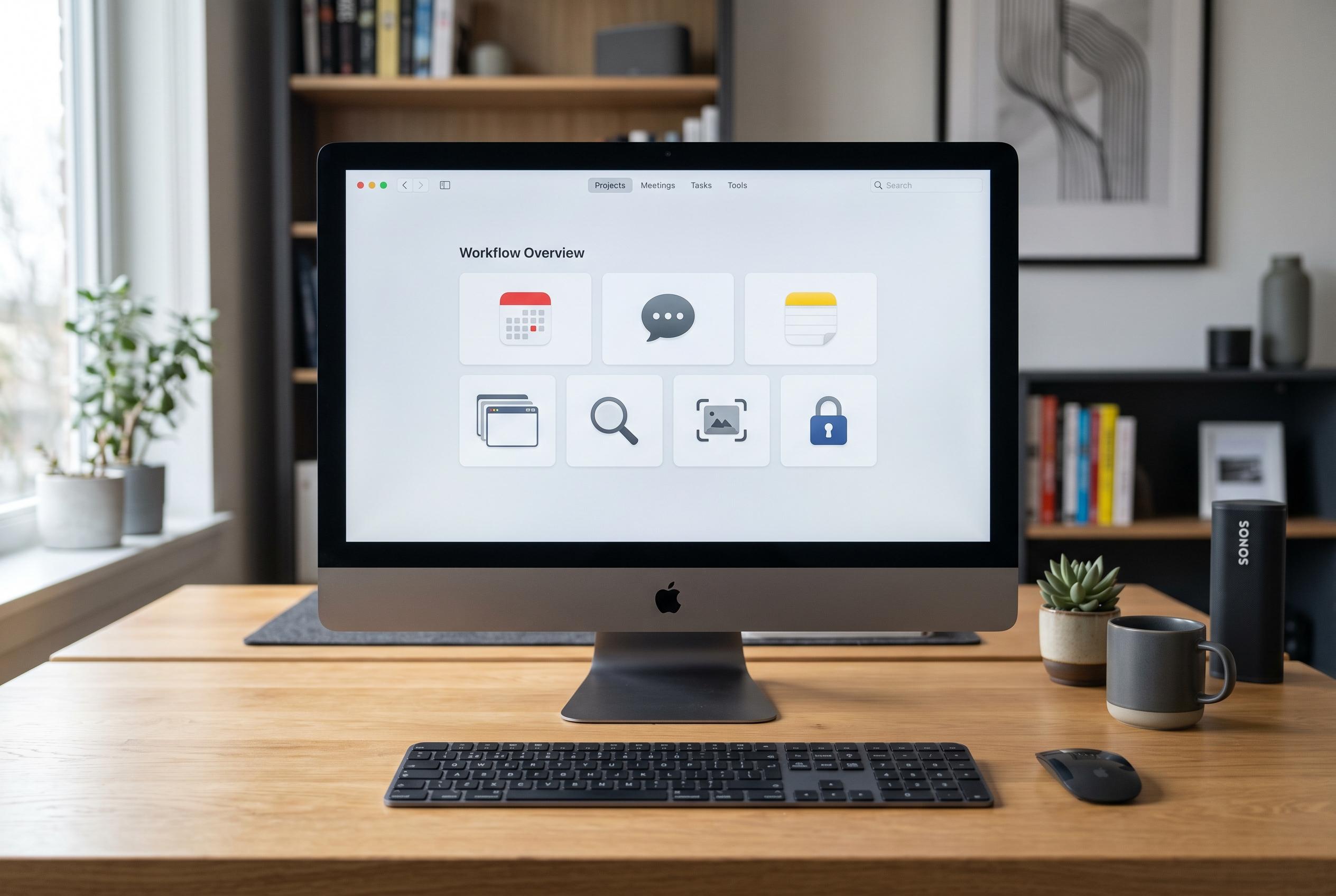

As demanding workflows outgrow Apple’s built-in apps, a surge in sophisticated third-party solutions now enhances screen capture, scheduling, search, communication, browsing, notes and password management for Mac users seeking more powerful and integrated tools.
Many Mac users stay with Apple’s built-in apps because they are polished, fast and free. But for people whose computers are central to their work, the default tools can still feel restrictive. A growing number of third-party apps fill those gaps by adding faster workflows, better integration and more specialised features, especially for screenshots, calendars, search, email, browsing, notes and password management.
For screen capture, CleanShot X has become a more complete tool than macOS’s native screenshot utility. It adds a floating post-capture panel, so users can annotate, save, copy or upload an image immediately rather than opening another editor. According to product descriptions and reviews, it also supports scrolling captures, text extraction through OCR, screen recording, GIF creation and cloud links for sharing. That broader feature set makes it particularly useful for people who create documentation, tutorials or visual reports on a daily basis.
Hora Calendar takes a different approach to Apple Calendar by focusing on Google Calendar users who want a native Mac app without the friction of browser-based scheduling. It connects directly through Google’s API, supports multiple accounts, calendar colours and Focus time, and can create events from natural language input. It also integrates with Google Meet, Zoom and Microsoft Teams, which helps make it useful in mixed-platform workplaces where meetings are not confined to Apple’s ecosystem.
Search and communication are also common reasons to move away from Apple’s defaults. Raycast has become a more capable replacement for Spotlight because it does more than launch apps or find files: it can run commands, do calculations and pull in services through extensions. Mimestream, meanwhile, is aimed squarely at Gmail users. By connecting through Google’s API rather than handling Gmail as a standard IMAP account, it can surface labels, inbox categories and server-side search features that Apple Mail does not handle as well.
Browser choice is often dictated by device mix. Safari remains efficient and tightly integrated with Apple services, but Chrome has the advantage for users who also rely on Android or other non-Apple devices. Its broader extension library and stronger cross-device continuity can be more practical for heavy web users, even though that comes with a battery-life penalty on portable Macs. For note-taking, Notion offers more structure than Apple Notes when ideas evolve into research, projects and databases, although Apple Notes still works well for quick capture.
Password management is the final area where many users outgrow Apple’s own tools. Apple Passwords is convenient within the Apple ecosystem, but 1Password offers broader compatibility across browsers and operating systems, along with support for secure notes, payment details, documents, passkeys and two-factor authentication codes. Its vault-sharing features are also useful for families and small teams. The common thread across all of these replacements is not that Apple’s apps are weak, but that specialist tools can better serve users whose workflows are more demanding, more cross-platform or simply more structured than Apple’s defaults were designed for.
Disclaimer: This content is intended for informational purposes only. Readers are advised to exercise their own judgement, conduct due diligence, or consult a qualified expert before acting on any information provided.