

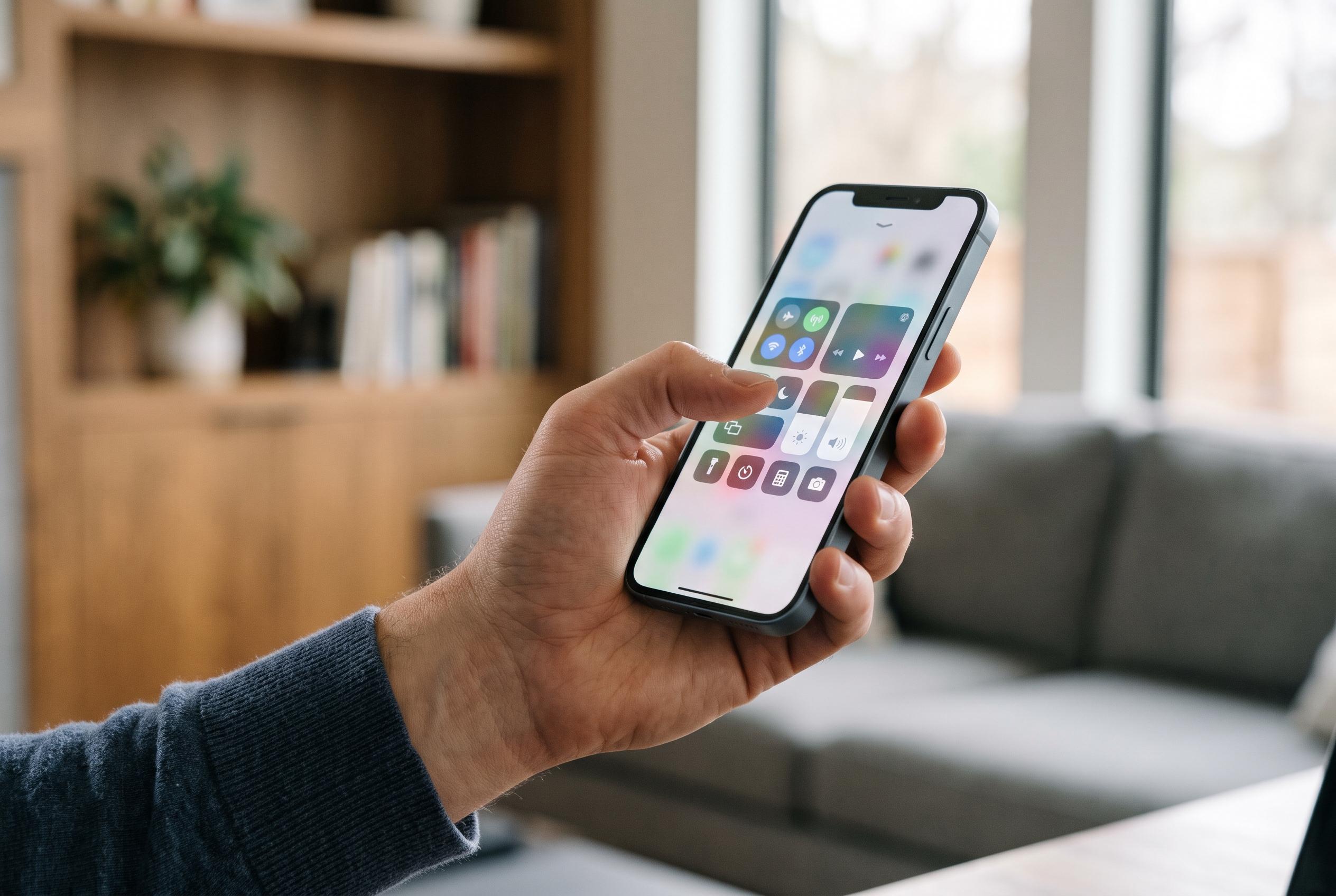

Apple’s foldable iPhone has an overlooked shortcut for opening Control Centre, while Reachability features are reportedly on the way to address awkward one-handed use.
Apple’s new foldable iPhone is already proving to be the kind of device that rewards close inspection. One of the clearest early criticisms has been ergonomic rather than technical: in left-handed use, the usual gesture for opening Control Centre can feel awkward, particularly on a handset whose folded body is wider than a standard iPhone. Tom’s Guide says Apple is planning Reachability features for the device later this year, which should help bring more of the interface within easier reach for users with smaller hands or shorter thumbs.
There is, however, an immediate workaround already built into the software. Instead of stretching for the top-right corner, users can tap the battery, Wi‑Fi and cellular status area to bring up Control Centre. In practice, that gives left-handed users a far more natural access point, and it becomes even easier to reach when a Live Activity pushes the indicator lower on the screen. On a device that supports several physical modes depending on hinge angle and orientation, that sort of small interface adjustment matters more than it might on a conventional handset.
That flexibility is central to the iPhone Duo’s appeal. Tom’s Guide describes six distinct usage modes, ranging from the closed outer display for quick checks to fully open portrait and landscape modes for reading, gaming and multitasking. It also highlights book, tabletop and tent-like positions that change how content sits on the panel and how comfortably the device can be used in one hand or propped up. Those configurations help explain why Apple has had to rethink familiar iPhone interactions such as Control Centre access.
The same software deep-dive that uncovered broader StandBy changes suggests Apple is treating the foldable as more than just a larger iPhone. Tom’s Guide reported that StandBy can work in any physical configuration and may evolve into a more ambitious hub-style experience, with customisable faces and layouts already appearing in code. Against that backdrop, the Control Centre shortcut is a useful example of how Apple is adapting long-standing iPhone conventions to suit a new form factor, even before promised accessibility updates arrive.
Disclaimer: This content is intended for informational purposes only. Readers are advised to exercise their own judgement, conduct due diligence, or consult a qualified expert before acting on any information provided.



