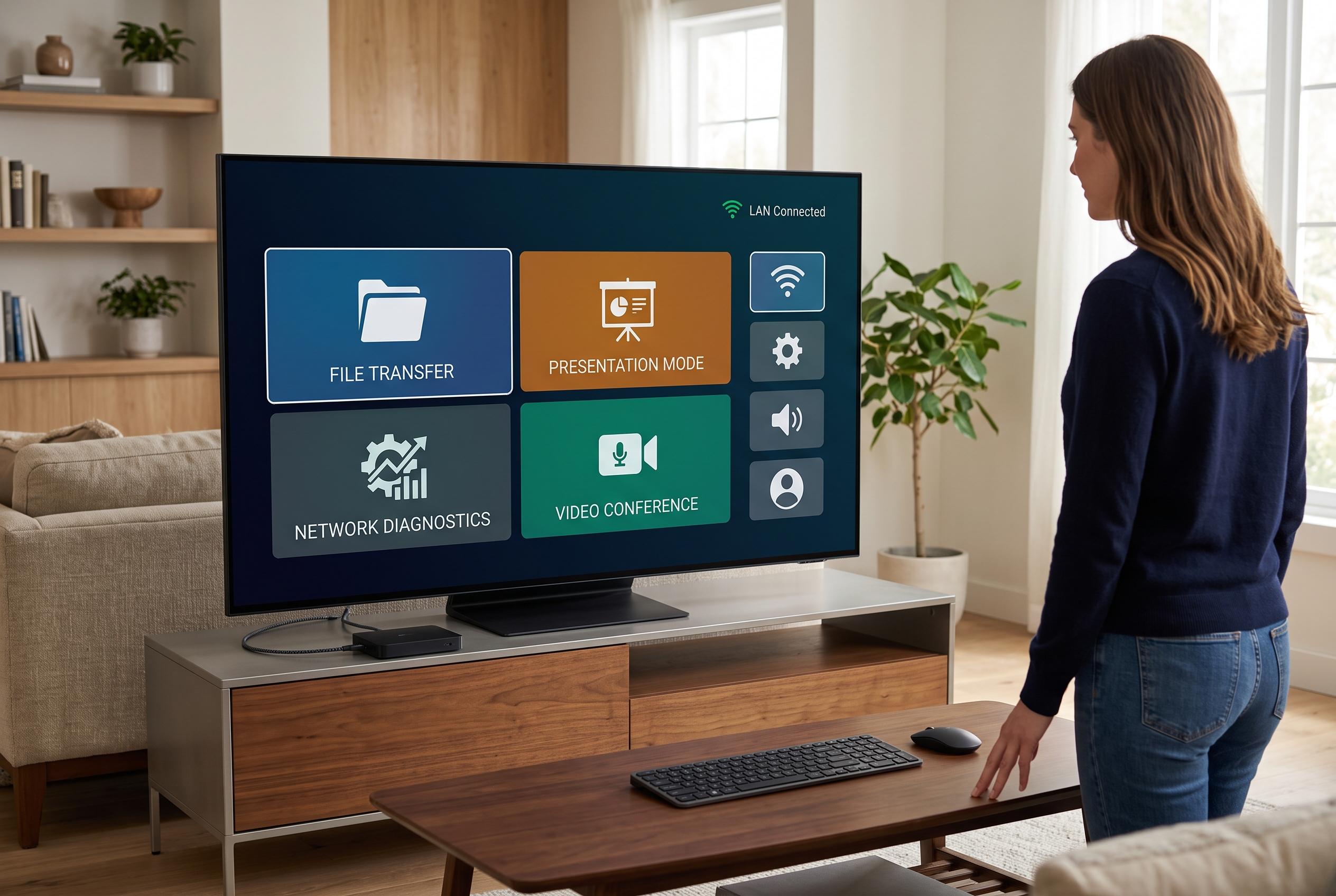

Smart TVs can do much more than streaming; with new apps, they can serve as multifunctional devices for file sharing, presentations, diagnostics and video calls, redefining their role in everyday computing.
Smart TVs are often treated as single-purpose streaming boxes, but that misses much of what they can do. Once you start using the device like a small computer with a large display, a range of practical tools becomes available. That is the point made by MakeUseOf, which argues that a handful of apps can turn a television into a more flexible hub for files, calls, notifications and basic diagnostics.
One of the most useful additions is a wireless file-transfer app. LocalSend, which its own site describes as a free, open-source tool for offline transfers over a local network, supports Windows, macOS, Linux, Android and iOS, with encryption and no account sign-in. In practice, that makes it far easier to move photos, videos or installation files on to a TV without cables, USB drives or cloud uploads. For anyone sideloading apps or showing media from a phone or laptop, it is a simple but effective upgrade.
Screen mirroring is another area where smart TVs can do far more than many owners realise. According to AirBeamTV, its mirroring apps can display iPhone, iPad, Android and Mac screens on a television without extra hardware. AirScreen describes itself as a receiver for AirPlay, Cast, Miracast and DLNA, which broadens compatibility across phones, tablets and computers. That means a TV can serve as a presentation display, a temporary second screen or a larger canvas for viewing apps and media.
A smart TV can also help with basic network troubleshooting. Speed test apps designed for televisions let users check download and upload speeds, plus latency, directly on the set. That is useful when streaming buffers, because it helps distinguish between a weak home network, an overloaded connection or a problem with the service itself. It is a small convenience, but one that can save time when the issue is not obvious.
The remote control can be made more efficient too. Button remapping apps allow unused shortcut keys to be reassigned, so a button fixed to a service you never open can launch something you use daily instead. Similar customisation can extend to double-press or long-press actions, which can speed up access to settings, streaming apps or voice assistants. For frequent users, this reduces friction every time the television is switched on.
Video calling and notification mirroring are the most unusual uses, but they are also among the most practical. MakeUseOf notes that Apple TV owners can use FaceTime, while Android TV users can rely on apps such as Google Meet or Zoom, sometimes with an external webcam. Other apps can mirror Android notifications on to the television, so calls and messages remain visible while the phone is out of reach. Taken together, these tools show that a smart TV is not just a screen for watching content, but a device that can handle everyday computing tasks with surprising ease.
Disclaimer: This content is intended for informational purposes only. Readers are advised to exercise their own judgement, conduct due diligence, or consult a qualified expert before acting on any information provided.