

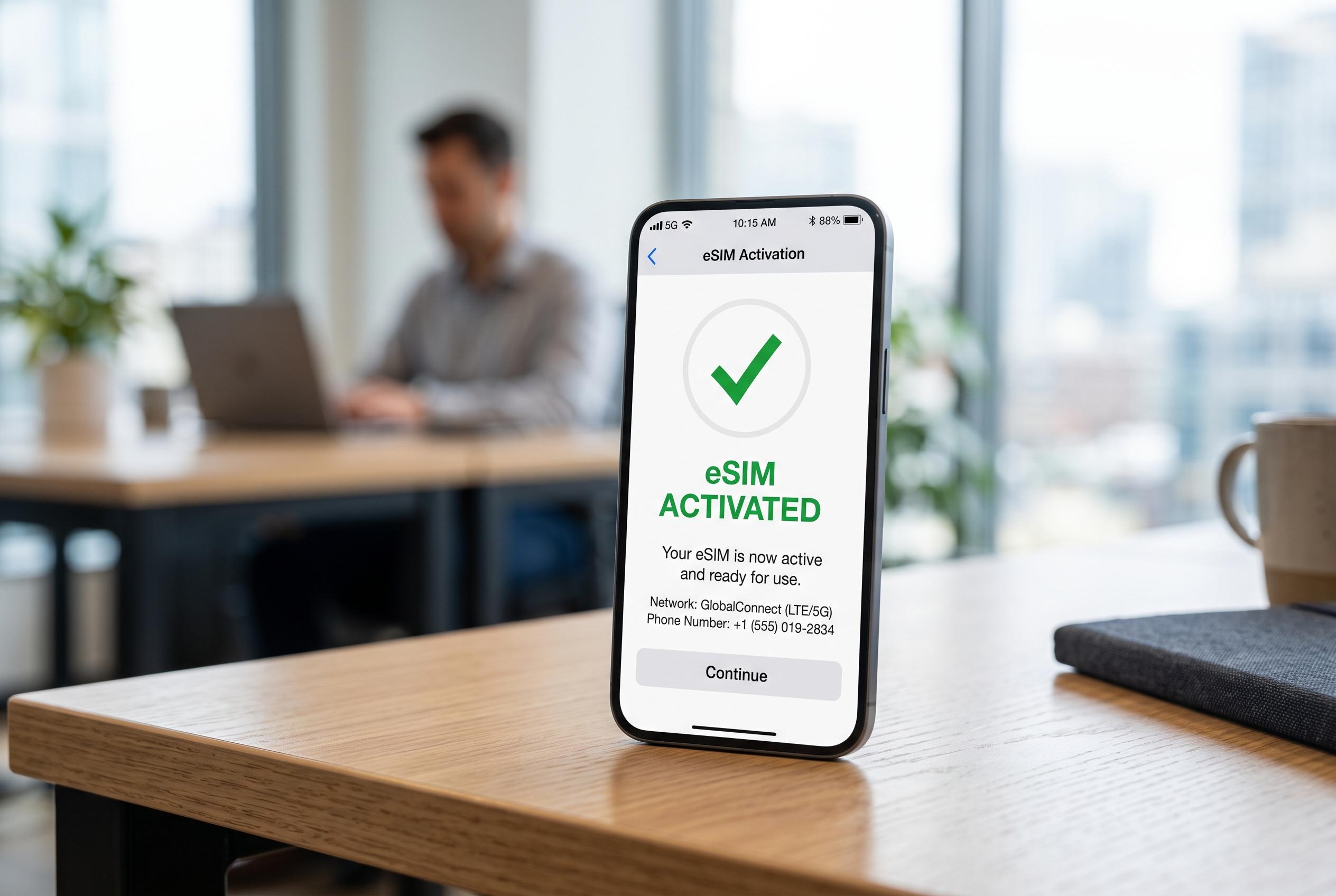

Activating an eSIM should be seamless, but avoidable errors such as device incompatibility, poor connectivity, and incorrect setup steps can disrupt the process, potentially causing travel delays and unexpected charges. Experts highlight essential checks to ensure a smooth transition to digital SIMs.
Activating an eSIM is often presented as a quick, paperless upgrade, but the process can go wrong in several predictable ways. According to troubleshooting guides from eSIMData, Novesim and Fuse Mobile, most failures stem from avoidable issues such as incompatible devices, poor connectivity, incorrect setup steps or carrier restrictions. For travellers, that can mean delays at the airport, missed connections or unwanted roaming charges.
The first check should be whether the device actually supports eSIM and whether it is unlocked for use on another network. eSIMData says carrier locking remains a common reason activation fails, while other providers note that some phones can store multiple eSIM profiles but still have limits on how many can be active or added. In practice, that makes compatibility one of the most important steps before buying a plan.
Timing matters as well. Some travel plans begin counting down as soon as the eSIM is activated rather than when the user arrives at their destination, which can shorten the usable period. Novesim advises checking whether the validity window starts at installation, first network connection or another trigger, so travellers do not burn through days before they need service.
A stable internet connection is another basic requirement that is easy to overlook. Fuse Mobile and Novesim both say interrupted Wi-Fi can leave an eSIM stuck on “activating” or cause incomplete installation. The safest approach is to complete the setup over reliable Wi-Fi, without switching networks or closing the installation process midway through.
Manual entry errors can also derail the process. Several support guides point to invalid activation codes, typos and using the wrong provider page as frequent causes of failure. That means it is worth slowing down long enough to verify any code, QR instruction or confirmation detail before pressing ahead.
Once the eSIM is installed, the phone still may not route data through it automatically. Novesim says users often need to turn the eSIM line on, enable data roaming and select the correct network manually. Without those steps, the handset can fall back to a primary SIM, which may lead to unexpected charges if roaming is active on the wrong line.
Coverage is another issue that can be misunderstood. A plan may work well in one country or urban area but offer weaker service elsewhere, particularly in rural regions or when crossing borders. Providers recommend checking the coverage map and supported networks in advance rather than assuming the plan will perform equally everywhere.
Keeping hold of the QR code matters too. If the profile needs to be reinstalled, an expired or lost code can turn a minor glitch into a bigger problem. Support material from Fuse Mobile and Redex also highlights the importance of preserving the original activation details, because some codes are time-limited and may no longer work later.
Data monitoring is the final step many travellers neglect. Once the eSIM is live, usage can climb quickly through app updates, map downloads and background activity. The most reliable setup is one that combines a compatible device, careful activation, the right data line and a quick review of settings afterwards. Done properly, the result is exactly what travellers want: a connection that works quietly in the background without physical SIM swaps or avoidable interruptions.
Disclaimer: This content is intended for informational purposes only. Readers are advised to exercise their own judgement, conduct due diligence, or consult a qualified expert before acting on any information provided.



