

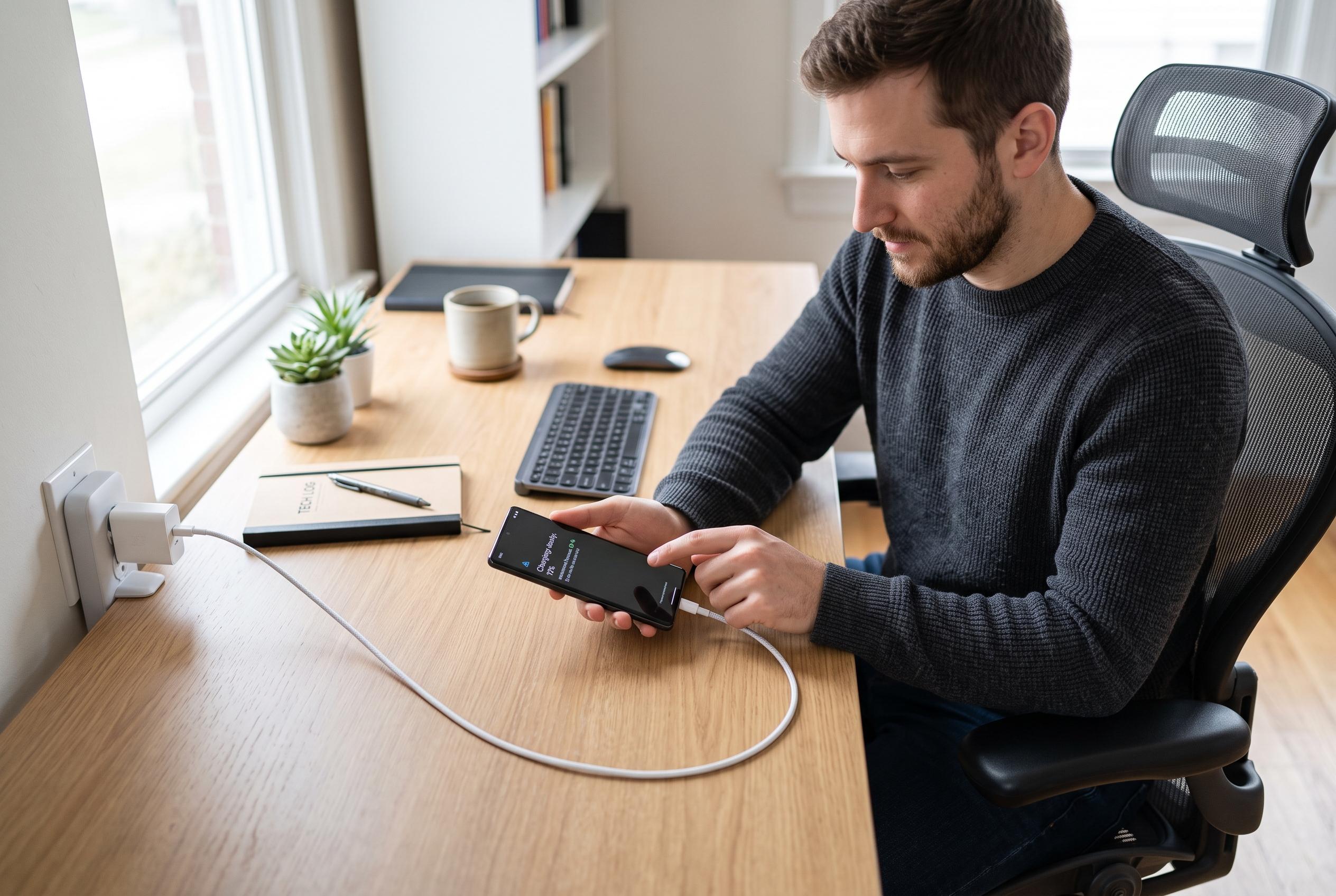

Discover common reasons behind slow phone charging and practical solutions to fix the issue without replacing your device, from checking cables to assessing battery health.
A phone that suddenly takes far longer to charge is not always suffering from a fault in the handset itself. According to Tech Advisor, the most common causes are usually practical ones: the cable, the power adaptor, the charging settings, the port, or the battery’s age. In many cases, the problem can be narrowed down without replacing the device.
The first thing to check is the cable. Several guides, including those from Urban Factory, Moft and MobileTechLab, say worn, poor-quality or damaged leads are a frequent reason for slow charging. The simplest test is to try another compatible cable. If the phone charges faster, the original lead is likely the problem and should be replaced. A weak adaptor can have the same effect, particularly after upgrading to a newer phone while still using an older charger with lower wattage.
Charging speed can also be limited by the phone itself. Tech Advisor notes that some devices use optimised or adaptive charging features designed to reduce heat and slow battery wear, which can make charging appear unusually sluggish. Background activity matters too. Games, video streaming and navigation all draw power while the phone is plugged in, so the battery may rise more slowly than expected. Heat can make this worse, because many phones deliberately reduce charging speed when temperatures climb.
Another common issue is a blocked charging port. Dust, lint and other debris can stop the cable from seating properly, which weakens the connection and interrupts power delivery. MobileTechLab and other repair guides advise careful cleaning rather than using metal tools that could damage the contacts. In addition, some phones have fast-charging options that can be switched off in settings, so it is worth checking the battery menu before assuming there is a hardware fault.
Battery wear is the final major factor. Lithium-ion cells lose capacity over time, and older phones may accept charge more slowly as the battery deteriorates. Tech Advisor says iPhone users can check battery health in Settings under Battery, while other manufacturers place similar information in their battery menus. If the battery is badly degraded, replacement may restore charging performance more effectively than buying a new phone.
Disclaimer: This content is intended for informational purposes only. Readers are advised to exercise their own judgement, conduct due diligence, or consult a qualified expert before acting on any information provided.



