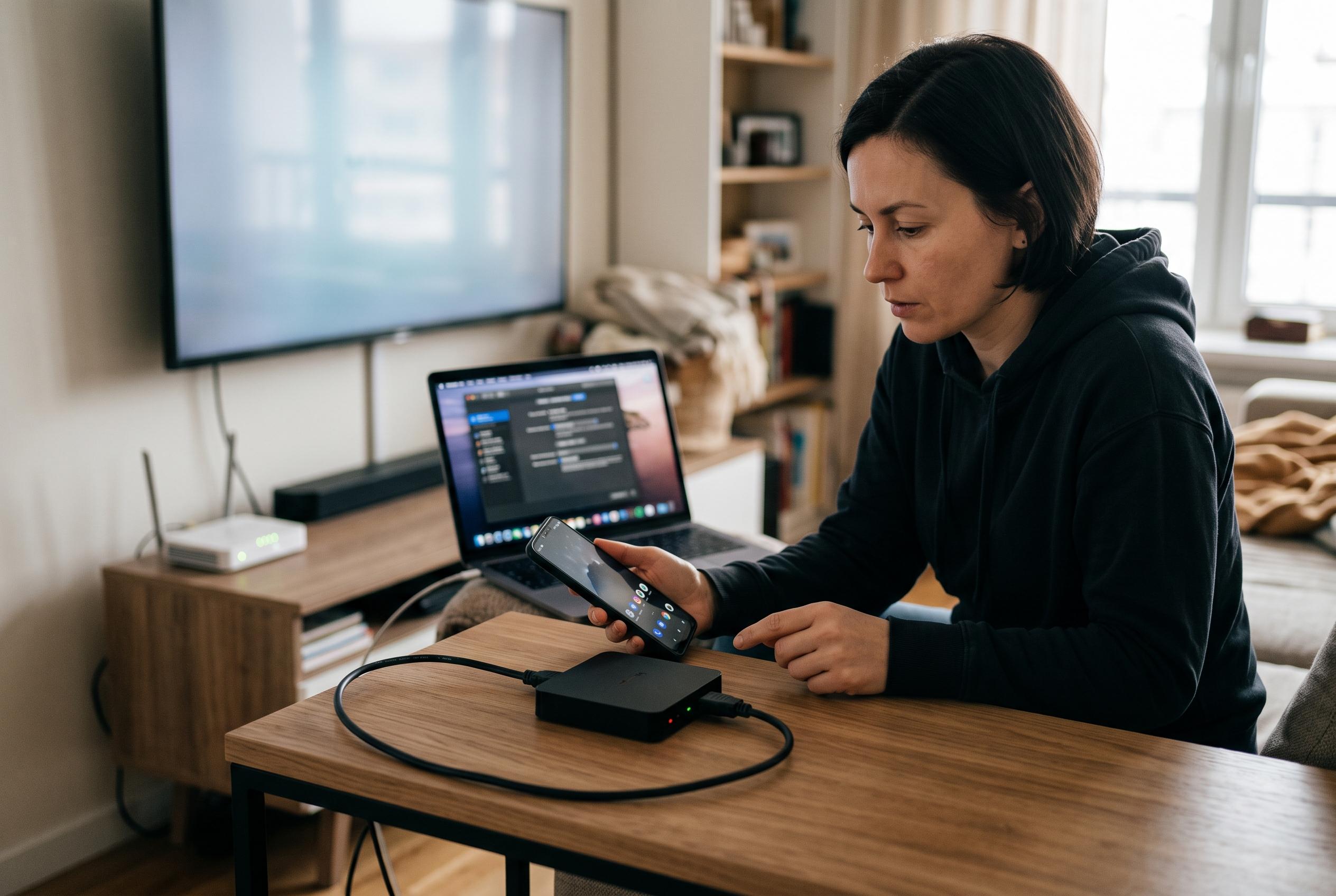

A comprehensive guide to diagnosing and fixing seemingly minor but complex issues in Android screen mirroring, focusing on layered fault analysis and connection stability.
Android screen mirroring can fail in a subtle way: the phone continues to work, but the image on the computer stops advancing. A clock may still tick on the handset, audio may continue and touch input may still register, yet the mirrored view remains stuck on an earlier frame. That distinction matters because a true device freeze, a stalled video path and a broken control path are not the same fault. Google’s Android support guidance treats an unresponsive phone as a different problem from an app-level failure, and that separation is the right starting point here.
The most useful diagnosis is to divide the workflow into layers: the Android device itself, the app being shown, the video frame, the transport connection, the desktop viewer and any recording or streaming software. Check each layer in turn with a harmless screen, such as Settings, and make one visible change at a time. If the phone updates but the mirrored window does not, the handset is probably not the fault. If the mirror updates but the recorder does not, the capture software is the narrower suspect. If neither phone nor mirror responds, the problem sits lower down and may require the device maker’s standard recovery steps.
It is also important not to confuse a stale picture with dead input. A computer click can still reach the phone even when the mirrored image has not caught up, which means repeated taps can create unintended actions once the display refreshes. The safer approach is to stop, inspect the physical device and confirm the current screen before trying again. That is especially relevant when the app under test involves messages, purchases, form submission or deletion.
Once the stalled layer is identified, reduce load in a controlled sequence. The scrcpy project’s documentation notes that lowering resolution can improve performance, and the same principle applies to other mirroring tools. Close any unnecessary recording or preview window, shut unrelated heavy applications on the computer, reduce the mirroring resolution or frame rate one step at a time and compare a short test over USB and Wi-Fi if both are available. Support pages from screen-mirroring services also point to common stability problems such as Wi-Fi interference, battery optimisation and screen-lock behaviour, all of which can interrupt a session without fully freezing the phone.
Connection details matter as much as software settings. A cable that carries power but not data, an unpowered hub, a weak wireless link or a device in power-saving mode can each produce symptoms that look like lag or freezing. Google’s Android help materials advise users to treat a frozen device, a troublesome app and a deeper system fault as separate cases, which is effectively the same logic needed in mirroring troubleshooting. If the mirrored view is live but mouse or keyboard input fails, the fault is likely in input authorisation or the control channel rather than in the picture itself.
When a session does recover, the smallest effective fix is usually the best one. If the recorder is behind but the mirror is live, refresh the recording source rather than restarting Android. If the mirrored window is stale but the phone still responds, reopen the display session or reconnect the device view. If the connection has dropped, confirm authorisation and cable integrity before changing quality settings. A short freeze log helps the next attempt: note the phone model, Android version, connection type, computer operating system, the app or screen involved, whether the phone still changed, whether input still worked and which action restored the picture. The aim is not to prove that every freeze has one cause, but to identify the first layer that stopped moving. Once that boundary is clear, the fix becomes smaller, safer and easier to repeat.
Disclaimer: This content is intended for informational purposes only. Readers are advised to exercise their own judgement, conduct due diligence, or consult a qualified expert before acting on any information provided.