

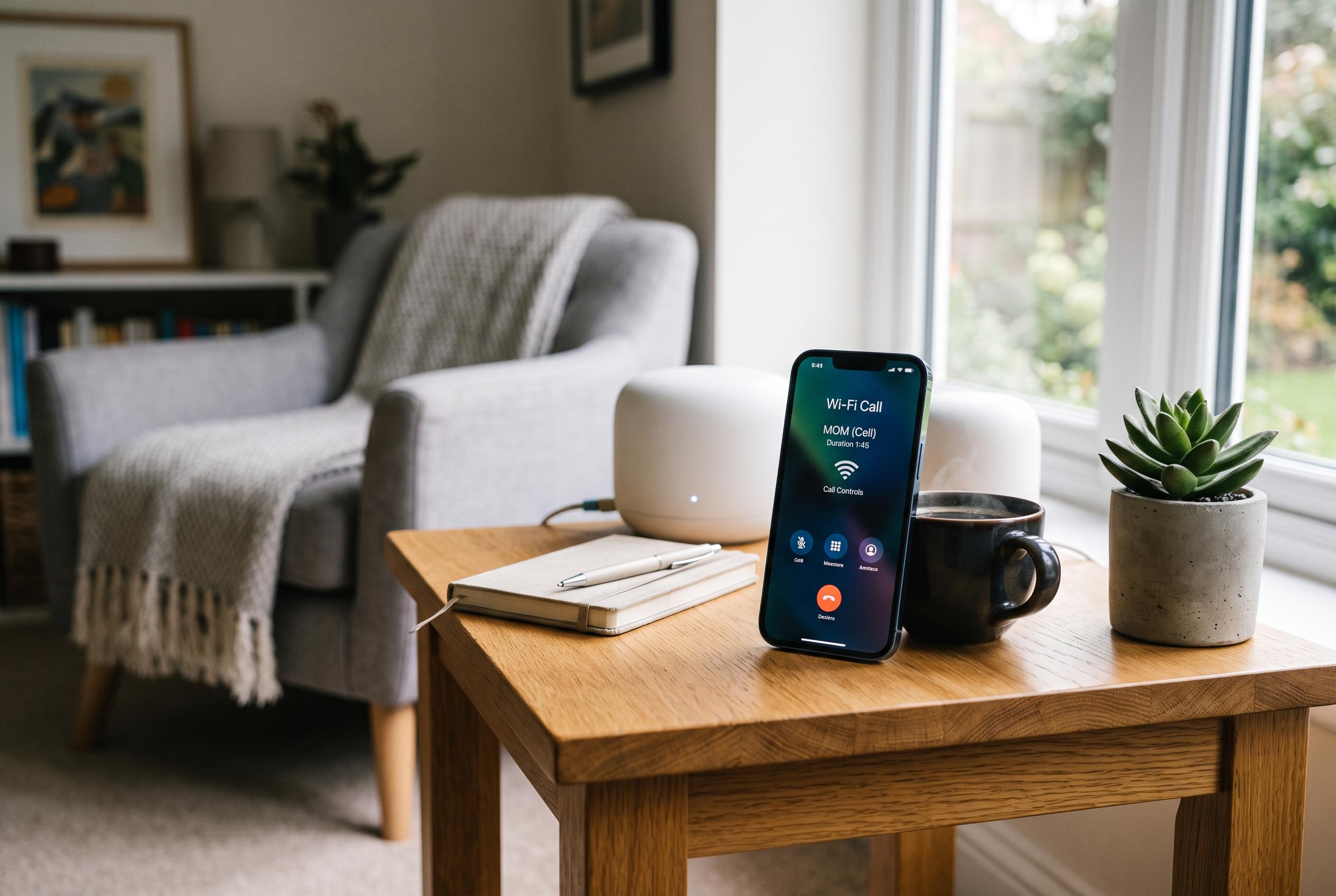

Experiencing Wi-Fi calling problems at home? Learn the latest tips on activation, network compatibility, and troubleshooting to ensure reliable calls despite poor mobile reception.
Wi-Fi calling can be a practical fallback when mobile reception at home is poor, but a strong broadband connection does not guarantee that the feature will work. According to Apple and Google, the carrier must support Wi-Fi calling, the line must be provisioned for it, and the handset still has to complete activation before calls will route correctly.
The first step is to confirm that the problem is not with the account. Google Fi’s support guidance says Wi-Fi calling should be checked against the active SIM, the device model and the carrier’s own support status. If the option is missing from the phone’s menus, the issue is usually with the plan, the region or the line rather than the router.
Activation can also depend on an emergency address being entered or confirmed. Apple says iPhone users may be asked to complete that step before Wi-Fi calling is fully enabled, and the feature may not finish setting up until the address is accepted. On Android, the menu path varies by manufacturer, but Samsung and Google both direct users to the phone’s network settings to switch the feature on.
Once enabled, the phone should be restarted and given a short time to register. Support pages from Apple and Samsung note that Wi-Fi calling indicators should appear once the handset has attached to the service. A speed test is not enough to prove success; the phone can still have a registration problem even when the connection looks fast.
If the feature works on one network but not another, the home Wi-Fi is more likely to blame. Google Fi and other carrier help pages recommend testing on a different trusted network to separate handset or account faults from local network issues. If calls succeed elsewhere, attention should turn to the home router, access controls or filtering rules.
VPNs, private DNS services and security filters can also interfere with carrier voice traffic. Ting’s troubleshooting advice and Google’s support material both suggest pausing those tools for a single test call. If Wi-Fi calling works only when a filter is disabled, the fix is usually to adjust that service rather than changing the phone.
Router changes should come last. Restarting the router is reasonable, but a factory reset is not. If the home network uses guest isolation, parental controls or aggressive filtering, test the main network with those features paused one at a time. Apple also says a network reset on the phone should be treated as a final step, because it removes saved Wi-Fi details and may require the emergency address to be entered again.
Contact the carrier if the Wi-Fi Calling switch never appears, if activation fails after the address step, or if calls do not work on more than one trusted Wi-Fi network. Giving support the phone model, SIM type, software version and exact error message will make it easier to distinguish a provisioning fault from a home network problem.
Disclaimer: This content is intended for informational purposes only. Readers are advised to exercise their own judgement, conduct due diligence, or consult a qualified expert before acting on any information provided.



