

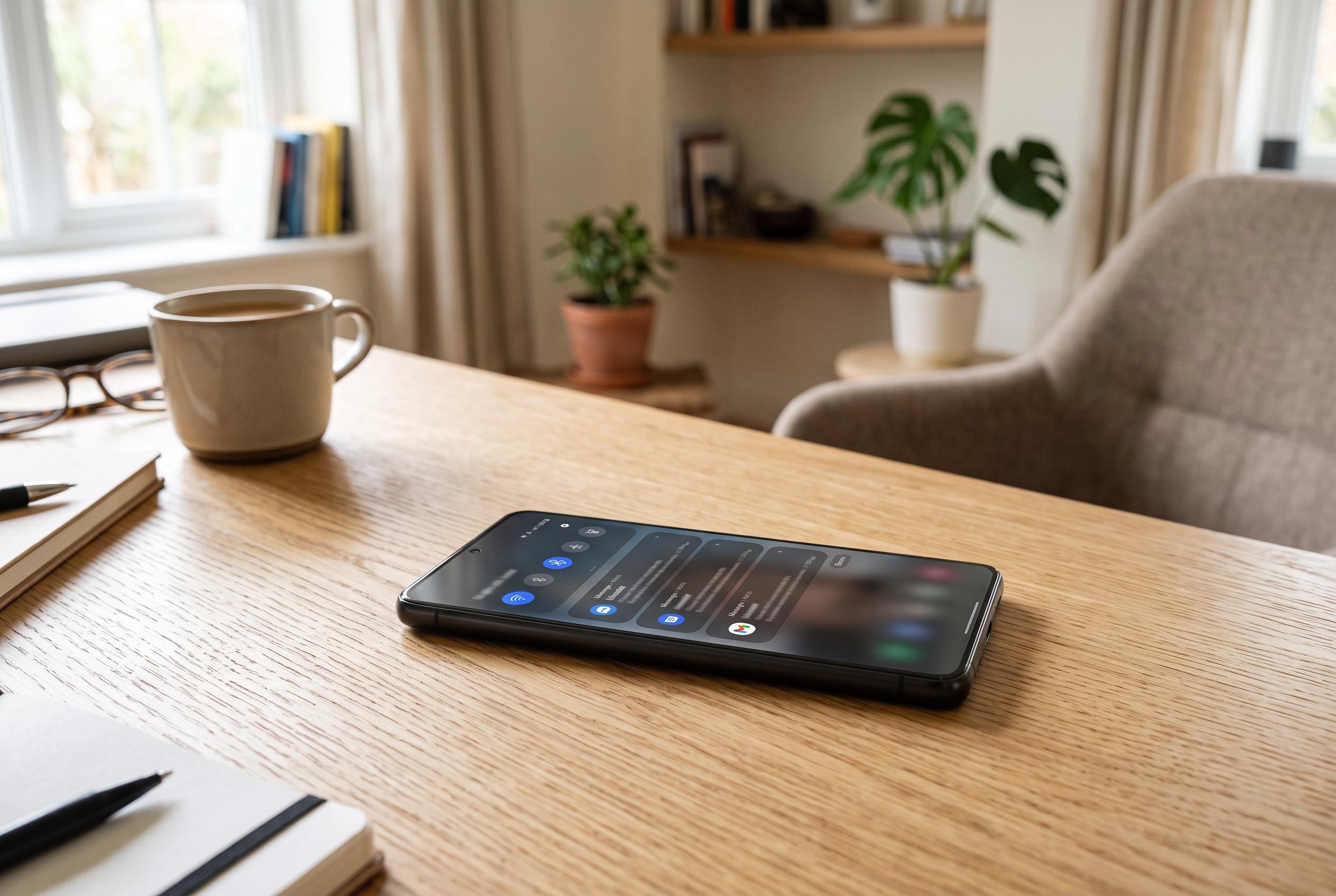

Delayed notifications on Android devices are often due to power-saving features like Battery Saver and app hibernation, which can interfere with timely alerts for critical apps. Reviewing and adjusting power and app restrictions can restore prompt notifications.
Late Android notifications are often traced to power-saving features rather than network faults. The usual culprit is Battery Saver, or Power Saving Mode on some phones, which can slow background activity, curb synchronisation and, in some cases, hold back alerts until the device is active again. That may be acceptable for casual messages, but it is a poor fit for work emails, calendar changes or security alerts that need to arrive promptly.
The first setting to check is the phone-wide battery mode. On many Android devices, Battery Saver reduces processing power and limits non-essential background work to conserve charge. Android Authority and other Android guides note that this can interfere with timely notification delivery, especially for apps that are not opened often. If the phone allows it, switching to a balanced power mode, or turning Battery Saver off altogether, is often enough to restore normal behaviour.
If the issue affects only certain apps, Android’s per-app battery controls are the next place to look. By default, many apps are set to an optimised mode that allows the system to limit background activity. That works well for rarely used services, but it can be a problem for email, workplace messaging and project-management tools that must stay current even when opened only occasionally. Changing those apps to unrestricted battery access gives them more freedom to wake, sync and receive alerts in the background.
Data Saver can create the same effect on mobile data. Although it is usually disabled by default, turning it on can block background network access for selected apps unless they are explicitly exempted. That means a notification may exist on the server but still fail to reach the handset quickly. If the phone is on a limited plan, the compromise is to keep Data Saver enabled while allowing critical apps to use unrestricted data.
Android 12 and later add another layer through app hibernation, sometimes labelled as pausing unused app activity. After months of inactivity, the system can suspend an app, revoke permissions and clear cached data. That is sensible for dormant software, but it is risky for services such as smart home controls, travel alerts or security apps that may be used infrequently yet remain important. Mobile support guidance also points out that some devices add manufacturer-specific battery limits on top of Android’s own controls, so a hidden vendor setting may still be suppressing alerts even after the standard options are changed.
The broader point is that delayed notifications usually have a straightforward explanation. Android is designed to balance responsiveness against battery life, and the default settings can be surprisingly aggressive about saving power. For most users, the fix is not a complex repair but a careful review of battery, data and app restrictions.
Disclaimer: This content is intended for informational purposes only. Readers are advised to exercise their own judgement, conduct due diligence, or consult a qualified expert before acting on any information provided.



