

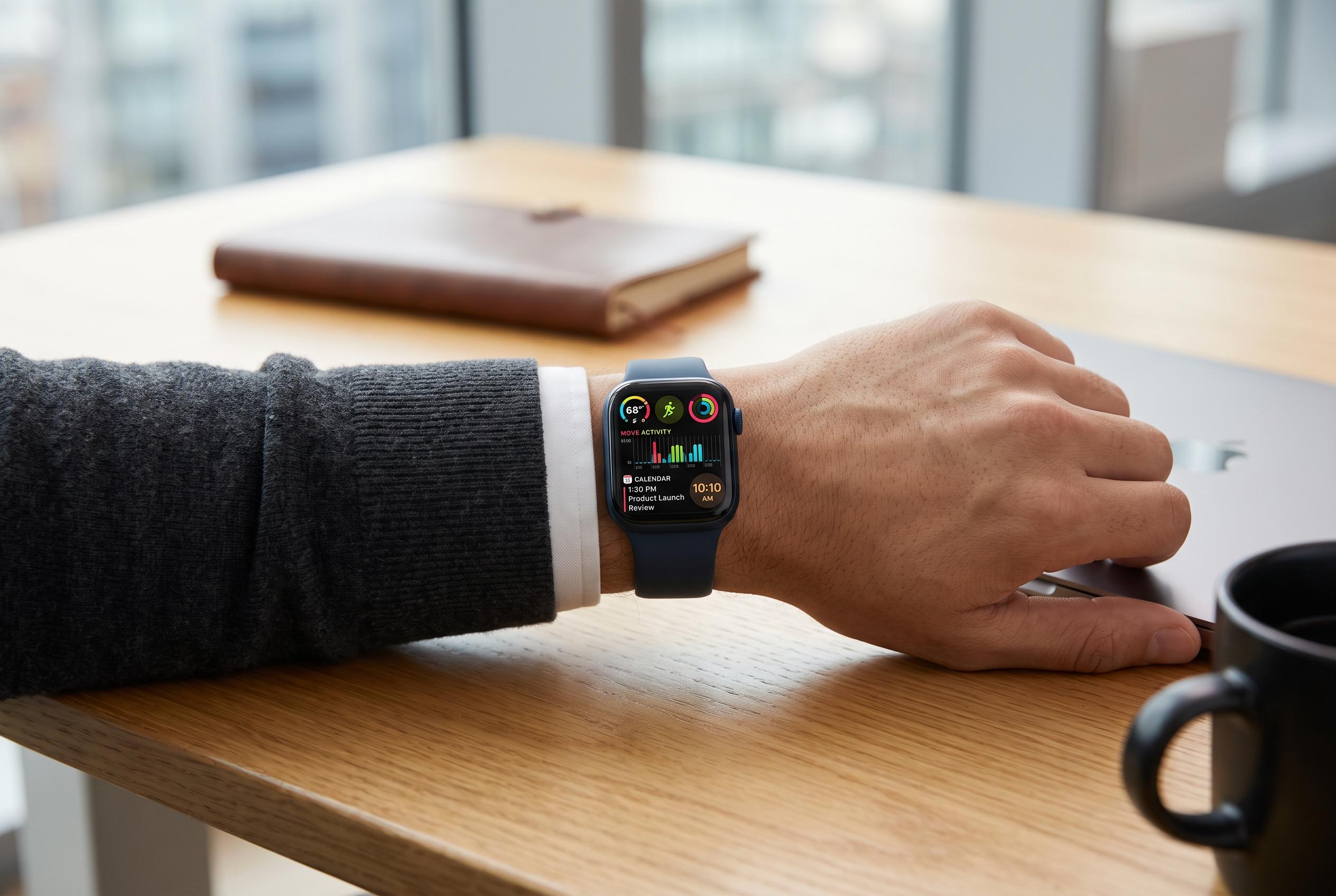

Many Apple Watch users overlook key settings that can significantly improve their experience. From adjusting app behaviour to managing notifications and background features, small changes can lead to major efficiency gains and better device longevity.
Many Apple Watch owners use only a fraction of what the device can do. That leaves useful settings untouched and everyday tasks less efficient than they could be. The biggest gains often come from small changes: adjusting how long an app stays on screen, trimming back alerts and turning on features that match how the watch is actually used.
One of the most overlooked options is the watch’s behaviour after you open an app. If it is set to return to the clock too quickly, it can interrupt navigation, workout tracking or any task that needs sustained attention. Other underused tools include the Apple Watch’s role as a remote for Apple TV and compatible smart televisions, plus the Smart Stack, which can be pinned to surface the most relevant widgets instead of forcing endless scrolling. The same principle applies to messages: custom quick replies are more practical than the generic responses many users leave in place.
The watch can also do more for information on the move than many people realise. Although it is not designed for long browsing sessions, links sent by text or email can be opened directly on the device for quick checks such as menus, directions or reference pages. For users who struggle with punctuality, setting the watch a few minutes ahead can create a useful buffer. Hourly chimes and haptic alerts can also serve as discreet reminders to stay aware of time without relying on constant screen checks.
Notifications remain one of the most common sources of friction. Too many alerts can drain attention and reduce the watch’s value as a fast, glanceable device. The same applies to performance and battery life. Smartwatch Support says excessive notifications, background app refresh, always-on display, workout tracking, cellular use, outdated software and weak signal strength can all accelerate battery drain. iDownloadBlog adds that a watch can feel slow if it has not been restarted in a long time, is running outdated watchOS software or has too many apps installed. Managing those settings is often more effective than looking for a deeper fault.
Some of the most useful functions are the ones that work best in the background. Apple Watch storage can hold music and offline maps, which is especially helpful for exercise, travel and times when carrying an iPhone is inconvenient. Tom’s Guide also notes that sleep tracking is more reliable when the watch is worn properly, kept clean and charged before bed rather than left until the last minute. For fitness users, Wareable says calibration, correct fit and accurate personal details all help improve measurement quality. And for drivers using CarPlay, turning off duplicate navigation alerts on the watch can reduce distraction and make the journey safer.
Disclaimer: This content is intended for informational purposes only. Readers are advised to exercise their own judgement, conduct due diligence, or consult a qualified expert before acting on any information provided.



