

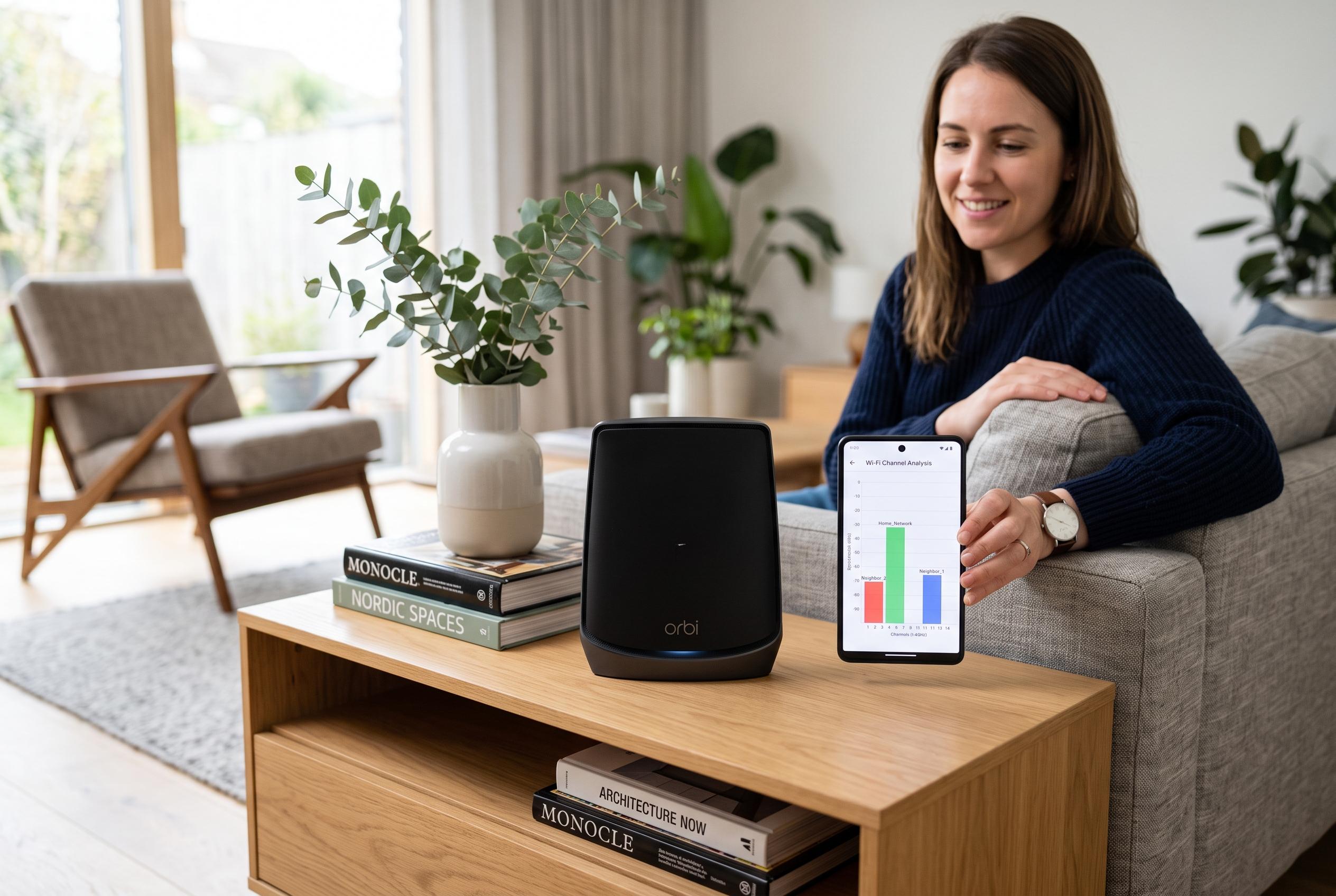

A simple Wi-Fi scan can reveal that perceived slow home internet is often caused by crowded channels. Apps can help users identify interference and improve connectivity with minimal hardware changes into more sophisticated mesh systems.
A quick Wi-Fi scan can reveal that a slow home network is not really slow at all, but simply crowded. In the account published by Android Police, the problem started with one household member unable to stream music reliably despite a gigabit internet plan. The writer found that restarting the router was not enough and used a free Play Store app to map local wireless traffic and identify channel congestion as the likely cause.
According to the Google Play listings for several Wi-Fi analyser apps, the basic principle is the same: scan nearby networks, show their signal strength and channel overlap, then point to a less congested band or channel. One version of Wi-Fi Analyzer from Quire Systems presents detailed signal data, including band, channel width and Wi-Fi standard, while another from Webprovider adds live graphs, speed tests and diagnostic tools such as ping and DNS look-up. A third app, from olgor.com, focuses on channel recommendation and interference reduction. Android Police’s example shows why that matters in dense buildings, where multiple access points often crowd the same part of the spectrum.
The article notes that the home network was sitting in a congested area of the 5 GHz range, with neighbouring networks overlapping on adjacent channels. After the router was moved to a cleaner channel, the app reported far less congestion and the connection improved. That is consistent with the apps’ own descriptions, which stress that channel analysis can help users spot interference that ordinary rebooting will not fix.
The piece also makes a useful distinction between temporary troubleshooting and a more durable upgrade. Power-cycling a router can clear transient faults, but it cannot fix weak antennas, poor hardware or a network that is simply underspecified for the home it serves. Android Police argues that stock routers supplied by internet providers often struggle in that role, especially in apartments or other high-density environments, and recommends moving to a mesh system if problems persist.
That broader point is supported by the feature sets of modern mesh routers, which commonly include automatic channel selection, device prioritisation, guest networks, parental controls and remote management through a phone app. In the Android Police example, the replacement AmpliFi mesh system could also monitor bandwidth use and adjust channel choice without manual intervention. The practical lesson is straightforward: if routine reboots do not help, a Wi-Fi analyser can show whether congestion is the real bottleneck and whether the answer is a channel change, a hardware upgrade or both.
Disclaimer: This content is intended for informational purposes only. Readers are advised to exercise their own judgement, conduct due diligence, or consult a qualified expert before acting on any information provided.



