

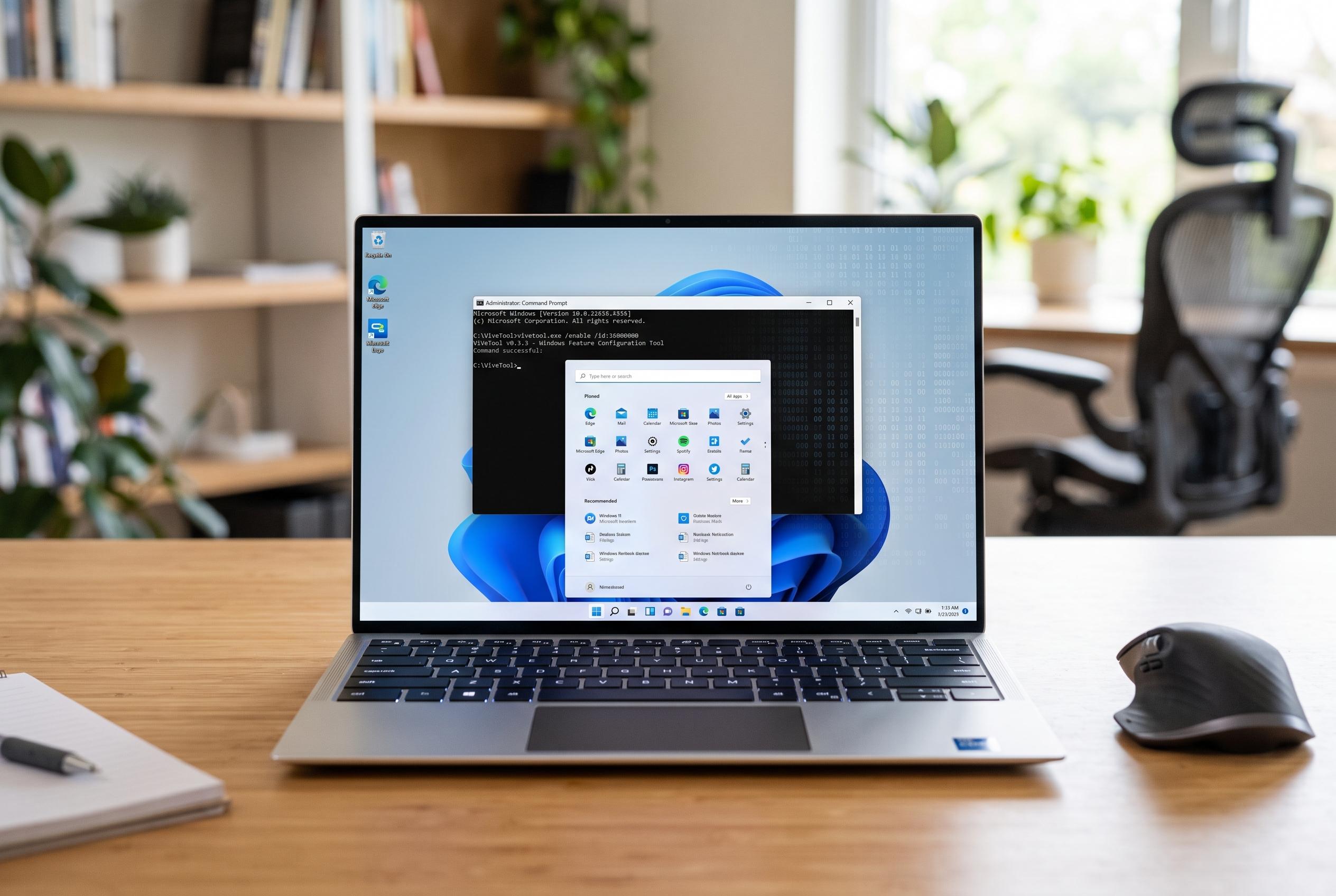

Enthusiasts are using ViveTool to enable upcoming Windows 11 features ahead of official roll-out, highlighting both its appeal and risks.
Windows 11 users do not always receive new features at the same time, even when their machines are eligible and fully up to date. According to Phonandroid, Microsoft often stages roll-outs so that a feature may be present in the code but still hidden from many PCs. That has made ViVeTool a widely discussed utility among enthusiasts: it is an open-source command-line tool that can switch on features before Microsoft enables them broadly.
The appeal of ViVeTool is straightforward. PCWorld explains that it works by toggling Microsoft’s internal feature flags rather than altering system files, which is why it is often described as a relatively safe way to expose hidden functions. Windows Latest has also shown how it is being used with recent Windows 11 test builds to enable items such as redesigned Start menu options, a battery-percentage display and AI-related actions in File Explorer before they appear in general release. In practice, that means users can try features early, although they may still be unstable or incomplete.
The process is not especially complex, but it does require care. Guides from Phonandroid, ViVeTool’s own site and other technical explainers all describe the same basic routine: download the archive, extract it to a folder, open Terminal as administrator, move into the ViVeTool directory and run a command that points to a specific feature ID. The crucial part is finding the correct ID for the function you want, which is why enthusiasts often rely on specialist forums and accounts that track Windows test builds.
That last step matters because the wrong identifier can activate the wrong component or trigger unwanted behaviour. PCWorld and Windows Latest both warn that incorrect feature IDs may lead to crashes or other stability problems, especially on builds where Microsoft is still testing the code. ViVeTool’s documentation also notes that enabled features can disappear again after some updates, which reflects how often Microsoft changes the underlying feature flags during development.
For users comfortable with the Terminal, ViVeTool offers a way to test Windows 11 features on their own timetable rather than waiting for Microsoft’s staged roll-out. For everyone else, it is a reminder that “hidden” usually means “unfinished” as well as “unavailable”. The tool does not replace a normal update cycle; it merely exposes switches that Microsoft has already built into the operating system.
Disclaimer: This content is intended for informational purposes only. Readers are advised to exercise their own judgement, conduct due diligence, or consult a qualified expert before acting on any information provided.



