

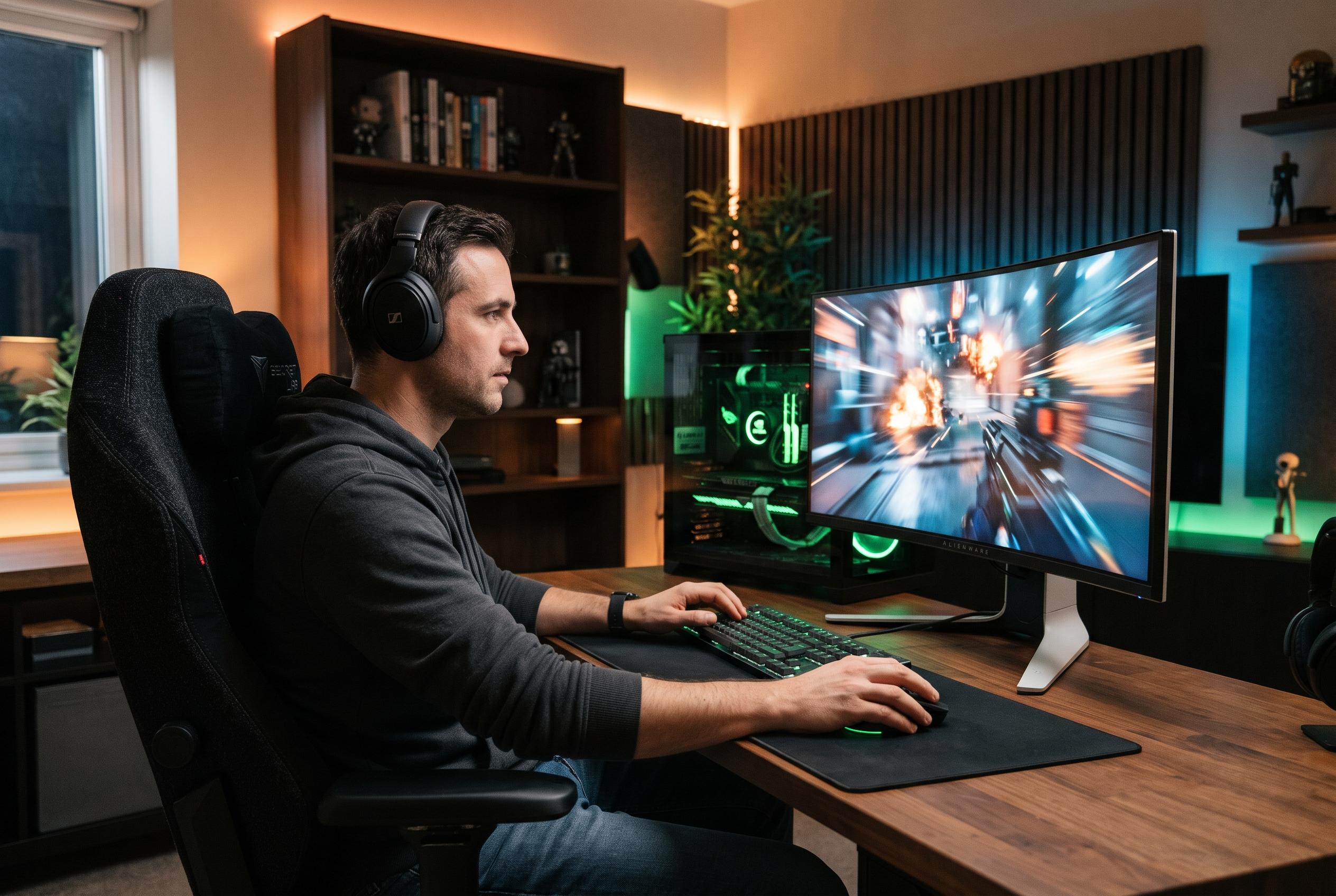

The Nvidia App’s automatic tuning can favour broad performance gains over frame-time stability, making conservative global settings and game-level controls a safer choice for RTX users.
Nvidia’s automatic optimisation tools are not a substitute for careful manual tuning, according to the BGR explainer that prompted this discussion. The problem, as the piece argues, is that the app’s “Optimize now” feature appears to prioritise broad performance targets rather than frame-time stability, which can leave some games with aggressive DLSS scaling, blurred image quality and uneven resolutions. For RTX users, the more reliable approach is to begin with a conservative baseline in the Nvidia App’s global driver settings and then let individual games handle their own graphics workloads.
That means avoiding unnecessary global changes that can interfere with modern game engines. The BGR guide recommends leaving power management at its default “Normal” setting, switching image scaling off and disabling Low Latency Mode at the driver level so that titles can use their own internal options where needed. It also points to shader cache as one of the more practical settings to adjust: giving the cache more SSD space can reduce recompilation overhead and help minimise stutter when new assets load. In other words, the gains come less from chasing a one-click optimisation button and more from setting a stable, predictable foundation for the card to work from.
Disclaimer: This content is intended for informational purposes only. Readers are advised to exercise their own judgement, conduct due diligence, or consult a qualified expert before acting on any information provided.



