

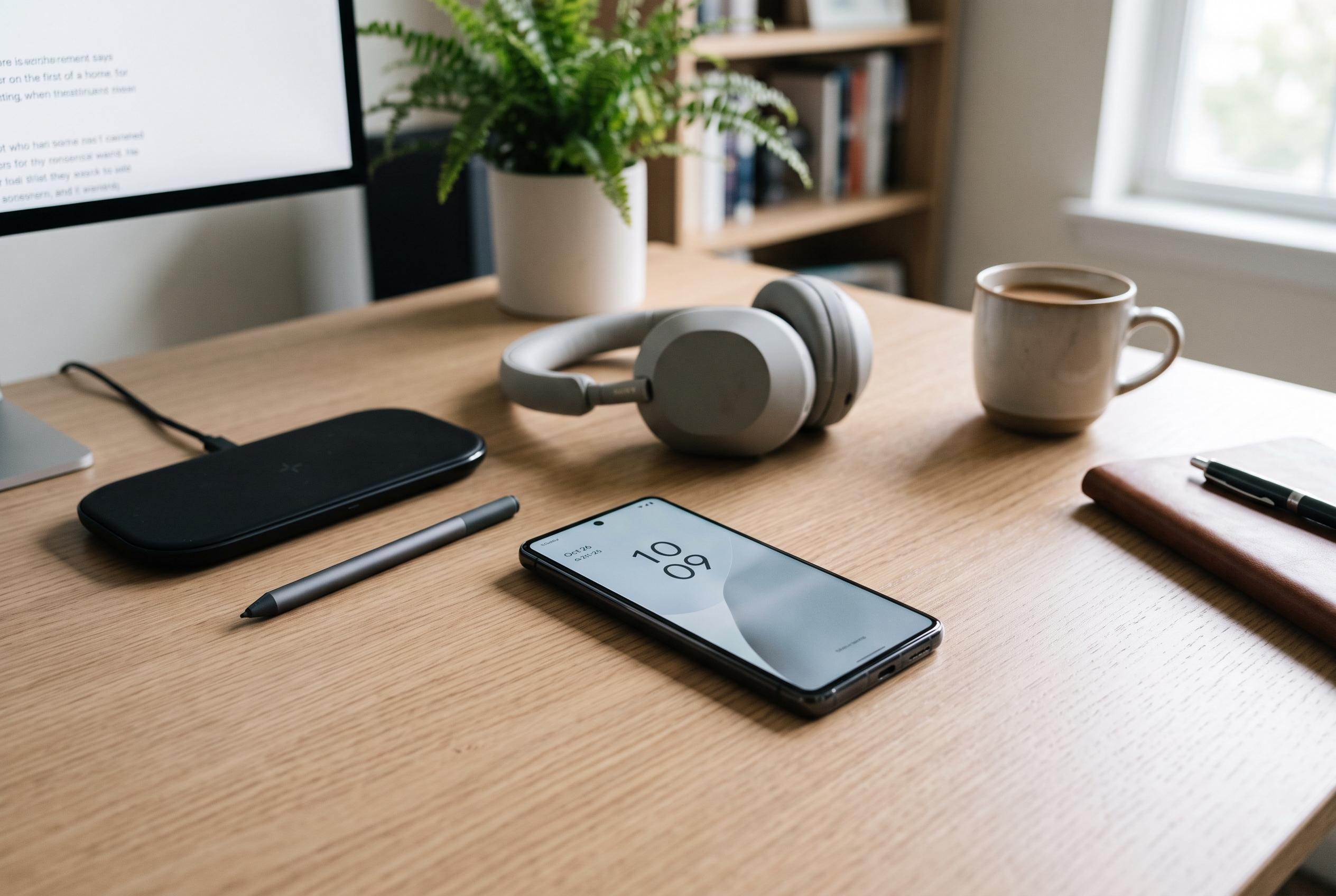

Despite being a basic step, restarting smartphones continues to be an effective solution for performance, connectivity, and security issues, with experts recommending regular reboots based on usage patterns.
Restarting a smartphone is still one of the simplest ways to fix everyday faults, even on modern Android and iPhone devices designed to stay on for long periods. The Italian technology site SmartWorld says many users go weeks without switching their phones off, yet a reboot remains a quick first step when performance drops or connections misbehave.
The reason is largely technical. Phones accumulate temporary data and keep background processes running as people use them. Over time, those processes can behave unpredictably, which may lead to sluggish response, app crashes and unusual battery drain. According to reporting from Tech News, a restart clears those transient problems by closing active processes and starting the system again in a cleaner state.
Connectivity issues are another common case. If Wi-Fi becomes unstable, Bluetooth stops pairing correctly or mobile data starts acting erratically, a reboot can reinitialise the software that manages those links. Techlicious and other technology guides say this often resolves temporary faults without requiring users to change settings or reset the device.
There is also a security angle. SmartWorld notes that some advanced malware can be removed from volatile memory when a device is powered down, and it says the US National Security Agency has recommended weekly restarts as one measure that can reduce certain risks, including some zero-click attacks. That said, a restart is only a supplement to good security practice, not a substitute for software updates, cautious app installation and attention to phishing.
There is no hard rule on frequency. Tech News says a weekly reboot is enough for most people, while Android Central argues that daily restarts can help in some cases. SmartWorld takes a more moderate view, saying users do not need a fixed schedule and should mainly restart when the phone shows warning signs such as slowdown, instability or connection failures. Some Samsung models also offer scheduled automatic restarts, removing the need to remember manually.
Disclaimer: This content is intended for informational purposes only. Readers are advised to exercise their own judgement, conduct due diligence, or consult a qualified expert before acting on any information provided.



