

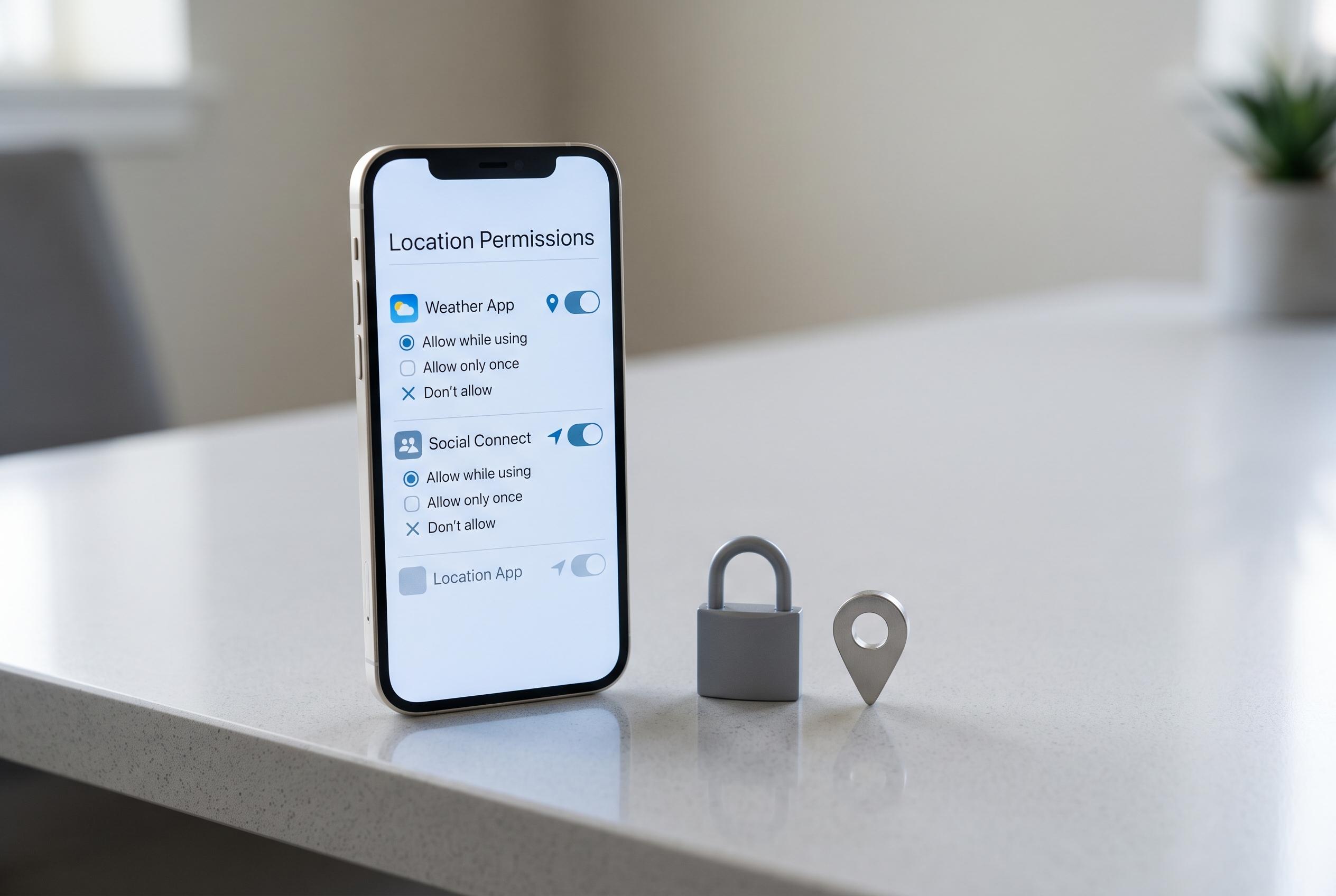

Security experts emphasise the importance of monitoring and controlling app access to location data amid increasing concerns over personal privacy and data misuse.
Many apps ask for location access the first time they are opened, and in some cases the request is plainly sensible. Mapping tools, ride-hailing services and apps that help users find nearby places often need to know where the device is in order to work properly. But privacy specialists say the real risk comes from granting the permission automatically and never checking it again. Over time, a phone can accumulate a long list of apps that still have access to a user’s position, even when they are rarely opened.
Security guidance from Tom’s Guide, McAfee and Total Defense all points to the same basic principle: permissions should be granted only when they are necessary for an app’s core function. That means asking whether the service actually needs location data, whether it needs it all the time or only while in use, and whether the feature that required the permission is still being used at all. The aim is not to deny every request, but to limit access to what is genuinely useful.
This matters because location is one of the most revealing pieces of personal data. It can show where someone lives, works and travels, and it can also be combined with other permissions such as contacts, camera, microphone and photos. Softechalert says some apps seek location access for advertising or data collection rather than because the feature itself depends on it. TechRadar has also reported that some Android apps can share precise location information through third-party software kits, sometimes without users realising the full extent of the data flow.
A practical review starts in the device’s privacy settings, where most phones list which apps have been allowed access to location and other sensitive data. Users should look for apps that are barely used, apps that have a broader level of access than they need, and apps that were installed months ago and forgotten. Where possible, it is safer to choose access only while the app is in use, rather than allowing it to run with location privileges in the background.
Precision also matters. Some services need an exact position, such as turn-by-turn navigation or a transport app arranging a pickup. Others may only need an approximate area. When the operating system offers different levels of location access, the narrowest option that still allows the app to function is usually the better choice. That approach follows the principle of least privilege, which security advisers say is one of the simplest ways to reduce unnecessary exposure.
Social media adds another layer. Even when a phone permission is restricted, users can still reveal their position by tagging places in posts, adding a location to photographs or sharing updates that make a routine easy to trace. It is therefore worth checking not only device settings, but also what is being published manually. A visible location can say more than many users intend, particularly when it is shared in real time.
The best moment to review permissions is after installing several new apps, after changing phones, after major software updates or whenever a service is no longer used. The process takes only a few minutes, but it can prevent months of unnecessary data sharing. The main point, as the available guidance makes clear, is that location access should be a choice, not a habit.
Disclaimer: This content is intended for informational purposes only. Readers are advised to exercise their own judgement, conduct due diligence, or consult a qualified expert before acting on any information provided.



