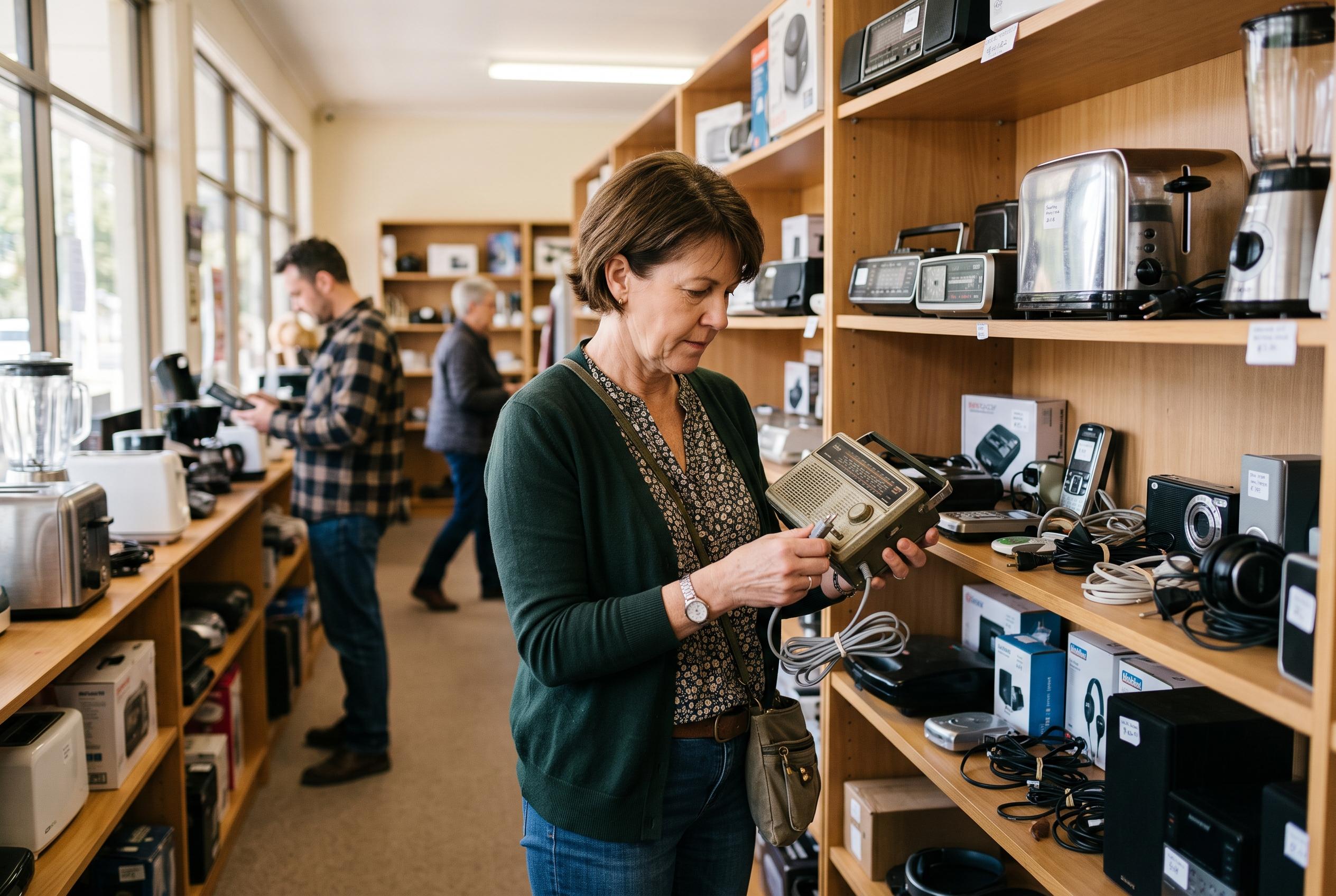

From checking cables and testing power to hunting down missing chargers, a few simple checks can turn charity-shop electronics into smart buys rather than costly mistakes.
The electronics aisle is often the most neglected part of a charity shop, yet it can hold some of the most useful bargains. Dina’s Days argues that a little caution can turn that intimidating corner of the store into one of the best places to look for lamps, cameras, clocks and other small appliances. That view is echoed by second-hand shopping guides, which say the key is not to avoid electronics, but to inspect them properly before paying. According to Consumer Reports and other thrift-shopping guides, the safest buys are the ones whose condition, completeness and likely use history can be checked with some confidence.
The first test is simple: see whether the item powers on and behaves as expected. Many shops place plug sockets or a testing station near the electronics section, and staff may be able to point buyers to the right place. Guides from Flea Market and iTechGuides both stress that a plug-in check should be matched with a visual inspection of the cord, casing and controls. Frayed cables, cracked plugs, loose buttons, scorch marks and signs of water damage are all warning signs that a bargain may be hiding a fault. For battery-powered items, bringing spare batteries is a practical habit that allows a quick test without having to guess whether the problem lies with the product or with the power source.
It also helps to understand the shop’s policy before assuming that every sale is final. Dina’s Days notes that some stores treat electronics differently from other stock, sometimes offering a short return window if a receipt is kept. That matters because even a working device may fail soon after purchase if it has been stored badly or repaired poorly. Consumer Reports advises buyers to ask about previous use and storage conditions where possible, since moisture, heat and rough handling can shorten the life of second-hand equipment. In other words, a thrifted appliance that looks clean is not necessarily sound, and a low price should never replace basic checks.
Completeness is another major factor. A missing remote, charger, attachment or manual does not always make an item unusable, but it should change how much a buyer is willing to pay. Dina’s Days recommends using Google Lens to search for replacements, which is sensible for older devices and unusual accessories. Yearti, in a guide to buying electronics in thrift shops, similarly advises shoppers to check whether original parts are present and to consider the item’s model, compatibility and likely repair cost before committing. That is especially important for older gadgets, where a missing component can turn an inexpensive find into a costly restoration project.
The same careful approach applies to vintage or lightly used electronics more broadly. iTechGuides recommends identifying the exact model, inspecting it while unplugged and asking for a demonstration of the functions that matter most. Its guidance is clear that visible faults such as exposed wiring, overheating marks or damaged cords are strong reasons to walk away. Not every thrift-store item is worth rescuing, and not every bargain is truly a bargain. But with a battery or charger in hand, a short test, and a willingness to slow down, the electronics section can become one of the most rewarding parts of the shop.
Disclaimer: This content is intended for informational purposes only. Readers are advised to exercise their own judgement, conduct due diligence, or consult a qualified expert before acting on any information provided.