

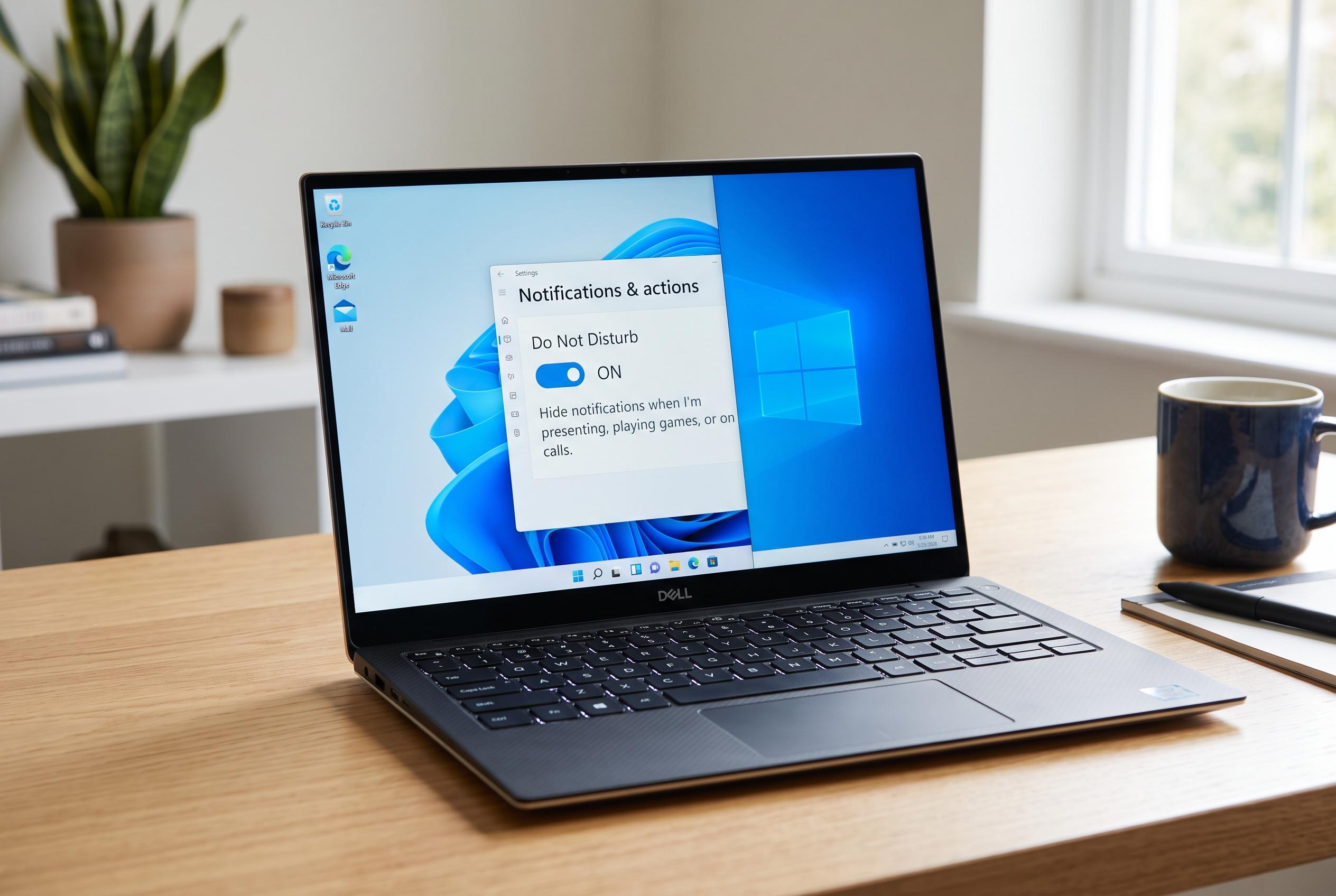

Microsoft’s latest updates to Windows 11 and 10 empower users with advanced notification controls, including Do Not Disturb modes, enabling a quieter, more focused computing environment without sacrificing vital alerts.
Windows users who want a quieter screen do not have to choose between constant pop-ups and complete silence. In both Windows 11 and Windows 10, notification controls sit inside the Settings app, where they can be switched off globally or adjusted app by app. Microsoft says the operating system also supports Do Not Disturb, which temporarily suppresses interruptions while still allowing selected priority alerts through. According to Microsoft support, that gives users a way to reduce noise without losing control of important messages.
On Windows 11, the main Notifications switch can disable most alerts at once, while the app list below it lets users keep only the services they still need. Individual apps can be tuned further for banners, sounds, Notification Centre visibility and priority. PCWorld and Tom’s Hardware both describe the same basic approach: open Settings, move to System, then Notifications, and make changes from there.
Windows 10 uses a similar structure under Notifications & actions. Microsoft and Windows Central note that users can turn off notifications from apps and other senders, or leave the main system enabled and work through each sender separately. That is the safer option for anyone who wants fewer interruptions but still relies on email, calendar, security or work-related alerts. Windows Central also notes that lock-screen and tip settings can be adjusted for a more restrained setup.
The best practice is not to mute everything. Security warnings, calendar reminders and urgent work messages usually deserve to stay active, while promotional prompts, product suggestions and low-value app notices are often the first to remove. Microsoft’s notification controls make that possible, and users can also silence notification sounds without fully hiding visual alerts. Tom’s Hardware and Windows Central both highlight this as a practical way to cut distraction while keeping important information visible.
Windows 11’s Do Not Disturb mode is especially useful during meetings, gaming sessions and focused work. Microsoft says it limits interruptions temporarily, and priority notifications can still get through when needed. That makes it easier to keep the desktop calm without permanently changing every app’s behaviour.
For users who want to shift urgent communication away from the desktop altogether, TAG Mobile positions its Lifeline-supported service as one way to keep calls, texts and verification codes on a phone instead of the PC. The company says eligible customers can apply through programme-based or income-based criteria, then choose a plan and device based on ZIP code and availability. TAG Mobile says approved devices or SIM options are typically shipped within 7 to 10 business days, although state eligibility and inventory can affect what is offered.
Disclaimer: This content is intended for informational purposes only. Readers are advised to exercise their own judgement, conduct due diligence, or consult a qualified expert before acting on any information provided.



