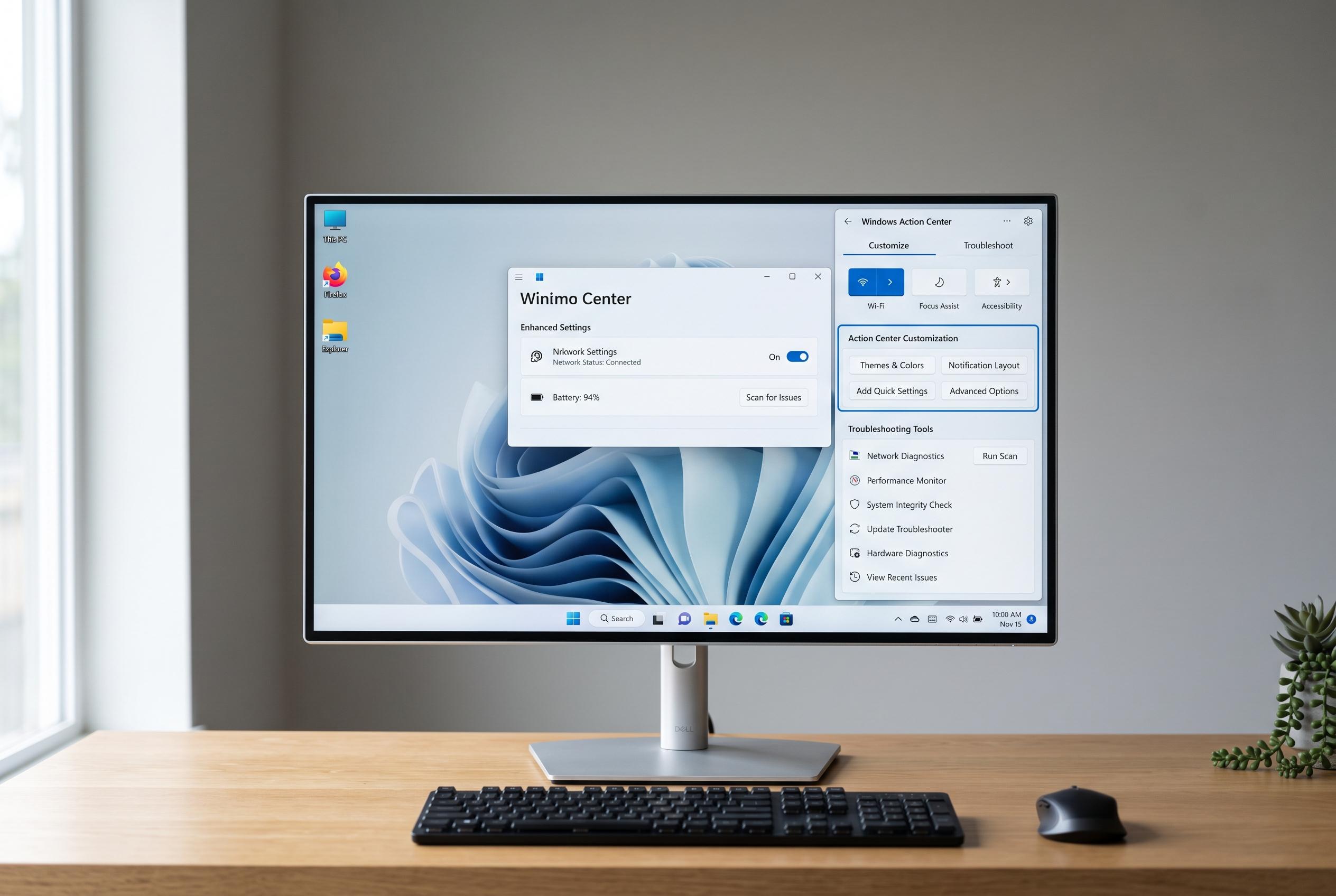

The Windows Action Center is evolving to offer users more control over quick actions and notification management, while also simplifying troubleshooting processes for a more seamless experience.
Windows Action Center is the panel in Windows that brings notifications and common controls into one place. For many users, it is the fastest route to settings such as Wi-Fi, Bluetooth, brightness, battery saver and Focus Assist, rather than opening the full Settings app each time. PCWorld, Windows Central, WindowsReport, TechRadar and Guiding Tech all describe it as a central shortcut hub as well as a notifications viewer.
Its main value is convenience. Quick Actions can be rearranged, added or removed so the panel reflects the tools a user relies on most often. That means a cleaner interface for routine tasks and fewer steps to switch wireless radios, change display settings or silence alerts. Several Windows 10 guides also note that notification handling is part of the same workflow, allowing users to decide which app messages should appear.
The panel can be opened in different ways depending on the Windows version and configuration. Windows 10 guides commonly point to the taskbar notification icon or the keyboard shortcut Windows+A. The same sources say the layout can be customised from Settings, while advanced changes can also be made through Group Policy, the Registry or PowerShell on editions that support those tools.
Troubleshooting usually starts with the Windows shell itself. If Action Center does not open, WindowsReport recommends restarting Windows Explorer from Task Manager before trying deeper repairs. That approach is consistent with the broader view across the guides: Action Center is meant to reduce friction, but when it misbehaves, the quickest fix is often to restart the desktop interface that powers it.
Disclaimer: This content is intended for informational purposes only. Readers are advised to exercise their own judgement, conduct due diligence, or consult a qualified expert before acting on any information provided.