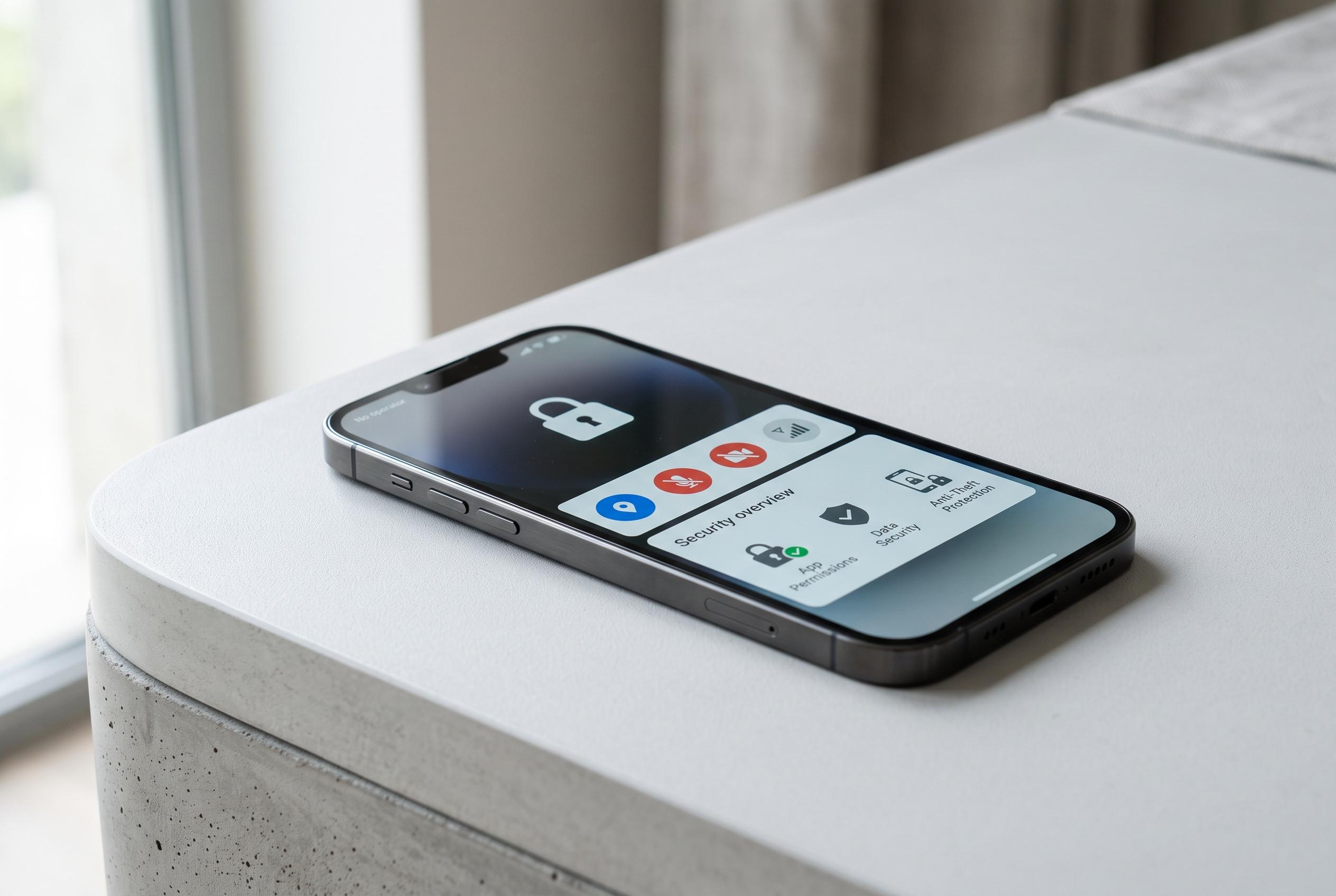

A practical guide for Nigerian smartphone users highlights straightforward privacy measures, from screen locks to permission controls, that can significantly reduce exposure to scams, theft, and data breaches without compromising usability.
Smartphone privacy is easy to overlook until a phone is lost, an account is compromised or a message is read by someone else. For users in Nigeria, the risks are especially practical: a single exposed number, notification preview or app permission can help scammers build a convincing fraud attempt. The safest approach is not to harden every feature, but to focus on the settings that reduce the most exposure with the least effort.
Start with the basics. A strong screen lock remains the first barrier between a stranger and the data on the device. A longer PIN or a password is better than a simple four-digit code, while fingerprint and facial recognition can make daily use easier without weakening protection. It is also worth turning on device-finding tools straight away. Apple’s Find My and Google’s Find Hub can help locate, lock or erase a missing phone, which matters because a stolen handset often contains far more than the cost of the hardware.
The next priority is permissions. Location access should be granted only where it is genuinely needed, and ideally only while an app is in use. Microphone and camera access deserve the same scrutiny, especially for apps that have no obvious reason to record audio or capture video. Several Android and iPhone privacy menus now make these controls simple to review, and Samsung’s own guidance on Galaxy devices also stresses limiting app access and location sharing. Related advice from privacy specialists is consistent: adjust the default settings during setup, rather than accepting everything automatically.
Two-factor authentication should be enabled on every important account that supports it. Authentication apps or security keys are generally stronger than SMS codes, but text-message verification is still better than a password alone. Lock-screen notifications should also be tightened, so bank alerts, emails and message previews do not expose sensitive content to anyone standing nearby. For the same reason, automatic connection to unknown Wi-Fi networks should be disabled, particularly for banking or other high-value tasks.
It is equally important to keep software current. Automatic operating-system and app updates help close security gaps that attackers actively search for, according to several phone-security guides. Users should also review browser privacy controls, delete apps they no longer need, and use secure folders or similar tools for photos and documents that contain ID details, bank information or one-time codes. On Nigerian networks, the SIM itself is a security issue: a PIN, careful handling of OTPs and a refusal to share banking credentials can prevent account takeover even when a phone number is targeted.
The wider lesson is simple. Phone privacy is not about secrecy for its own sake. It is about reducing the amount of information a scammer, app developer or opportunistic thief can reach without permission. A few minutes spent on screen locks, permissions, notifications, updates and account protection can materially improve security without making the phone difficult to use.
Disclaimer: This content is intended for informational purposes only. Readers are advised to exercise their own judgement, conduct due diligence, or consult a qualified expert before acting on any information provided.