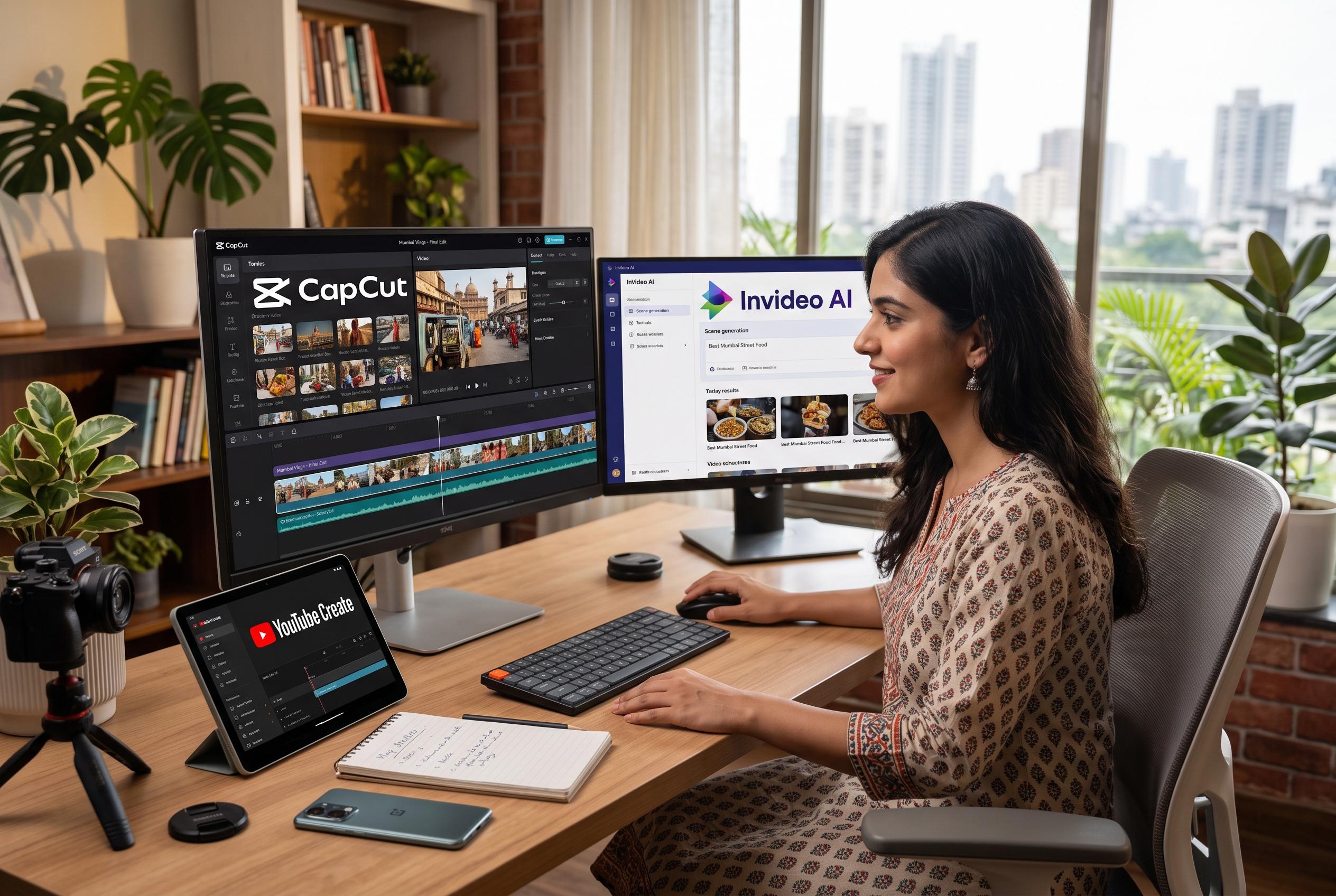

New AI features in free video editing apps like CapCut, InVideo AI, and YouTube Create are simplifying routine editing tasks for Indian creators, offering faster, more accessible content production options across social media and YouTube platforms.
For creators who publish regularly, AI can remove a surprising amount of routine work from video editing. Captions can be generated automatically, background noise can be reduced, and rough ideas can be turned into near-finished clips without expensive software. For Indian users, the most practical free or free-tier choices depend on what they make most often: short social videos, YouTube uploads or longer-form projects.
CapCut remains one of the easiest starting points for Reels, Shorts and similar formats. According to CapCut’s own feature pages, its AI tools include automatic captions, background removal and noise reduction, alongside templates, effects and music designed for quick edits. That makes it a strong option for talking-head clips, interviews and tutorials, although some advanced features still sit behind a paid plan.
InVideo AI is better suited to creators who begin with a script or prompt and want the platform to assemble the first cut. The company says its system can generate a video with visuals, voiceover, music and captions, which is useful for explainers, educational content and faceless videos. Its free plan is limited and exports carry a watermark, so it works more as a trial or an occasional-use tool than a full no-cost solution.
YouTube Create is a practical choice for mobile-first creators who publish mainly to YouTube, especially Shorts. The app offers captions, audio cleanup, beat matching, voiceovers, music and effects, while newer Gemini-powered features can build short vertical clips from text prompts or create an initial edit from selected media. Availability can vary by account and feature set, but the workflow is streamlined for creators who plan to publish straight to YouTube.
For longer or more controlled projects, DaVinci Resolve stands apart. Its free version includes a full editing timeline, colour correction, visual effects, motion graphics and audio tools, which makes it more suitable for podcasts, documentaries and short films than for quick social edits. Some of its more advanced AI functions are reserved for the paid Studio edition, and the learning curve is steeper than with mobile-first apps.
The best choice depends on the job. CapCut is the most convenient for fast social content, InVideo AI is useful when a script needs to become a draft video, YouTube Create fits creators building directly for YouTube, and DaVinci Resolve offers the deepest control for more ambitious work. The main trade-off with free tools is that limits, watermarks or feature restrictions are common, so it is worth checking exactly what is included before relying on any one app.
Disclaimer: This content is intended for informational purposes only. Readers are advised to exercise their own judgement, conduct due diligence, or consult a qualified expert before acting on any information provided.