

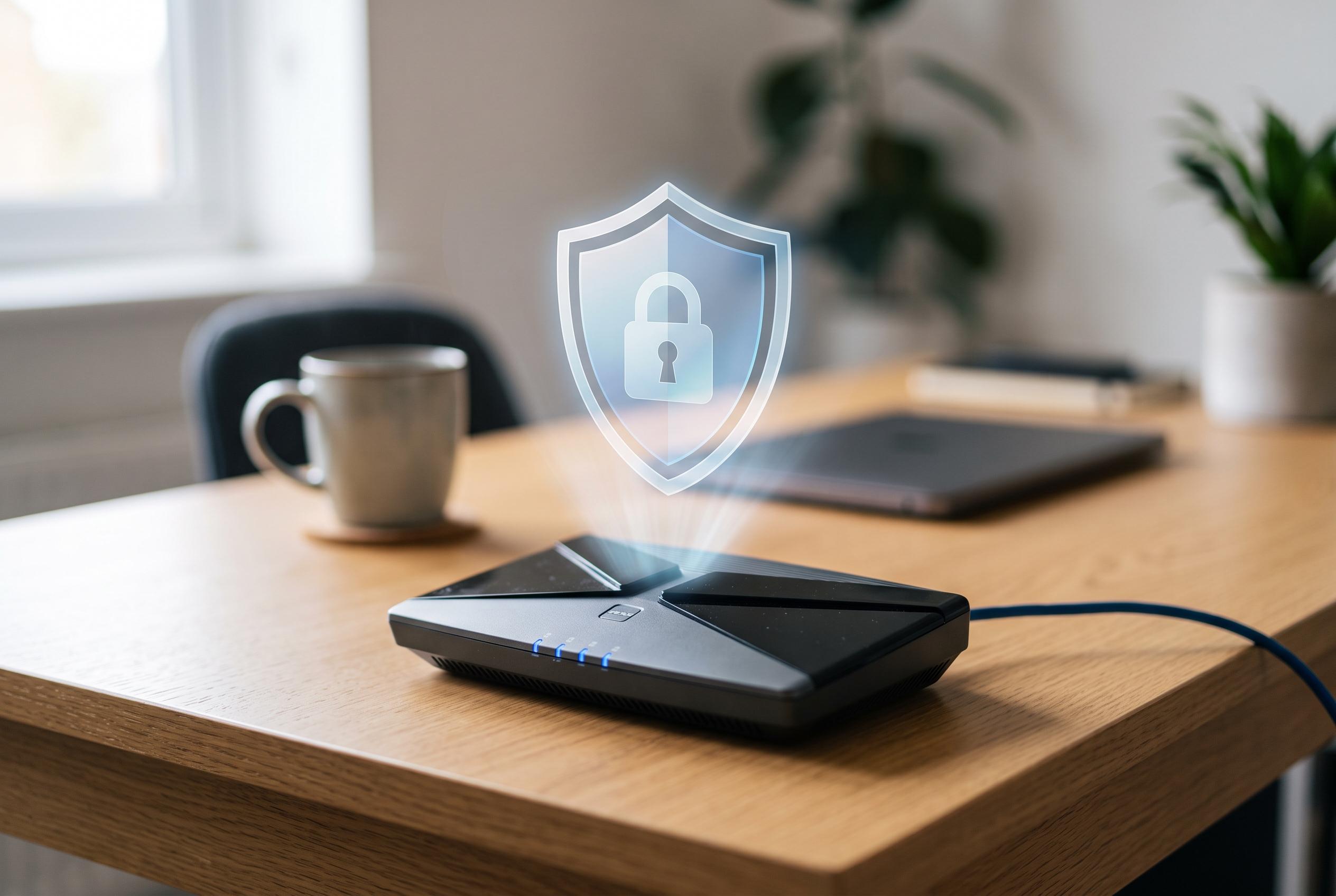

Many home routers remain exposed to cyber threats due to weak default settings. Experts from the German Federal Office for Information Security advise simple configuration changes to bolster protection against recent hacking incidents and emerging cyber risks.
Routers sit at the centre of the home network, yet many are left with weak settings that make them easier to compromise than users realise. That risk is not theoretical: the article notes that older devices were exploited in April 2026 by Russian hackers, underlining how quickly an overlooked router can become an entry point into the wider home network. The German Federal Office for Information Security, or BSI, says the best defence starts with a few basic configuration changes.
The first step is to replace every factory password and, where possible, the default device name. A router identifier that reveals the model can help attackers narrow their attempts, especially if the device still uses common passwords such as “admin” or “1234”. The BSI advises at least eight characters for router login credentials, with a mix of upper and lower-case letters, numbers and special characters. For Wi-Fi access, it recommends a much longer password, ideally 20 characters or more, with no obvious pattern.
Keeping the firmware up to date is equally important. Router manufacturers regularly release security patches alongside feature updates, but they only matter if they are installed. Many devices update automatically, yet users should still check the administration interface for menu items such as “Update” or “Firmware” and confirm that automatic checks are enabled. The BSI also recommends disabling any functions that are not needed, because every additional service increases the number of features an attacker can abuse if a flaw appears.
The same principle applies to remote access. If a router offers an external management option, it should remain switched off unless it is genuinely required. Leaving it active creates another route into the home network from outside the local area, which weakens the protection offered by the main password. The BSI’s wider guidance for smart-home equipment follows the same logic: reduce exposure, limit unnecessary services and keep software current.
For visitors, the safest approach is a separate guest network. This isolates temporary devices from the main household network, so a compromised laptop or phone does not automatically gain access to personal files, printers or other connected hardware. The BSI says guest access can also be restricted by time or by service, which gives households more control over what outsiders can reach while still allowing them to get online.
Disclaimer: This content is intended for informational purposes only. Readers are advised to exercise their own judgement, conduct due diligence, or consult a qualified expert before acting on any information provided.



