

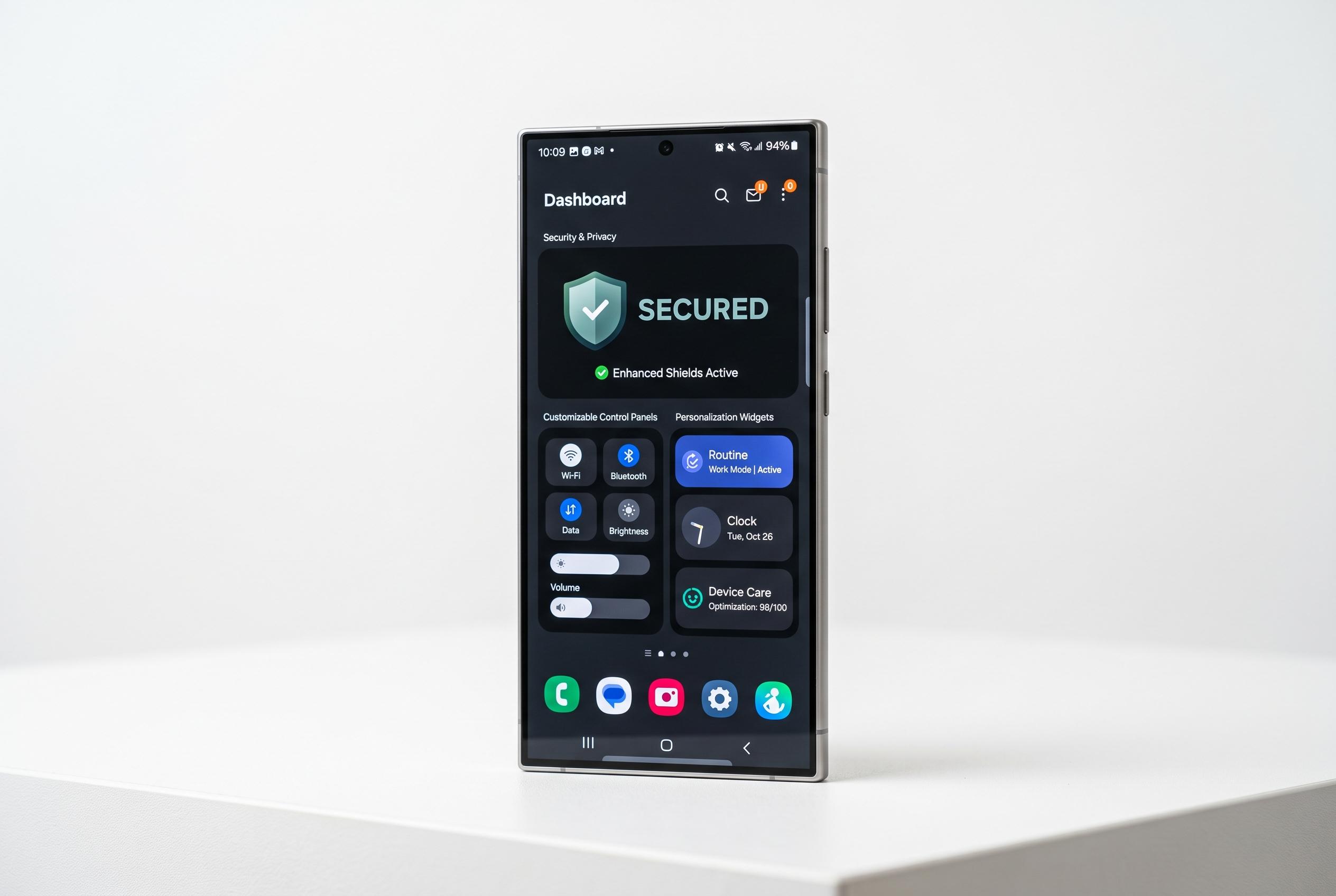

Samsung’s latest One UI 9 update marks a significant shift towards greater customisation, enhanced security and smarter everyday management, offering Galaxy users a more intuitive and adaptable experience.
Samsung’s One UI 9 appears to be a broad refresh rather than a narrow visual update, with changes that reach across privacy, control layout, photography and everyday productivity. According to Samsung’s own app pages and reports from SamMobile and Android Authority, the software is being shaped around quicker access to core settings, more visible security controls and tighter integration between apps and system tools. The result is a version of One UI that tries to reduce friction in routine tasks while giving users more freedom to customise how the phone behaves.
One of the clearest changes is the Quick Panel, which gains more granular layout control. SamMobile reports that brightness, volume and media controls can be adjusted more independently, while the panel itself is expected to be easier to arrange around personal habits. Geeky Gadgets also highlights a separate dark mode switch, a live network speed readout and a refined media player, all of which point to a control centre designed for faster, more immediate use. Samsung is also adding a clearer separation between notifications and quick settings for users who prefer a less cluttered interface.
Security features are being pushed harder as well. Android Authority reports that One UI 9 beta builds include a “Manage unknown apps” area to help users identify and remove sideloaded software, alongside a broader security report in Auto Blocker and a restored USB connection blocking option in maximum restrictions mode. SamMobile says the system is also expected to warn about suspicious apps and recommend deletion when a threat is detected. Another reported addition is Memory Tagging Extension support on compatible ARMv9 hardware, which could improve memory safety but may also affect performance.
Samsung is also leaning into personalisation. The company says One UI 9 includes Now Brief for routine-aware summaries, Now Nudge for guided prompts and Photo Assist for AI-led editing using natural language. Samsung’s own material also points to My FanCam, which can turn wider shots into subject-focused frames, while Geeky Gadgets and SamMobile both note more visual options in areas such as profile cards, notes and lock screen widgets. Creative Studio is being folded into Contacts, reducing the need to move between apps when making custom caller cards.
Photography and gallery management are also receiving practical upgrades. Geeky Gadgets says the camera app is gaining a 24-megapixel capture option, dual-camera recording and steadier video with horizontal lock, while Samsung is promoting AI-driven subject tracking and editing tools that make changes easier to apply. In the gallery, categorised screenshots and text-based search should make it simpler to find receipts, app captures or other saved images. Taken together, the changes suggest Samsung wants One UI 9 to feel less like a cosmetic refresh and more like a system-wide attempt to make Galaxy phones quicker to manage, easier to secure and more adaptable to different working styles.
Disclaimer: This content is intended for informational purposes only. Readers are advised to exercise their own judgement, conduct due diligence, or consult a qualified expert before acting on any information provided.



