

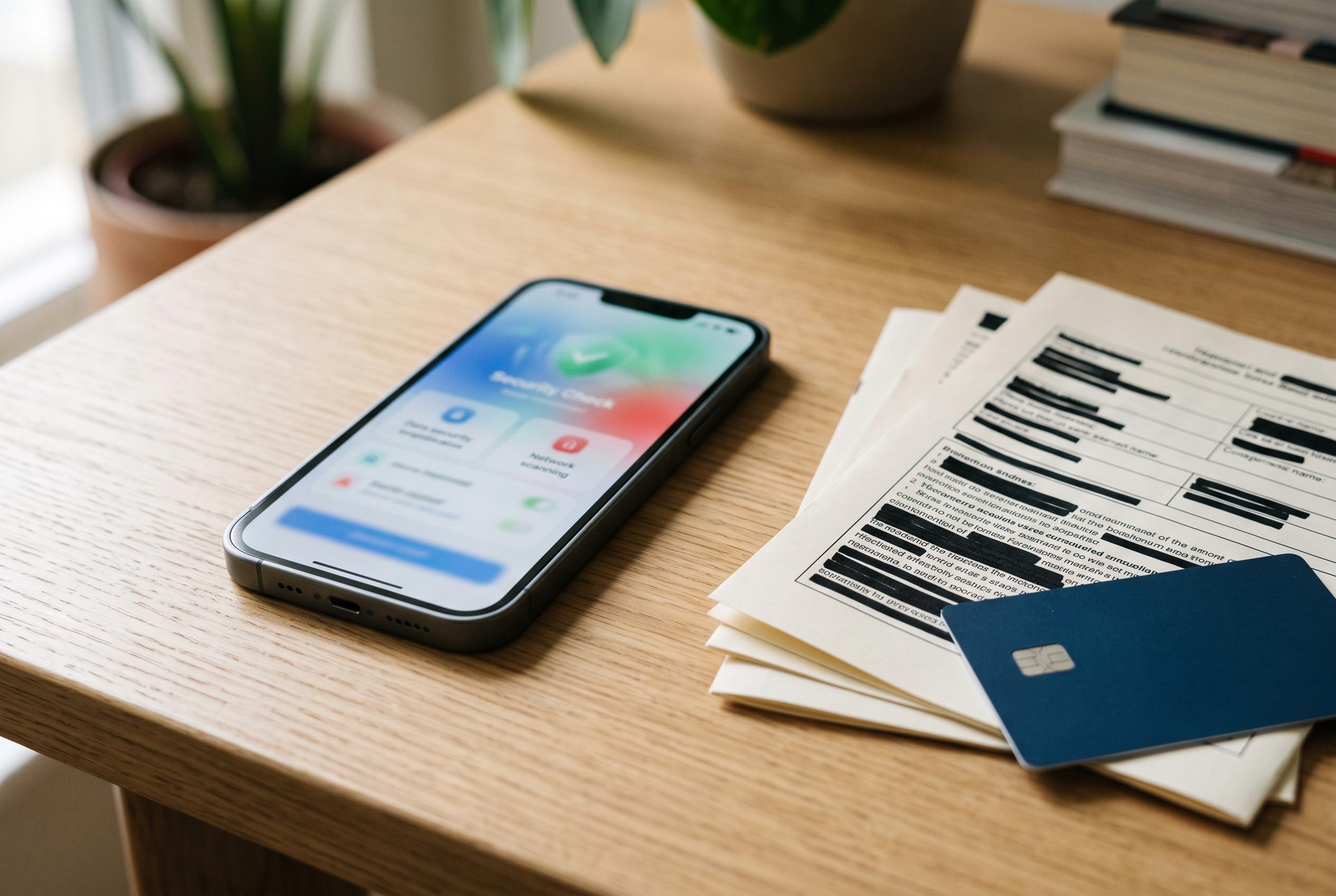

As data leaks continue to expose personal information, users are encouraged to verify breaches through reliable tools, while being wary of fraudster websites seeking personal data or payments, emphasising the importance of strong security practices.
Cybersecurity checks have become a routine part of personal digital hygiene as large-scale leaks continue to expose email addresses, passwords and other identifying details. The article said data such as email addresses, ages, employment records and tax information can all end up in the wrong hands, and pointed to France’s data regulator, the CNIL, which recorded around 24 data-breach incidents a day during 2025.
For users who want to check whether their own details have appeared in a known breach, services such as “Have I Been Pwned” and Mozilla Monitor remain the most established options. Have I Been Pwned has recently expanded its database by 183 million unique email accounts, according to Tom’s Guide, with the leaked material largely linked to info-stealing malware that captures passwords and other login details. Mozilla says its Monitor service uses breach data to alert users when accounts have been exposed and to help them take remedial steps.
The main value of these tools is not just confirmation, but context. They can show which site was affected, what kind of data may have been leaked and whether an email address appears in multiple incidents. Mozilla Monitor also allows users to scan for exposure of details such as phone numbers and credit card information, while some browsers and password managers now fold similar alerts into their own security features.
Specialists also warn that the search for breach information can itself become a trap. The report cited the French data-protection authority’s warning about fraudulent websites that pretend to offer breach checks but instead try to harvest more personal information or extract payment. The safest response is usually the most basic: enable two-factor authentication, use long and unique passwords, keep software up to date, and change any password that may have been exposed.
Disclaimer: This content is intended for informational purposes only. Readers are advised to exercise their own judgement, conduct due diligence, or consult a qualified expert before acting on any information provided.



