

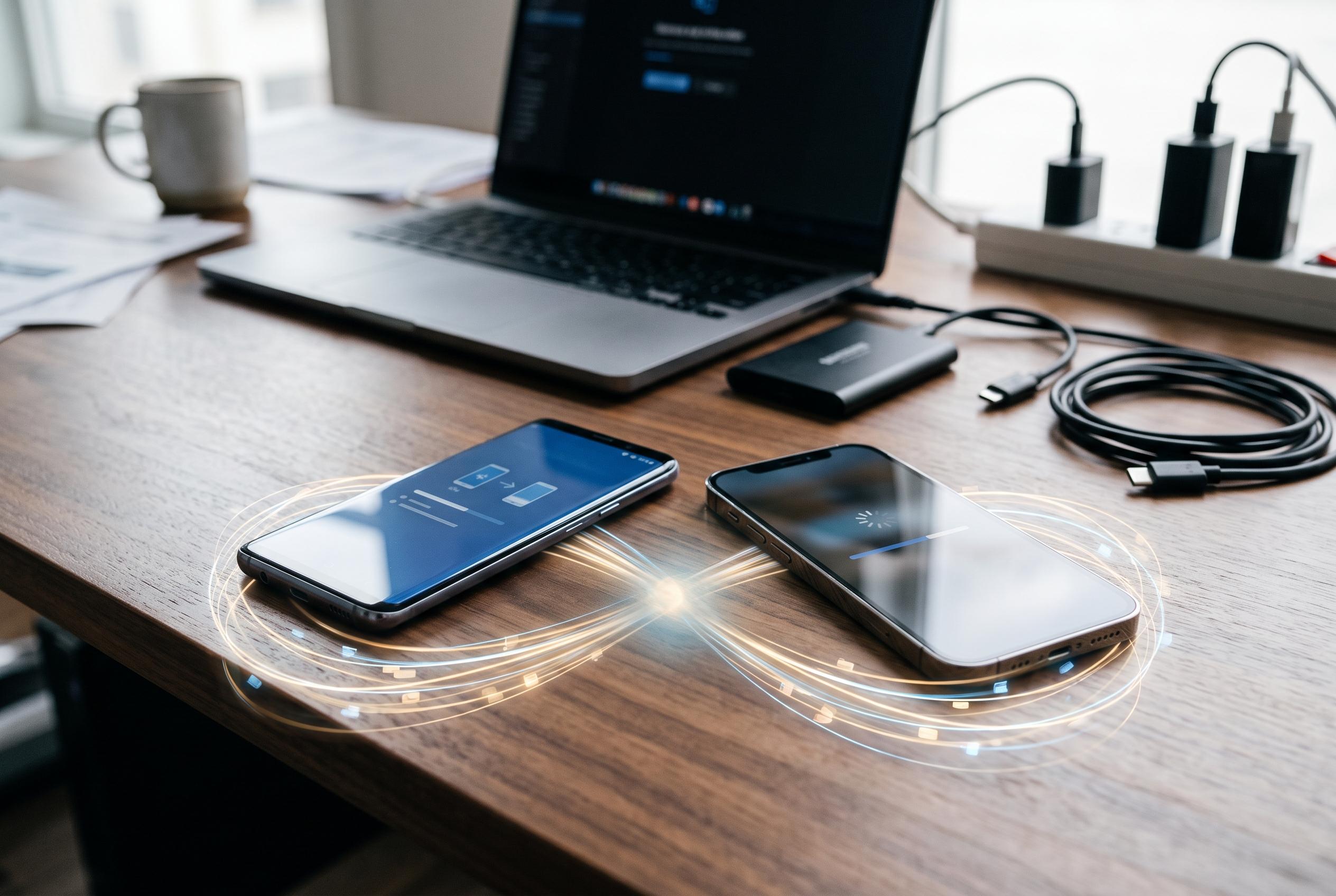

Transferring contacts, photos, messages and app records between Android and iOS devices requires careful preparation and verification. Experts recommend specific steps and third-party tools to ensure a seamless switch without data loss.
Backing up a phone before upgrading remains the safest way to avoid losing contacts, photos, messages and app records. Google’s support guidance says Android users moving from an iPhone or iPad should first connect both devices to Wi-Fi, keep them powered, and turn off iMessage on the old handset before starting the transfer. Apple’s own instructions for moving from Android to iPhone or iPad similarly stress preparation, power and Wi-Fi before using the Move to iOS app.
In practice, the transfer method depends on the direction of travel. Google says its migration process can bring across contacts, message history, photos and free apps, but not paid apps or some app data. Apple says Move to iOS can copy contacts, message history, photos, videos, web bookmarks and free apps, while music, books and PDFs usually need to be moved separately. That means users should not assume every file or account setting will arrive automatically.
For users who prefer a more manual route, manufacturers and third-party services also provide alternatives. WhistleOut says Move to iOS is the simplest option for many Android-to-iPhone upgrades, while FoneTool notes that some people turn to file-transfer apps such as SHAREit or AppTrans when they want more control over what is copied. Xender’s Android guidance also shows how wireless transfer tools can move photos, videos, apps and chat folders without a cable or internet connection, although compatibility and reliability vary by device and app.
The key step is verification. After the transfer finishes, users should check that contacts open correctly, photos display properly, messages have appeared and key apps still function before wiping the old device. Google’s troubleshooting advice and the independent guides both suggest keeping both phones on charge and connected until the process is complete, because interruption can leave data only partly migrated. Once the new phone is confirmed, the old one can be reset safely for resale, recycling or gifting.
Disclaimer: This content is intended for informational purposes only. Readers are advised to exercise their own judgement, conduct due diligence, or consult a qualified expert before acting on any information provided.



