

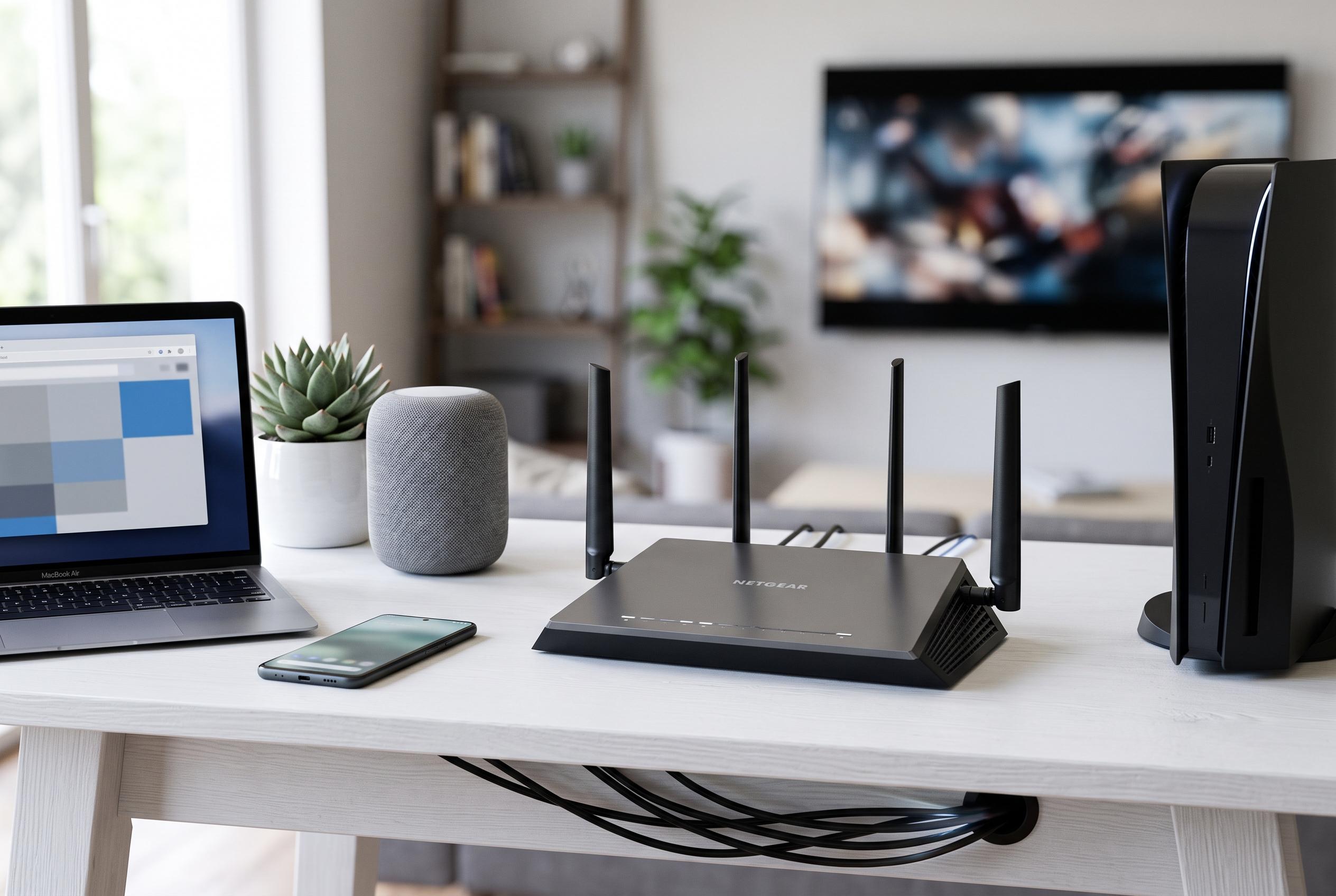

Optimising your household’s Wi-Fi involves understanding device traffic and prioritising essential services, potentially improving connection stability without costly plan upgrades.
A slow home Wi-Fi connection does not always mean a household needs a pricier tariff or a larger data allowance. In many homes, the real issue is not the headline speed of the line but the way bandwidth is shared between streaming, video calls, cloud backups, consoles, cameras and connected appliances. According to router guidance from SpeedtestHQ and Cisco, a good first step is to open the router’s management interface and check which devices are connected, what traffic they are generating and whether any of them are using more than expected.
The most useful place to start is often the router itself. TP-Link says its Deco and Tether apps can show traffic usage by device, with daily and weekly views, while Cisco’s RV-series documentation explains how connected devices can be identified by host name, IP address, MAC address and status. That kind of visibility can expose a smart TV downloading updates in the background, a camera uploading footage to the cloud or an old tablet still quietly joining the network. It can also reveal a device the household does not recognise, which is a useful prompt to tighten security.
One of the most important settings for households under pressure is QoS, or Quality of Service. It does not reduce data consumption on its own, but it can decide which activity gets priority when several devices compete for bandwidth at the same time. That means a video call for remote work can be protected from disruption while a console game update or file synchronisation is slowed in the background. In practical terms, QoS is a traffic-management tool rather than a savings tool, but it can make a connection feel much more stable.
Many of the biggest data users are easy to overlook because they work automatically. Video streaming is the most obvious example: if a service is set to use the highest available quality, a 4K stream will consume far more bandwidth than Full HD. Autoplay, continuous episode playback and social video feeds can also keep traffic flowing long after anyone is actively watching. The same is true of operating-system updates, app downloads and cloud backups, which can all start without user intervention and compete with more time-sensitive tasks.
Consumer routers are often limited in how much detail they can show, however. EdgeDefenceAI notes that many models provide only partial visibility into traffic or outbound connections, so the level of insight depends heavily on the hardware. Even so, the available tools are usually enough to identify the main offenders and to act on them. RouterPedia also points out that unfamiliar devices can be blocked, often by MAC address, which can help both with security and with reducing unnecessary bandwidth use.
For people who work from home, the priority should be a stable connection for video meetings, VPN traffic and business platforms. Where possible, a wired Ethernet connection remains the most reliable option. If Wi-Fi is the only choice, router placement matters: an open, central position will usually perform better than a device hidden in a cabinet or tucked into a corner. Smart-home equipment should also be reviewed carefully, because cameras and other cloud-connected devices can generate far more traffic than plugs, lights or voice assistants.
The issue is even more acute for homes relying on a 4G or 5G broadband plan with a monthly data cap. In that case, every background process can affect the remaining allowance, not just the speed of the connection. Reducing stream quality, switching off autoplay, scheduling heavy downloads and checking cloud-sync settings can all make a material difference. The clearest lesson from the router tools described by SpeedtestHQ, TP-Link, Cisco and RouterPedia is that better visibility often delivers more practical relief than simply paying for more speed.
Disclaimer: This content is intended for informational purposes only. Readers are advised to exercise their own judgement, conduct due diligence, or consult a qualified expert before acting on any information provided.



