

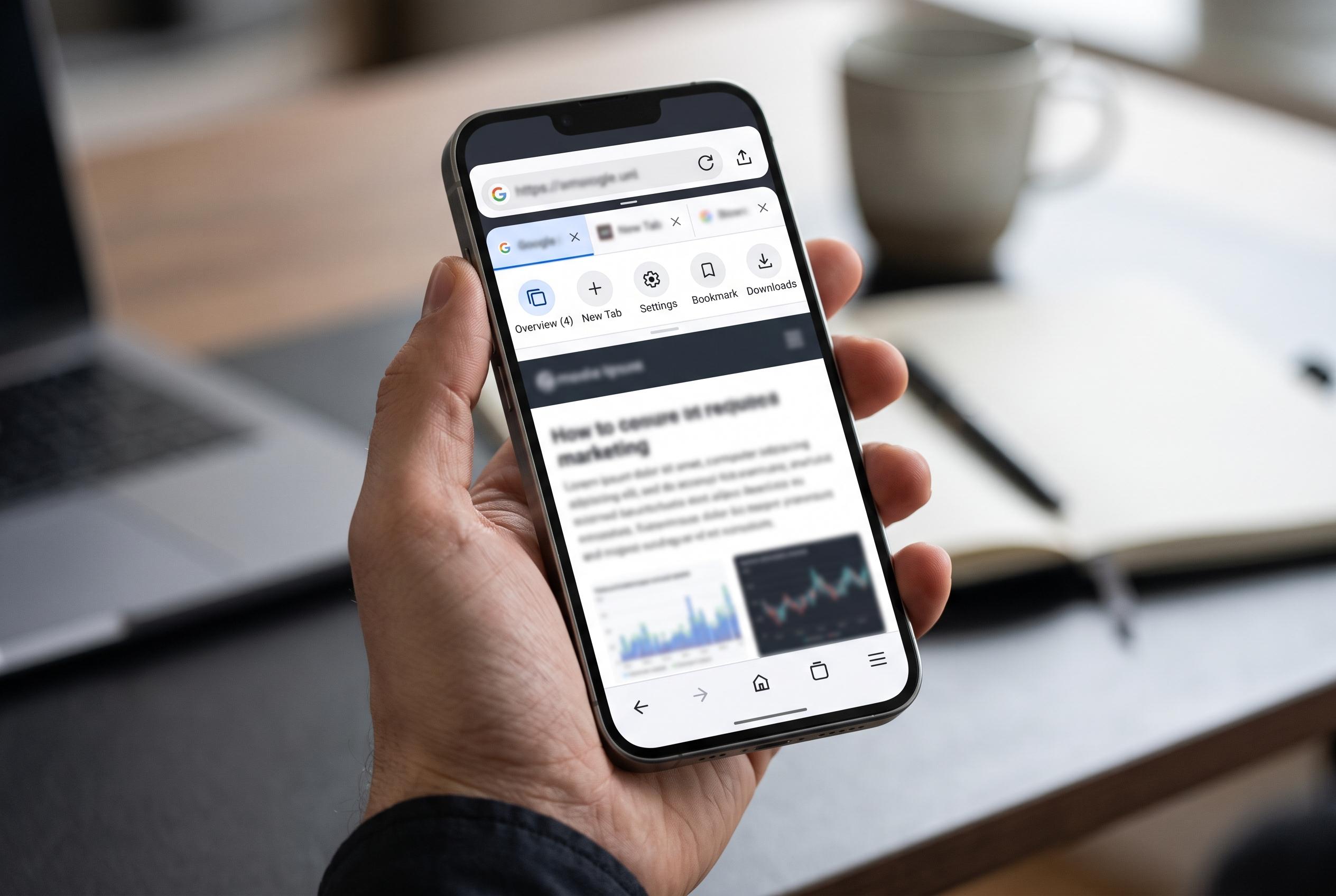

Chrome on Android gains new customisation options and tools that transform it from a basic browser into a compact productivity hub, making browsing faster and more efficient for users on the go.
Chrome still holds a strong position on Android because it combines speed, broad site compatibility and a wide set of built-in tools. For many users, the most useful gains come from small settings changes rather than obscure features, and Chrome’s Android app now offers several of those in easy reach. Google’s own support material confirms that the toolbar shortcut can be customised, making it possible to move the most-used action to the front of the browser. Android-focused coverage also notes that Google has continued to refine that shortcut with more flexible options, while Gemini-related additions now sit alongside it on some devices.
One of the simplest improvements is to change the toolbar shortcut so it opens a new tab. That reduces friction for people who open multiple pages in quick succession, and Google’s help pages show the setting lives under Settings, then Appearance, then Toolbar shortcut. Chrome also supports links that jump to selected text on a page, which makes it easier to share a precise passage rather than forcing someone else to hunt through an article. Google documents that feature in its Android help centre, where it is presented as a direct way to send highlighted text.
Chrome’s more advanced page tools are just as practical. Users can force dark rendering on sites that still lack a native dark theme by enabling the Auto Dark Mode for Web Contents flag, a browser-level setting aimed at experimental behaviour. The app also includes a preview mode for links, which lets a page be inspected in an overlay before the current tab is abandoned. These options matter because they reduce context switching, which is often the biggest drag on mobile browsing.
For reading, Chrome’s Reading mode strips away much of the clutter that makes long articles awkward on a phone screen. Google positions it as a cleaner way to view pages, with controls for font, text size and background colour. The browser can also read pages aloud through its Listen to this page feature, and Android Central reports that Google has been adding AI playback options that can turn text into a more podcast-like listening experience. That makes Chrome useful not just for reading, but for catching up on content when hands are occupied.
Chrome also gives Android users several ways to save, organise and revisit information. Google’s browser can print a page to PDF, which is a practical archiving route when a read-it-later service is limited. It can also create long screenshots of full webpages, avoiding the need to stitch images together manually. For heavier tab users, Tab Groups provide colour-coded organisation, and Google notes that these groups can sync across devices signed into the same account. On tablets and foldables, Android Central reports that Chrome now goes further with a desktop-style bookmarks bar, which makes saved sites easier to reach on larger screens.
The same design pattern runs through Chrome’s lighter but still useful utilities. Users can define a word from the selection panel, translate text without leaving the page and, as Android Central has reported, access newer Gemini-related shortcuts for summarising pages. Taken together, these features show that Chrome on Android is no longer just a basic browser. It is increasingly a compact productivity tool, provided users know where to find the settings that unlock it.
Disclaimer: This content is intended for informational purposes only. Readers are advised to exercise their own judgement, conduct due diligence, or consult a qualified expert before acting on any information provided.



