

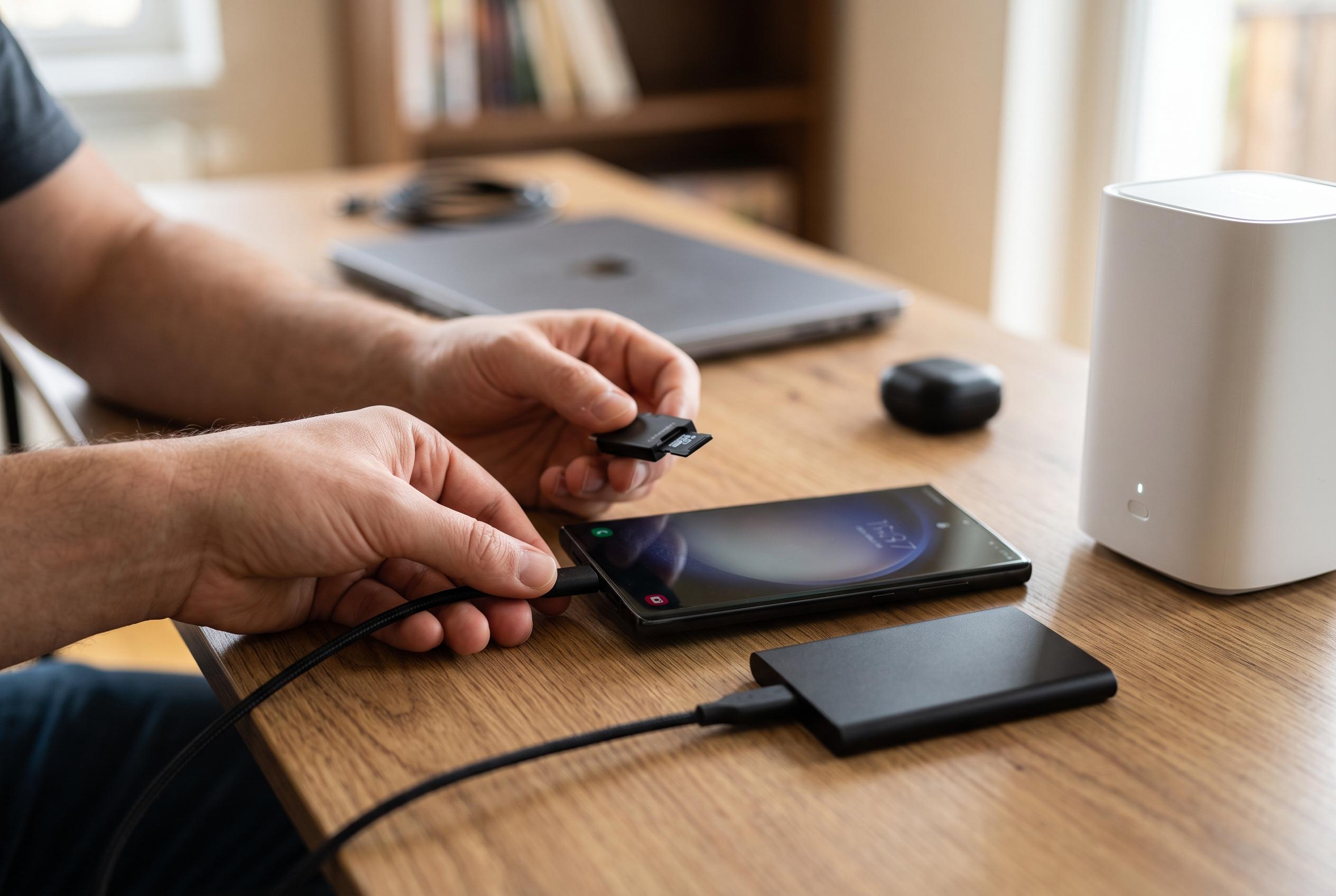

Many Samsung Galaxy users are unaware that built-in features like duplicate backups, bloatware, and system logs can rapidly eat up storage. Experts reveal quick methods to recover space and optimise device performance.
On Samsung Galaxy phones, storage can disappear faster than many users expect. Beyond photos, videos and large apps, some of the loss comes from built-in features that quietly keep duplicate files, background data and pre-installed software on the device. How-To Geek says several of these items can be removed or reduced in minutes, recovering a surprising amount of space.
One of the largest hidden drains is Samsung’s pre-edit backup system. When a photo or video is edited in the Gallery app, the phone keeps the original alongside the modified version so the user can revert changes later. That can leave many duplicate files sitting in storage. The guide says these backups can be found through Settings, then Device Care, Storage, and the section for pre-edit versions, where they can be deleted in bulk or individually.
Another common source of waste is bloatware. Samsung phones ship with a mixture of Samsung services, Google apps, carrier additions and promotional software, some of which may never be used. According to the article, examples include Samsung Language Core, Shop Samsung, Samsung TV Plus, Samsung Global Goals and bundled Microsoft apps. Some can be uninstalled; others can only be disabled, but that still helps reduce clutter in the app tray. Separate reporting from Android Authority and SamMobile has also pushed back against inflated claims about Samsung’s system software, noting that One UI storage figures are often misunderstood and that later updates improved how system space is reported.
The article also flags RAM Plus, Samsung’s virtual memory feature, as another option worth checking. RAM Plus uses part of internal storage as extra memory for background tasks. That can be useful on lower-memory models, but on phones already equipped with substantial physical RAM it may be unnecessary. How-To Geek says the feature can reserve anywhere from 2GB to 12GB, depending on the model, and can be switched off in the Memory section of Device care after a restart.
Finally, the guide points to data collection tools and system logs. Samsung’s customisation service gathers usage data for recommendations and advertising, while Android keeps diagnostic logs, crash reports and debugging files that can build up in the background. The article says those logs can occupy several gigabytes and can be cleared through Samsung’s hidden SysDump menu after temporarily turning off Auto Blocker. Netzwelt has also reported on hidden photo backups on Samsung devices, reinforcing the idea that much of the wasted space is not obvious to users.
Taken together, the article argues that Samsung owners who are short of storage do not always need to delete personal files first. In its example, the writer says these steps, combined with clearing videos in Google Messages, recovered nearly 40GB on a Galaxy S25 Plus.
Disclaimer: This content is intended for informational purposes only. Readers are advised to exercise their own judgement, conduct due diligence, or consult a qualified expert before acting on any information provided.



