

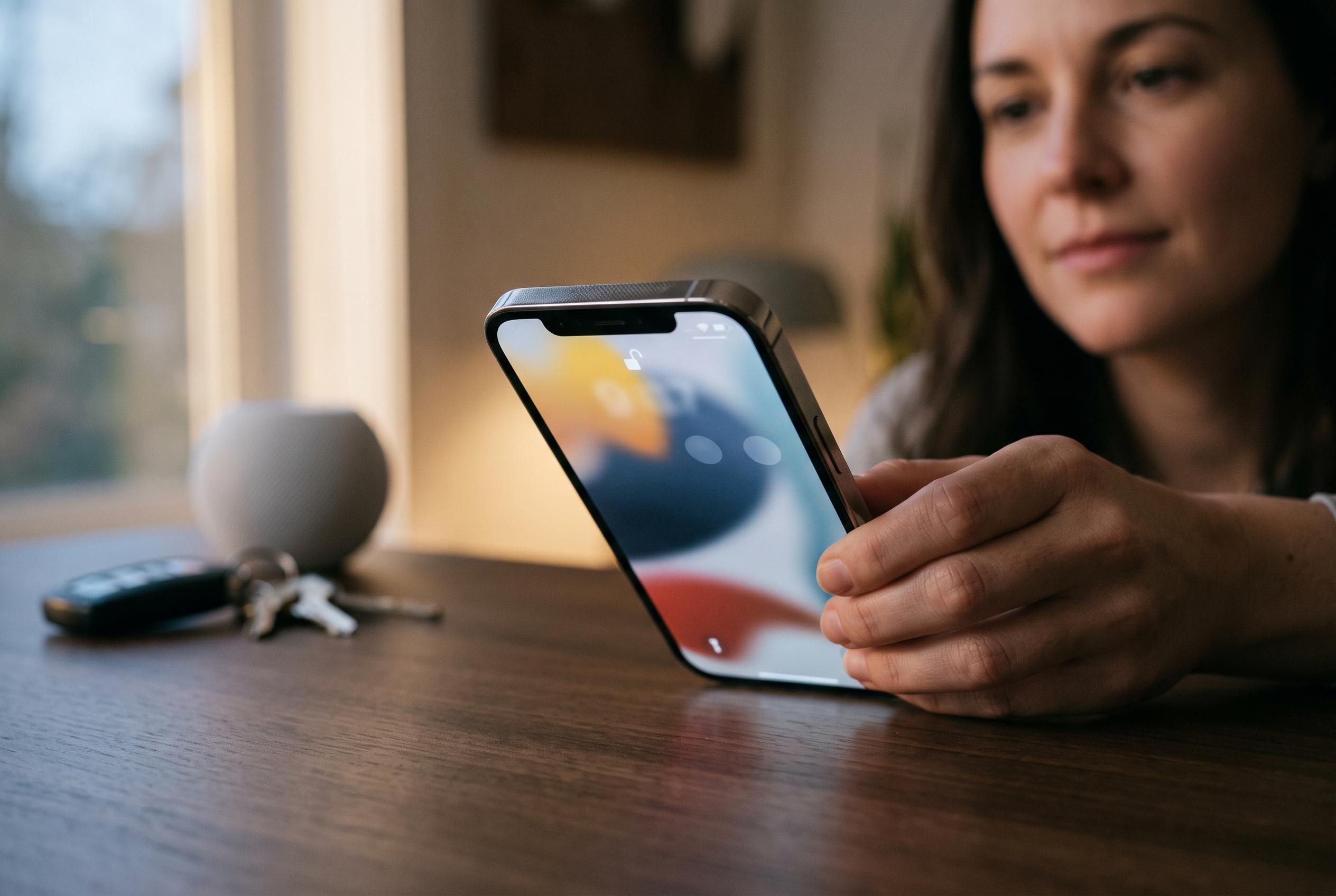

Apple introduces enhanced security features, including app locking with Face ID, Guided Access, and default Stolen Device Protection, to help iPhone users safeguard sensitive information against theft and unauthorised access.
An iPhone often holds far more than calls and messages. Banking apps, payment cards, passwords, email, photos and account recovery tools can all sit behind a single passcode, which is why a borrowed or stolen handset can expose far more than a contact list. ConsumerAffairs, drawing on guidance highlighted by KCRA-News, says several built-in Apple features can significantly reduce that risk without installing extra software.
One of the most useful steps is to add Face ID to sensitive apps. Apple supports locking individual apps so that a biometric check is required before they open, which is especially relevant for banking, investing, payment and password-manager apps. Apple’s support material also notes that locked-app protection works alongside Stolen Device Protection, giving users another barrier if someone gets hold of the device.
Guided Access is designed for situations in which you need to hand over your phone briefly. Apple’s accessibility feature keeps the device inside one app until the owner enters a passcode and exits the mode. That makes it useful not only for lending a phone to a stranger for a call, but also for giving a child access to a game or video without opening the rest of the device.
Stolen Device Protection is the safeguard Apple now points users towards most strongly. According to Apple, it adds extra authentication steps for sensitive actions when the iPhone is away from familiar locations, and can introduce a security delay before major account changes can be made. Apple also advises keeping Find My iPhone switched on. MacRumors reported earlier this year that iOS 26.4 will enable the feature by default on all iPhones, though that change is not yet reflected in Apple’s current support pages.
The final check is account hygiene. Apple recommends turning on two-factor authentication for an Apple Account and confirming that the trusted number is current. Its Safety Check tool then lets users review who, what and which devices still have access to shared information. That matters because old iPads, Macs, apps and contacts can linger long after they are needed. The practical test is simple: if the phone vanished tonight, would the owner be comfortable with everything that could still be reached from it?
Disclaimer: This content is intended for informational purposes only. Readers are advised to exercise their own judgement, conduct due diligence, or consult a qualified expert before acting on any information provided.



