

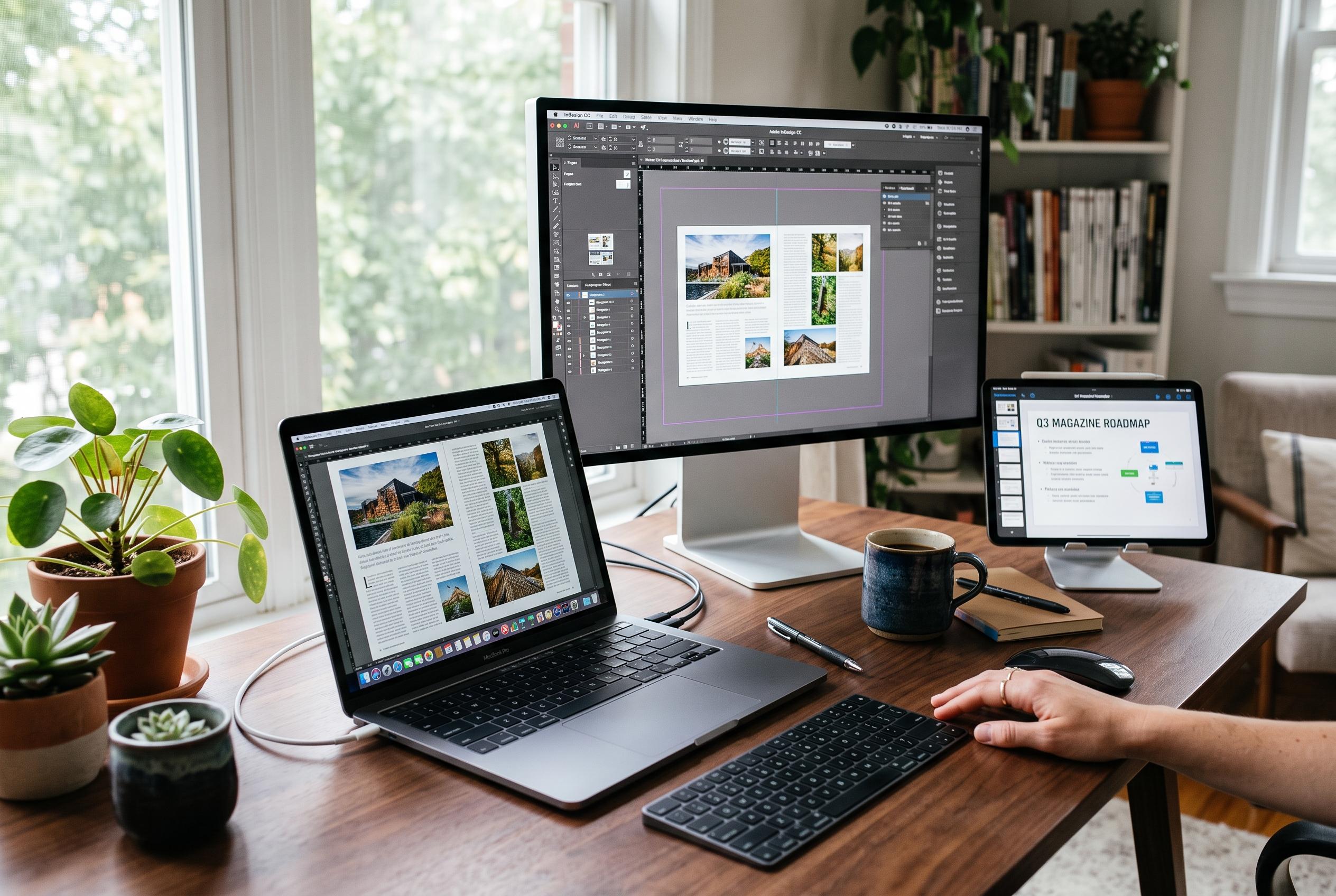

As Microsoft Publisher nears its end, users are exploring a range of replacements from versatile presentation tools like PowerPoint and Google Docs to professional desktop publishing suites such as Adobe InDesign and Scribus, tailoring options to their needs for speed, collaboration, or precision.
Microsoft Publisher is approaching the end of the road after decades as a simple desktop publishing tool for Windows users. For people who relied on it for flyers, brochures, newsletters and basic ads, the shutdown means choosing a replacement rather than waiting for the old workflow to disappear. The good news is that there is no shortage of alternatives, ranging from familiar office software to full professional layout suites.
For the least disruptive move, Microsoft PowerPoint is the most obvious starting point. Although better known for presentations, it can be adapted for page design by changing slide sizes, using master slides and building reusable templates. It also includes useful typography controls, supports collaboration and sits inside Microsoft 365, which will feel familiar to many former Publisher users.
Google Docs is another practical option for straightforward publication work. It is free, browser-based and suited to simple layouts, with tables, dictation, PDF export, translation tools and strong version history. It will not replace a dedicated design package, but it is capable enough for routine documents where convenience matters more than fine-grained control.
For users who want a more visual, template-led approach, Adobe Express, Canva and Microsoft Designer cover much of the same ground in different ways. Adobe Express combines polished fonts and stock assets with a free tier and a paid plan that adds cloud storage, version history and more content. Canva is the broadest all-rounder, with a large template library and strong collaboration tools. Microsoft Designer leans harder into AI, generating layout ideas from prompts, though it is less suitable for exact brand matching or print production.
If the work demands greater precision, the choice shifts towards pro-level software. Affinity offers layout, illustration and vector tools with a gentler learning curve than Adobe InDesign, and without the subscription model. InDesign remains the industry standard for serious publishing, with advanced typography, export options and close integration with the wider Creative Cloud ecosystem. For those who want a free, open-source route, Scribus provides frame-based layout control, colour management and print-oriented output for booklets, magazines and newsletters.
The broader lesson is that Publisher users do not need to settle for a like-for-like replacement. Some will want the nearest possible substitute; others may prefer to use the switch as a chance to move up to more capable software. Either way, the transition is manageable, and the best choice will depend on whether the priority is speed, simplicity, collaboration or professional output.
Disclaimer: This content is intended for informational purposes only. Readers are advised to exercise their own judgement, conduct due diligence, or consult a qualified expert before acting on any information provided.



